
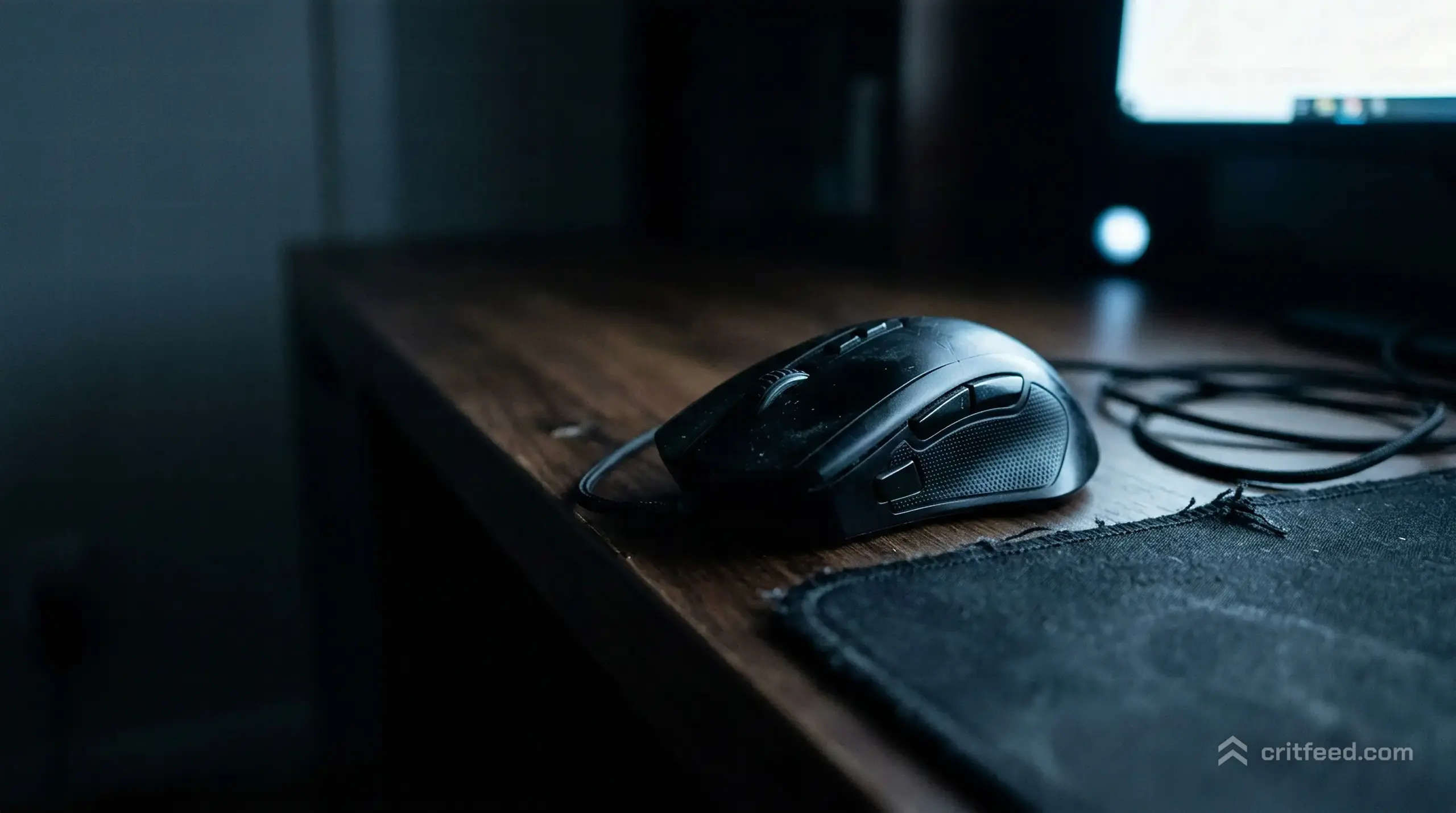
Picking the best gaming mouse for PUBG is less about chasing the hottest new release and more about matching your grip, sensitivity, and playstyle to the right piece of hardware. PUBG: BATTLEGROUNDS rewards precise micro-adjustments at long range and fast flicks in close-quarters fights, which means your mouse choice genuinely affects your win rate. We’ll walk you through the specs that matter, the shapes that fit different grips, and how to pair your mouse with your in-game sensitivity.
Because mouse models and prices shift constantly, we’re not naming “the one” model to buy. Instead, we’re giving you a durable framework so you can evaluate any mouse against what PUBG actually demands.
Why Your Mouse Matters More in PUBG Than You Think
PUBG mixes two very different aiming problems in a single match. One is holding a steady bead on a moving target 300 meters away with a DMR. The other is spraying someone in the face inside a Pochinki compound with an SMG.
A mouse that nails one of those jobs but fails the other will cost you fights. The right mouse feels invisible: it tracks when you move slowly, snaps when you flick, and never spikes or stutters.
Weight, shape, sensor quality, and switch feel all stack up. Get them right and your crosshair goes where your hand expects.
Specs That Actually Matter
Marketing pages love huge DPI numbers and flashy RGB. Most of that is noise. Here is what we actually care about for PUBG PC.
Sensor Quality
A flagship optical sensor matters more than raw DPI. You want:
- Zero smoothing, zero acceleration, zero prediction at the DPI you actually use
- Clean tracking from slow creeps (holding a long angle) to fast swipes (180-degree turns)
- A high enough max tracking speed that you never outrun the sensor on a flick
Most top-tier mice from the last few years hit these targets. Check independent sensor reviews rather than the manufacturer’s spec sheet.
Weight
Lightweight mice (under 70g) dominate competitive FPS play for a reason. They let you flick without fatigue over long sessions, and PUBG matches can run 30+ minutes.
That said, weight is personal. If you play on low sensitivity and make big arm movements, a slightly heavier mouse can feel more controlled. If you’re a wrist aimer on higher sens, lighter is almost always better.
Wired vs Wireless
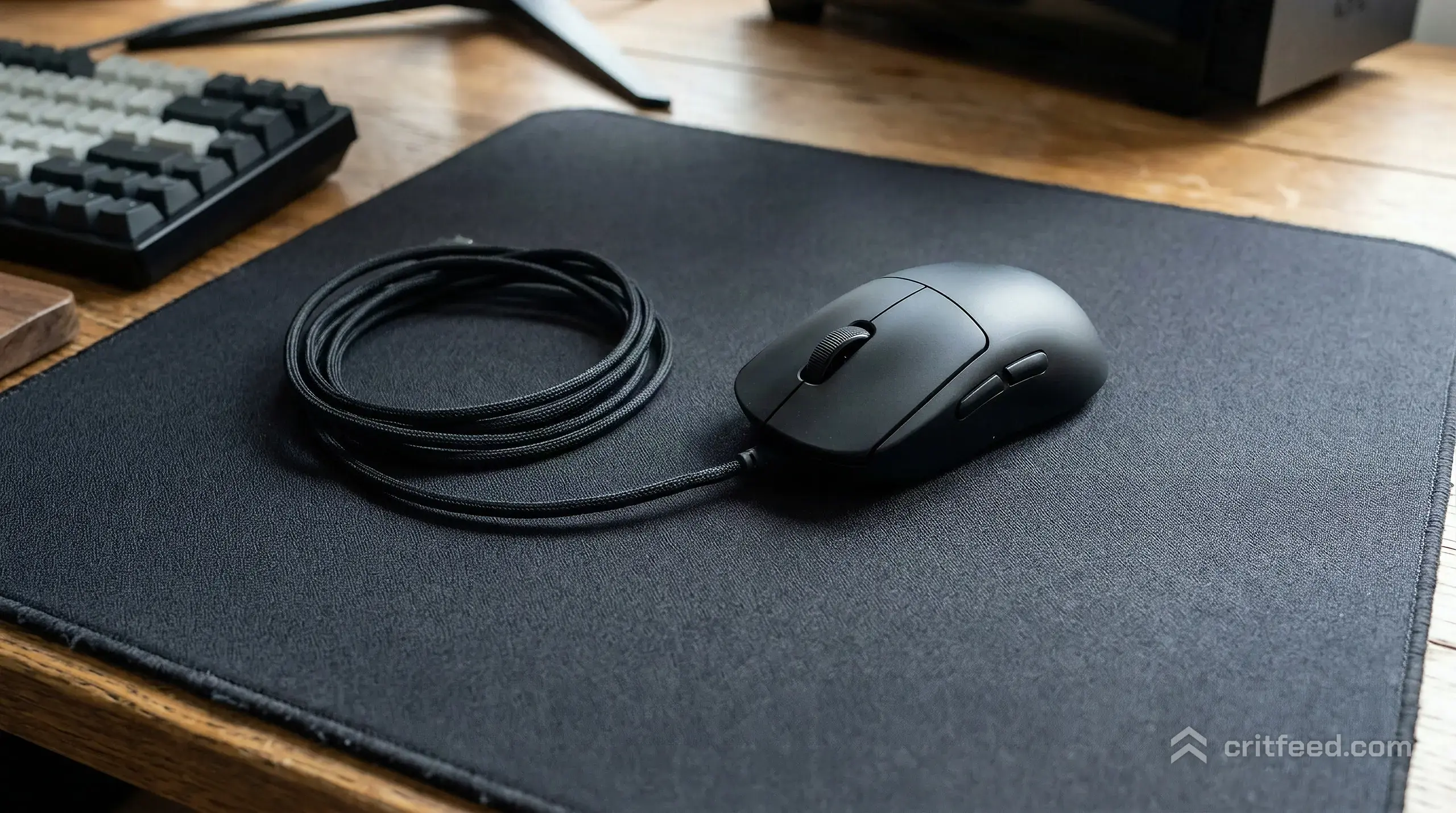
Modern wireless gaming mice have closed the latency gap. A top wireless mouse is indistinguishable from wired for 99% of players. The tradeoffs:
| Factor | Wired | Wireless |
|---|---|---|
| Latency | Excellent | Excellent (flagship models) |
| Cable drag | Needs a bungee | None |
| Battery anxiety | None | Low with modern battery life |
| Price | Lower | Higher |
| Weight | Can be very light | Slightly heavier at same shape |
If budget is tight, a wired mouse gives you more performance per dollar. If you can stretch, wireless feels better day to day.
Polling Rate
1000 Hz has been the standard for years and is more than enough for PUBG. Higher polling rates (4K, 8K) exist on some mice, but the benefit is tiny and the CPU cost is real on lower-end rigs. Stick with 1000 Hz unless you have a specific reason to go higher.
Switches
Optical switches have become reliable and offer a slightly crisper click. Mechanical switches still feel great. Don’t overthink this. Either works for PUBG as long as there’s no double-click issue (a common failure on cheaper mice after 6-12 months).
Shape and Grip: The Thing Most Guides Skip
The best sensor in the world won’t help if the shape fights your hand. Three main grips to know:
Palm Grip
Your whole hand rests on the mouse. You want a larger, more contoured shape with a defined hump. Great for stability on long holds, which matches well with PUBG’s longer-range engagements.
Claw Grip
Fingers arched, palm partially touching. Medium-sized mice with a shorter length work best. Good hybrid for players who switch between ARs and SMGs often.
Fingertip Grip
Only your fingertips touch. You want a small, light mouse. Fast flicks and quick direction changes get easier, but holding a steady long-range aim is harder.
Measure your hand from wrist crease to middle fingertip before buying. Most mouse manufacturers publish shape dimensions and recommended hand sizes.
Matching Your Mouse to Your Playstyle
PUBG isn’t one game. How you play shapes what you need.
Long-Range and DMR-Focused Players
If you love perching on hills and tapping heads with a Mini-14 or SLR, prioritize a stable shape and lower DPI. You’ll want to pair this setup with the right loadout, and our guide to the best DMR in PUBG walks through which marksman rifles reward that patient playstyle.
Hot-Drop Aggressive Players
If you’re first off the plane into Military Base and need to win three close-range fights before anyone else loots armor, lean into a lightweight mouse with fast click response. Pair it with the right close-range tool from our breakdown of the top SMGs in PUBG.
Balanced Squad Players
Most players sit here. A medium-weight, medium-shape ambidextrous or ergonomic mouse serves well. Combine it with a solid AR, and our rundown of the best AR in PUBG will point you at the right primary.
DPI and In-Game Sensitivity
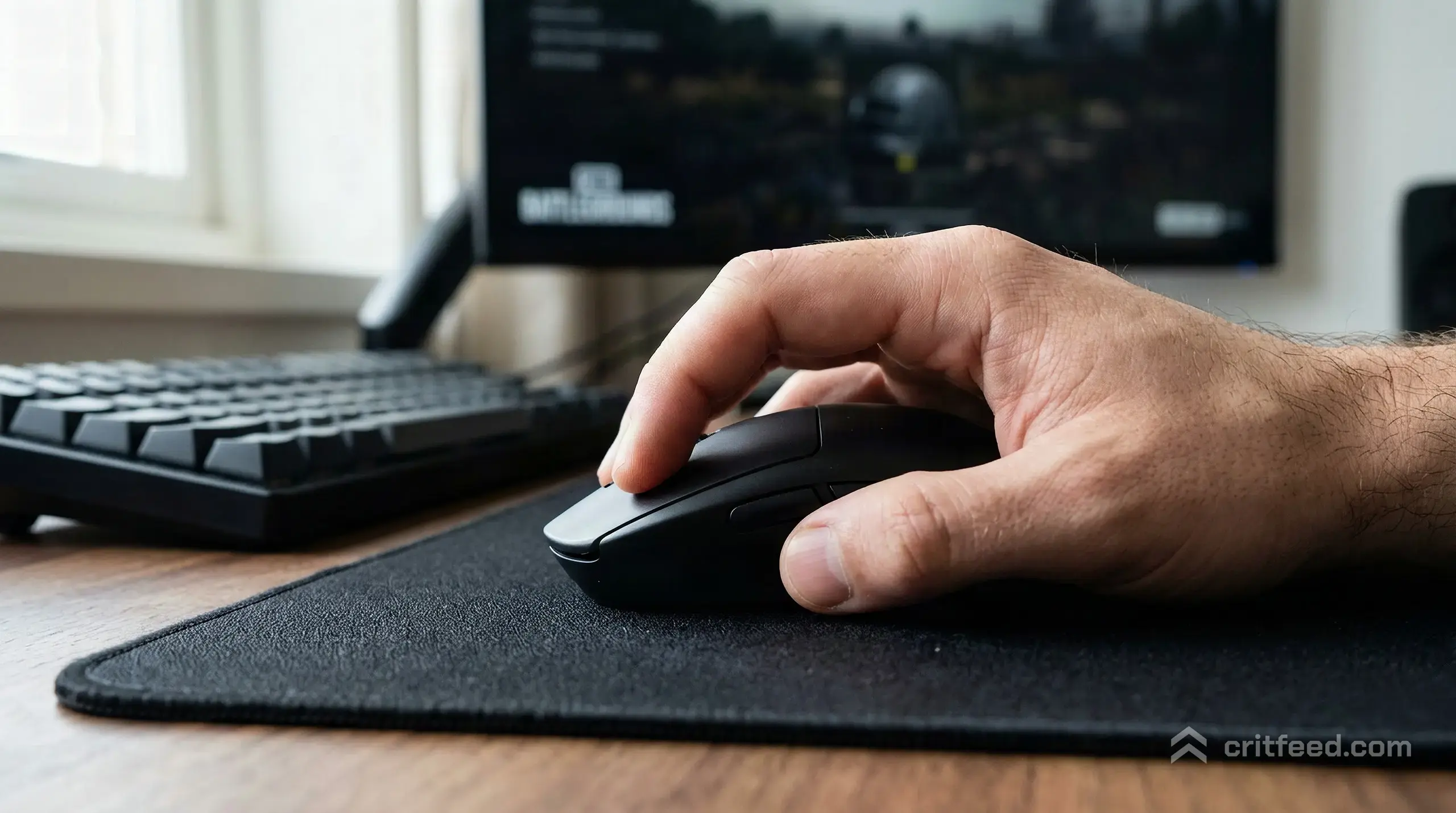
Your mouse DPI only matters in combination with your in-game sensitivity. PUBG uses separate sensitivity sliders for general, ADS at each scope level, and vehicles. That’s a lot of knobs.
A Starting Point
- DPI: 400 or 800 (most pros sit here)
- eDPI (DPI × general sens): aim for 200-400 for general and ADS
Lower eDPI gives you more precision at range. Higher eDPI gives you faster turns in CQC. Find your sweet spot by playing training mode and tuning until a 180-turn feels natural with one swipe.
For the full breakdown of every slider that matters, our guide to optimal PUBG settings covers scope-by-scope sensitivity along with the graphics tweaks that keep your frame rate stable.
Scope Sensitivities Matter More Than General
PUBG scales sensitivity per scope. A 4x feels completely different from an 8x at the same raw number. Set each one individually in training mode. Your 8x sensitivity should feel just as controllable as your red dot.
Extra Features Worth Having
A few quality-of-life features genuinely help in PUBG:
- Programmable side buttons: bind “hold breath”, “fire mode toggle”, or “map ping” to a thumb button. Faster than reaching across the keyboard mid-fight.
- On-mouse DPI shift: some mice let you temporarily lower DPI while a button is held. Useful for sniper shots if you don’t want to adjust base DPI.
- Onboard memory: lets you keep your settings when playing on a different PC.
Skip RGB, “AI aim assist” buttons, and anything else that doesn’t affect your tracking.
Mouse Pad: The Silent Partner
The best mouse on a bad pad still feels wrong. For PUBG, we recommend a large cloth pad (at least 450mm wide) so low-sens players have room for full arm swings. Hybrid or glass pads are faster but less forgiving.
Common Mistakes to Avoid
- Buying based on DPI numbers alone: 26,000 DPI is not better than 20,000. Nobody plays at those settings.
- Ignoring shape: a highly reviewed mouse that doesn’t fit your hand will underperform a mediocre mouse that does.
- Changing mice constantly: muscle memory takes weeks to build. Pick one, stick with it, tune your sens, and don’t swap mid-season.
- Forgetting the rest of the setup: audio cues matter as much as aim in PUBG, and our guide to the best PUBG headphones covers how to actually hear footsteps through walls.
Quick Buying Checklist
Before you click purchase, run through this:
- Does the shape match your grip and hand size?
- Is it under 80g (ideally under 70g for most players)?
- Does it use a current flagship optical sensor?
- Wired, or wireless with proven low latency?
- Are there at least two reliable side buttons?
- Does the price fit your budget without compromising on sensor quality?
If you can answer yes to all six, you have a strong contender.
The Bottom Line
The best gaming mouse for PUBG is lightweight, shaped to your grip, and built around a flagship sensor. Specific models rotate in and out of favor every year, so focus on the fundamentals above instead of chasing hype. Pair your new mouse with tuned per-scope sensitivities and a large cloth pad, and you’ll feel the difference inside a few matches.
Once your hardware is sorted, dial in the rest of your setup. Our breakdown of the top guns in PUBG will help you build loadouts that match your new aim precision, and the right PUBG crosshair setup ties the whole package together.