
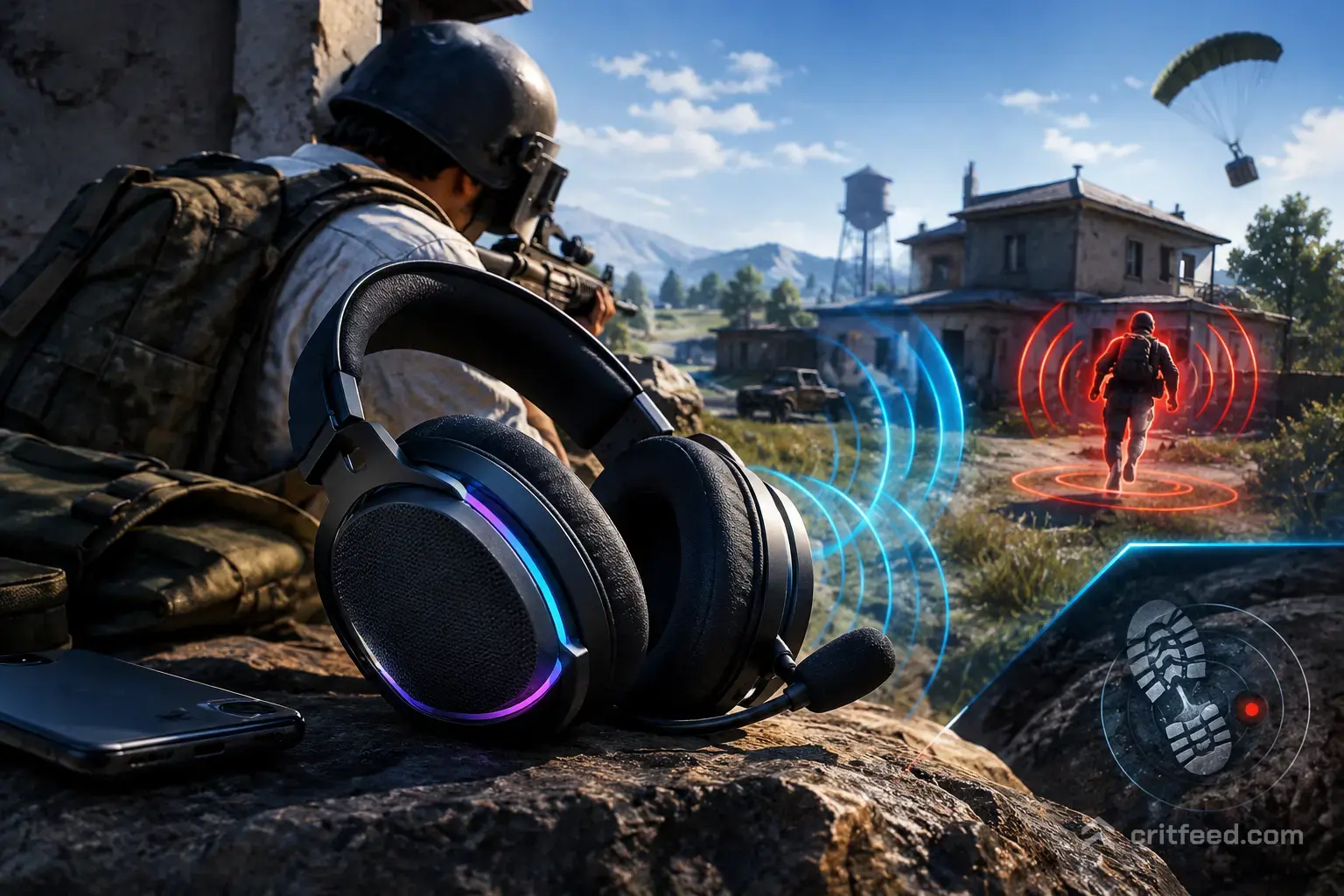
In PUBG: BATTLEGROUNDS, your ears win fights your eyes never see. The best headphones for PUBG are the ones that let you pinpoint a crouch-walker two rooms away, catch a buggy engine behind a ridge, and separate your squad’s shots from a third-party pushing the compound. We built this guide around what actually matters for competitive PUBG PC: directional accuracy, open-ish soundstage, and a mic good enough that your IGL hears “two west, prone” the first time.
What Actually Matters for PUBG Audio
PUBG’s audio engine rewards gear that can place sound in 3D space. A $400 bass-heavy “gaming” headset can be worse than a $90 studio monitor for footstep detection. Here is what to prioritise, in order.
Soundstage and imaging. Soundstage is how wide the sound feels. Imaging is how precisely you can place a sound inside it. Open-back headphones usually win here because the ear cups do not reflect sound back into your ears, so a footstep at your 4 o’clock sounds like it came from 4 o’clock, not “somewhere right.”
Frequency response in the footstep range. PUBG footsteps live roughly in the 1–4 kHz band. Headphones with a slight lift in the upper mids and lower treble make footsteps pop out of ambient wind, gunfire tails, and vehicle rumble.
Neutral bass, not boom. Bass bloat masks footsteps. You want tight, controlled low end so explosions and vehicles feel real without burying the quiet detail you need.
Comfort for 6+ hour sessions. PGC viewing nights and long squad grinds are brutal on cheap pads. Velour or hybrid pads, light clamp force, and under 400 grams make a huge difference.
Open-Back vs Closed-Back for PUBG
This is the first fork in the road, and it matters more than brand.
| Factor | Open-Back | Closed-Back |
|---|---|---|
| Soundstage | Wide, 3D | Narrower, “in-head” |
| Footstep imaging | Excellent | Good |
| Noise isolation | None | Strong |
| Leaks sound | Yes | Minimal |
| Best for | Quiet home setups, ranked grind | LAN, shared rooms, streaming |
If you play solo in a quiet room, go open-back. The imaging advantage is huge for solo-queue awareness, especially on dense maps.
If you share a space, stream with a loud mic, or play LAN events, go closed-back. You will trade a little stage width for isolation that keeps you locked in.
Our Top Picks for PUBG in 2026
We picked these based on how they handle PUBG’s specific audio profile, not generic “best gaming headset” scores. Prices move around, so treat the figures as a rough guide.
1. Sennheiser HD 560S, Best Overall for Footstep Detection
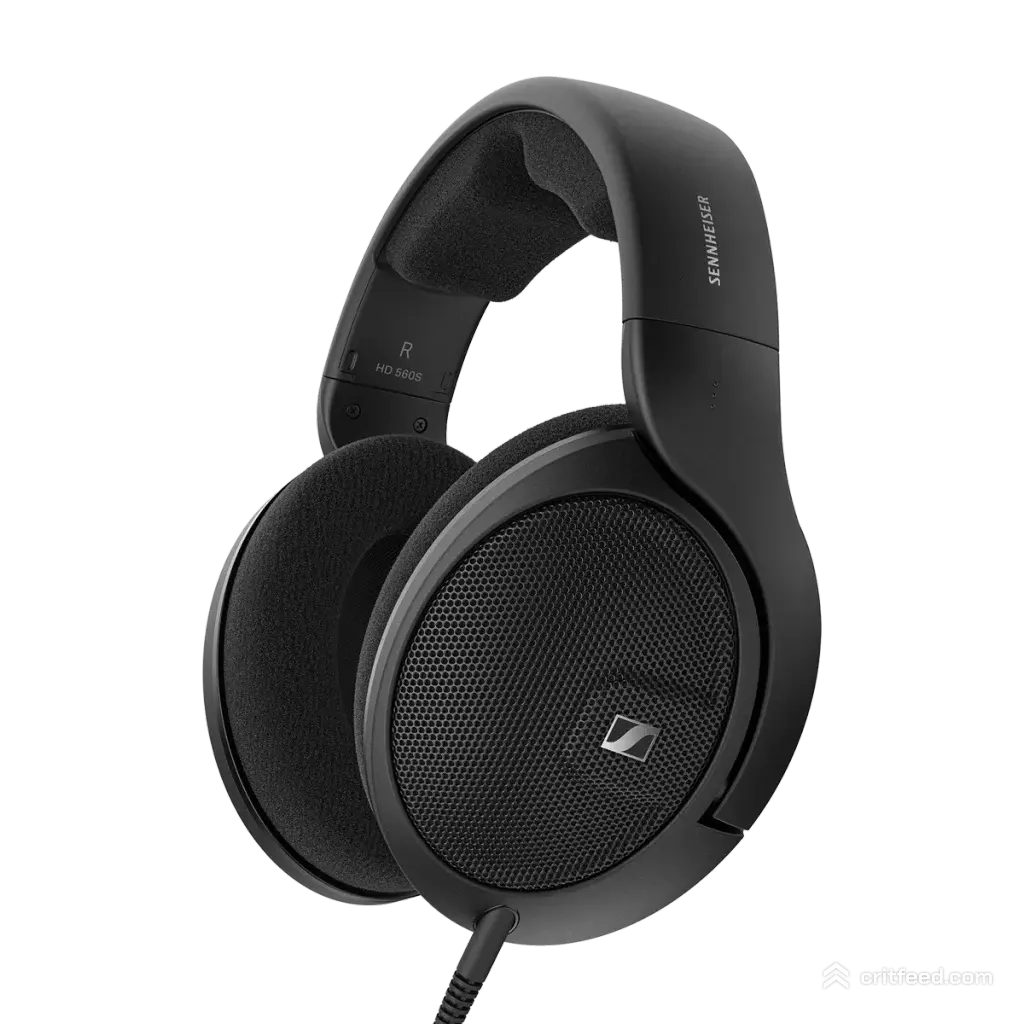
An open-back audiophile pair that keeps showing up in competitive PUBG and tac-shooter rotations. The HD 560S has a near-neutral tuning with a small upper-mid lift that makes footsteps and reloads sit right where you need them. Soundstage is wide, imaging is clean, and the 120-ohm impedance is still easy to drive from most motherboards or a cheap DAC.
- Type: Open-back, wired 3.5mm
- Strengths: Imaging, neutral tuning, long-session comfort
- Weakness: No mic (pair with a standalone like a V-Moda BoomPro or a desk mic)
- Best for: Solo-queue ranked, scrim practice, players who want the clearest directional cue possible
2. Beyerdynamic DT 900 Pro X, Best Open-Back Durability
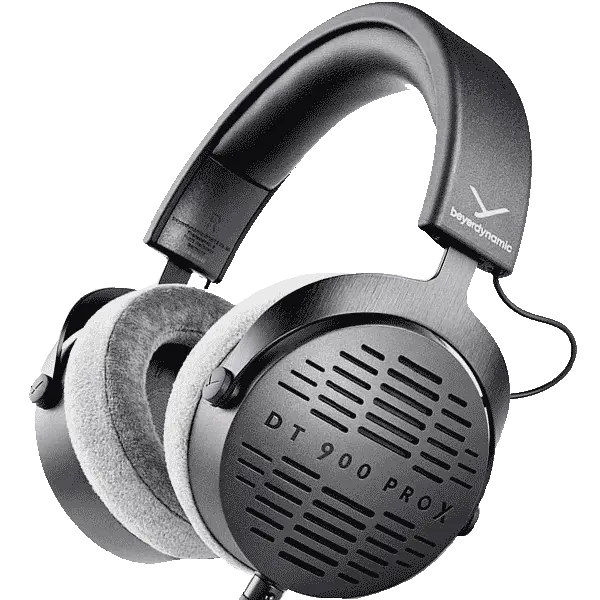
Studio-grade build, 48-ohm impedance so it runs great off a laptop, and a bright-neutral signature that makes PUBG’s high-frequency cues (grass rustle, prone-crawl, suppressed shots) jump out. Replaceable pads and cable mean this pair outlives most “gaming” plastic.
- Type: Open-back, wired, detachable cable
- Strengths: Build, treble clarity, easy to drive
- Weakness: Bright tuning can fatigue new users
3. HyperX Cloud III, Best All-Round Gaming Headset
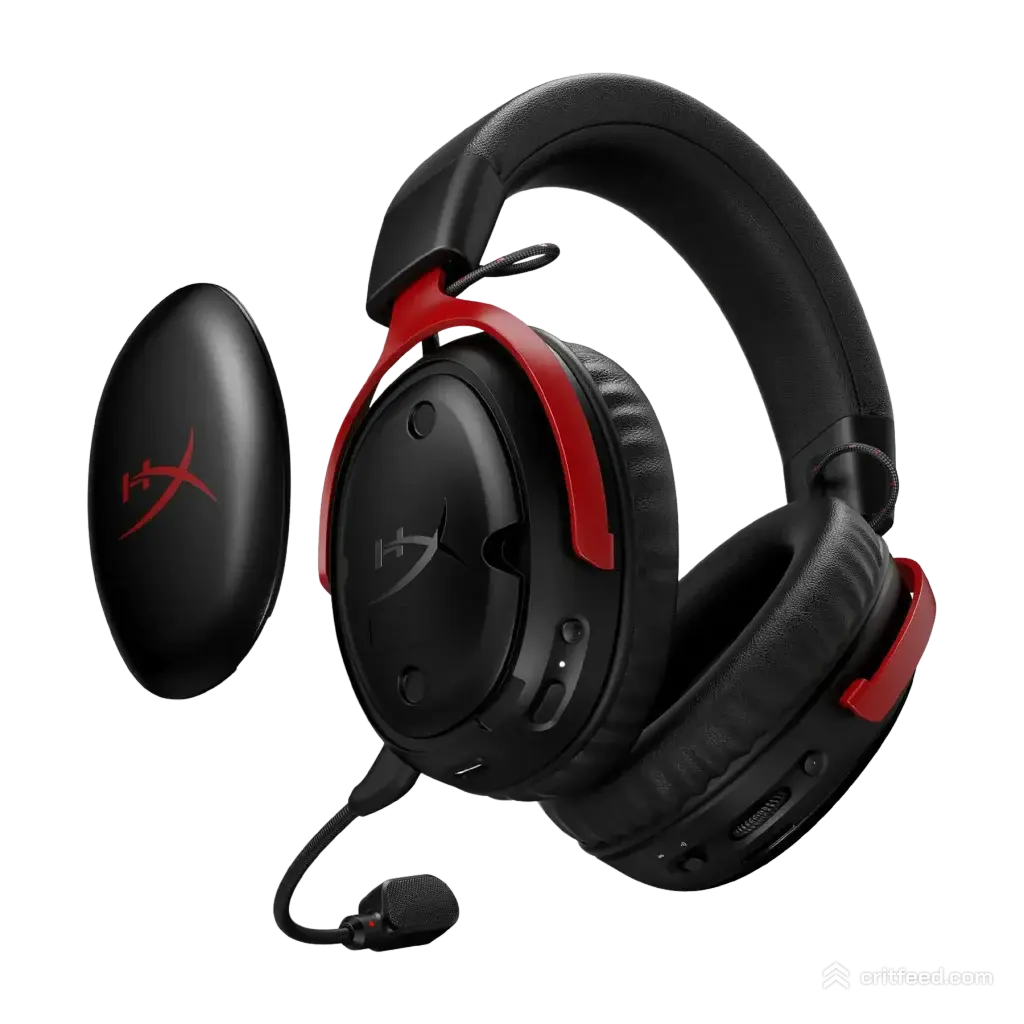
If you want one box with everything, the Cloud III nails the basics. Closed-back, built-in detachable mic, memory foam pads, and a tuning that is a little warmer than studio-neutral but still readable for footsteps. It is the safe recommendation for anyone who does not want to mess with external mics or DACs.
- Type: Closed-back, wired USB and 3.5mm, with mic
- Strengths: Plug-and-play, comfy, strong mic
- Weakness: Narrower soundstage than open-back options
4. Audeze Maxwell, Best Wireless for PUBG
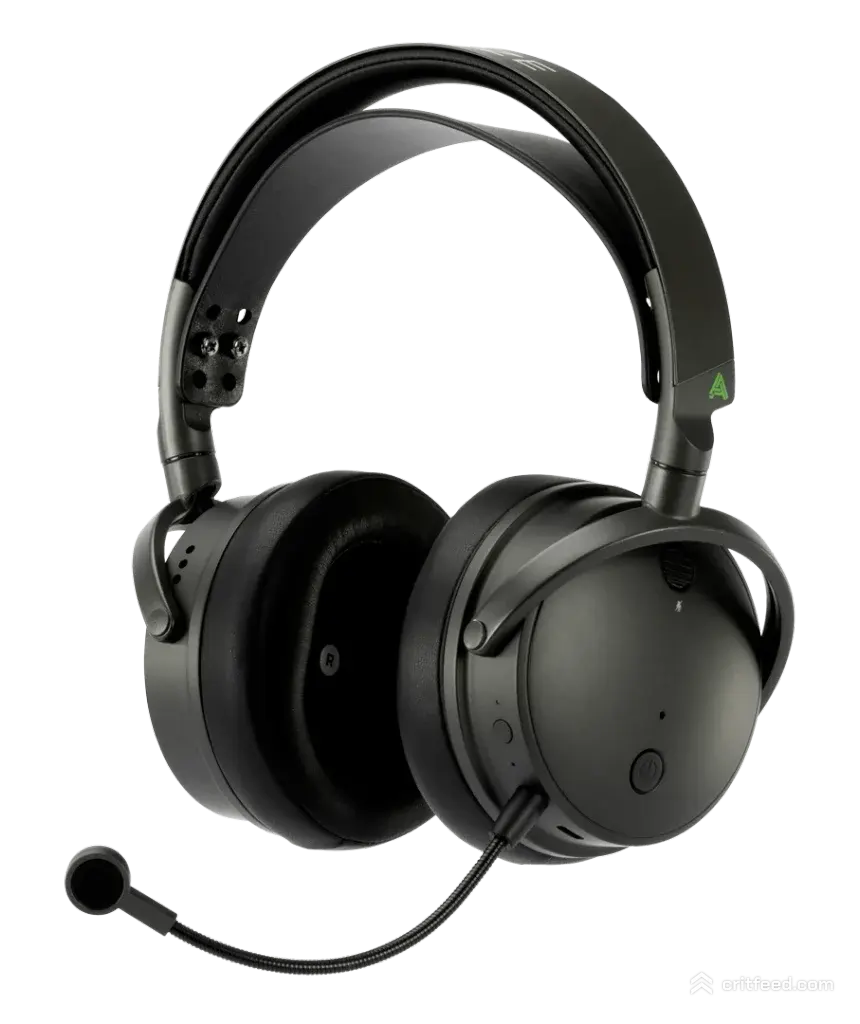
Planar magnetic drivers in a wireless gaming headset is still a flex, and the Maxwell makes it work. Low-latency wireless, Dolby Atmos support, long battery life, and a tuning that holds together under PUBG’s chaotic late-circle mixes. Expensive, but it replaces a wired headset, a DAC, and a mic in one unit.
- Type: Closed-back, wireless (2.4GHz) and Bluetooth
- Strengths: Planar detail, battery, mic quality
- Weakness: Heavy, premium price
5. Philips SHP9500, Best Budget Open-Back
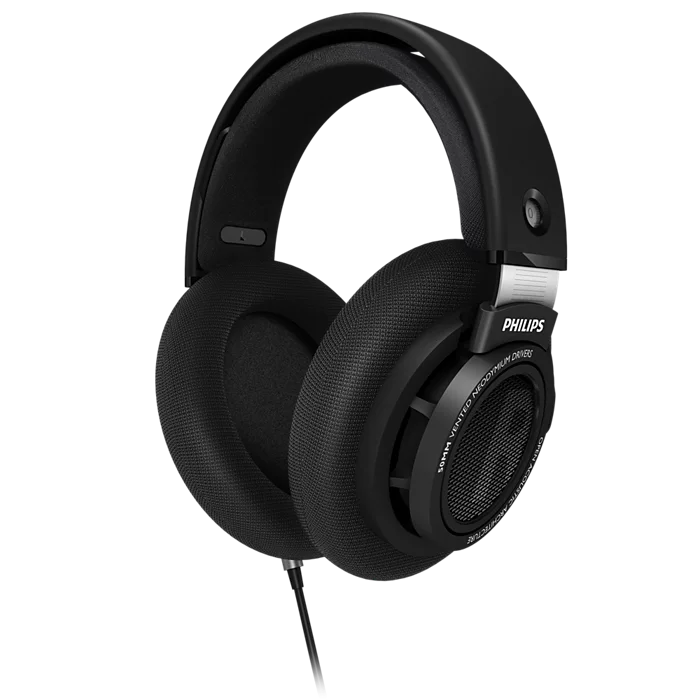
The long-time budget champion. Open-back, wide stage, surprisingly good imaging for the price, and comfortable enough to forget you are wearing them. Pair with a cheap clip-on mic and you have a competitive setup for less than most mid-tier gaming headsets.
- Type: Open-back, wired 3.5mm
- Strengths: Price, comfort, imaging
- Weakness: Build quality is plasticky, no mic included
Should You Use 7.1 Virtual Surround?
Short answer: usually no, not in PUBG.
PUBG’s native stereo HRTF (head-related transfer function) does a very good job on its own. Most 7.1 virtual surround solutions apply a software layer that smears imaging and adds reverb, which actually makes footsteps harder to locate. If your headset ships with a 7.1 toggle, test both modes in training mode or PUBG casual mode before you commit.
Windows Sonic and Dolby Atmos for Headphones are the exceptions worth trying. Some players swear by Atmos for altitude cues (hearing someone upstairs in a two-floor compound on Erangel). Try it, A/B it, keep what wins.
In-Game Audio Settings That Matter
Your headphones only work as hard as your settings let them. Dial these in before you blame the hardware. For a full rundown, our best PUBG settings guide covers more than audio.
- Master Volume: 70–80%. Loud enough to catch quiet cues, not loud enough to cook your ears when a grenade cooks off.
- Effects Volume: Max it. These are your gunshots, footsteps, and reloads.
- Vehicle Volume: Max. Early vehicle detection wins late circles.
- UI Volume: Low. Menu clicks drown out faint audio.
- Voice Chat Volume: Balance so teammates do not blow out footstep cues.
- HRTF: On. This is the whole reason PUBG’s stereo audio works so well.
DAC/Amp: Do You Need One?
For low-impedance closed-back headsets (most gaming headsets), no. Your motherboard is fine.
For higher-impedance open-back pairs like the HD 560S, a cheap external DAC/amp (think FiiO K3, Schiit Fulla, or similar) gives you cleaner power, better dynamics, and often a lower noise floor than onboard audio. It is a one-time $100 upgrade that outlasts three headsets.
Microphone: Boom, Modular, or Desk?
- Built-in boom (Cloud III, Maxwell): Easiest, consistent positioning, good enough for scrims.
- Modular boom (V-Moda BoomPro): Lets you add a mic to a mic-less audiophile pair. Great middle ground.
- Desk mic (Shure MV7, HyperX QuadCast): Best quality, needed if you stream or clip highlights. Takes desk space and demands a quiet room.
If your squad plays scrims or tournaments, intelligibility beats aesthetic. A mic that cuts through gunfire is worth more than one that sounds cinematic in a quiet room.
Quick Buying Guide by Budget
| Budget | Pick | Why |
|---|---|---|
| Under $100 | Philips SHP9500 + clip-on mic | Best imaging per dollar |
| $100–200 | HyperX Cloud III | All-in-one, no fuss |
| $200–350 | Sennheiser HD 560S + BoomPro + cheap DAC | Competitive-tier imaging |
| $350–500 | Beyerdynamic DT 900 Pro X + standalone mic | Durable, clear, studio-grade |
| $500+ | Audeze Maxwell | Wireless, planar, premium |
Common Mistakes We See
- Buying “7.1 surround” marketing without testing stereo first. Stereo + HRTF usually wins.
- Running max bass EQ. It feels powerful and hides the exact frequencies you need.
- Ignoring the mic. A great sound chain with a bad mic hurts your squad more than it helps you.
- Not matching headphones to room. Open-back in a loud room means you hear your fan, not the enemy.
Pair the right audio chain with the right loadout. Our picks for the best AR in PUBG and the full PUBG gun tier list will help you turn those footstep reads into kills.
The Bottom Line
The best headphones for PUBG are open-back pairs with neutral tuning and strong imaging, period. If you can control your room noise, the HD 560S or DT 900 Pro X will give you a real competitive edge. If you cannot, a solid closed-back like the HyperX Cloud III or wireless Audeze Maxwell gets you most of the way there without the compromises.
Dial in your in-game audio, skip the gimmick surround modes, and give your ears a few sessions to adjust to a new signature before you judge it. Then take that edge into ranked, lock down your PUBG crosshair setup, and start hearing fights before you see them.