
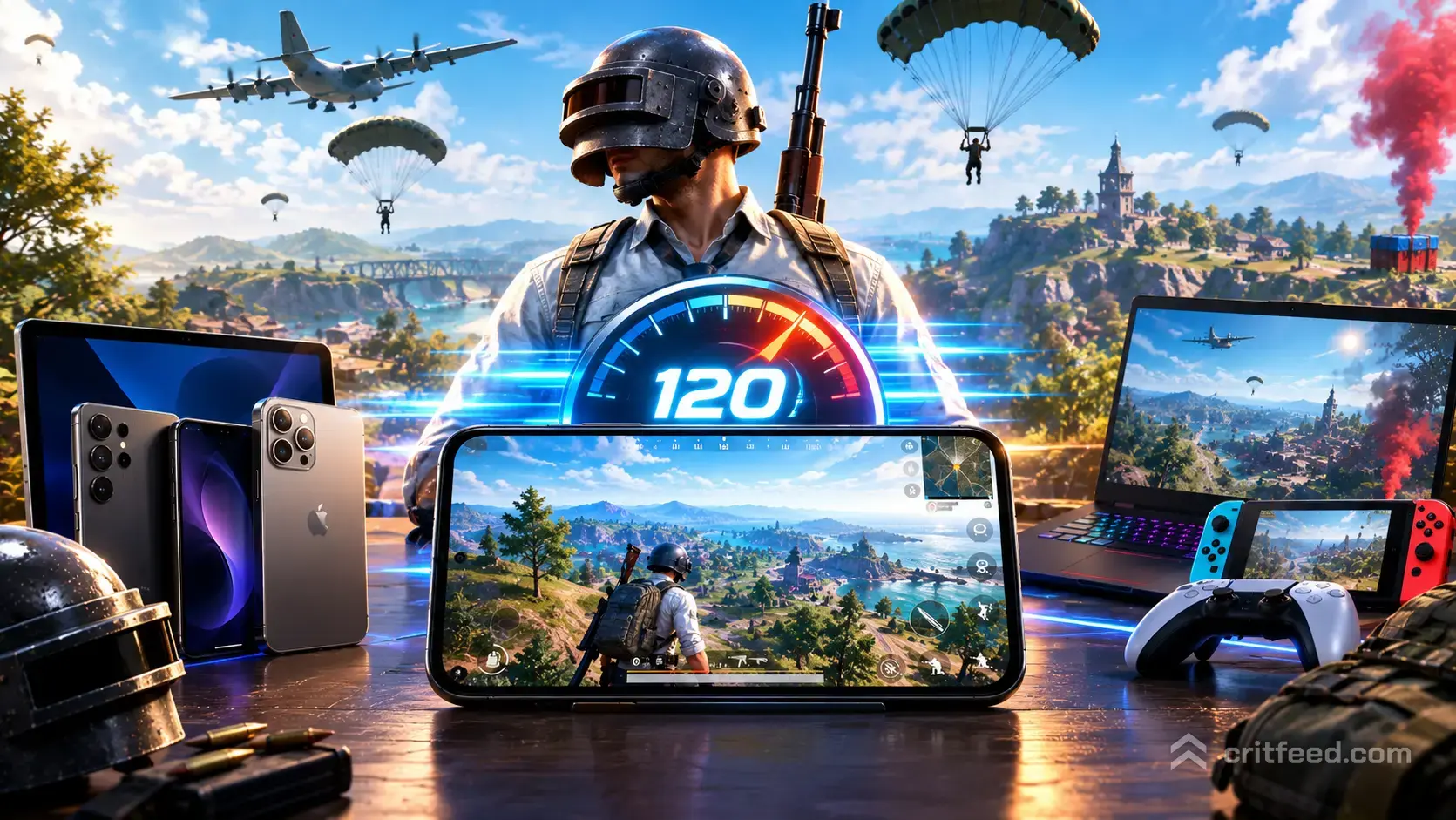
If you want the smoothest aim and the fastest flick shots in Battlegrounds Mobile, you need Ultra Extreme mode. This updated pubg mobile 120 fps supported devices list covers which iPhones, iPads, and Android flagships can actually hit that frame rate in 2026, plus how to switch it on inside the game.
Not every phone with a 120Hz screen can push PUBG Mobile to 120 FPS. The game only unlocks the option on a specific whitelist of chips and panels, and that list is tighter than most people think.
What 120 FPS Actually Does in PUBG Mobile
120 FPS doubles the frame rate of Ultra (60 FPS), which means your screen updates twice as often per second. In practice, you get:
- Sharper tracking during close-range sprays
- Faster reaction to peeks because enemies render one frame sooner
- Smoother gyro aim with less visible motion blur
- A clear edge in TDM and final-circle fights
The trade-off is heat, battery drain, and a graphics ceiling. When you turn on 120 FPS, PUBG Mobile locks your graphics to Smooth. You cannot run HDR or Ultra HD visuals and 120 FPS at the same time: the engine will not allow it on any device.
If you are new to the game and still working out the visual settings, our best pubg mobile settings guide walks through the full menu.
PUBG Mobile 120 FPS Supported Devices List
Below is the current whitelist of phones and tablets that unlock the 120 FPS (Ultra Extreme) option in PUBG Mobile. Devices are grouped by brand for easy scanning.
iPhone and iPad (iOS)
Apple’s ProMotion panels are the only iOS devices that can run 120 FPS.
| Device | Chip |
|---|---|
| iPhone 15 Pro | A17 Pro |
| iPhone 15 Pro Max | A17 Pro |
| iPhone 14 Pro | A16 Bionic |
| iPhone 14 Pro Max | A16 Bionic |
| iPhone 13 Pro | A15 Bionic |
| iPhone 13 Pro Max | A15 Bionic |
| iPad Pro (M4) | Apple M4 |
| iPad Pro 12.9″ (M2) | Apple M2 |
| iPad Pro 11″ (M2) | Apple M2 |
| iPad Pro 12.9″ (M1) | Apple M1 |
| iPad Pro 11″ (M1) | Apple M1 |
Standard iPhones (non-Pro) and base iPads still cap at 60 FPS because their displays are 60Hz. If you are shopping for a tablet, we broke down the best ipad for pubg mobile by panel, chip, and claw grip feel.
Asus
- Asus ROG Phone 8 Pro
- Asus ROG Phone 8
- Asus ROG Phone 7 Ultimate
- Asus ROG Phone 7
- Asus Zenfone 11 Ultra
- Asus Zenfone 10
Samsung
- Samsung Galaxy S24 Ultra
- Samsung Galaxy S24+
- Samsung Galaxy S24
- Samsung Galaxy S23 Ultra
- Samsung Galaxy S23+
- Samsung Galaxy S23
- Samsung Galaxy S22 Ultra
- Samsung Galaxy Z Fold 5
- Samsung Galaxy Z Flip 5
- Samsung Galaxy Tab S9 Ultra
- Samsung Galaxy Tab S9+
Xiaomi and Redmi
- Xiaomi 14 Ultra
- Xiaomi 14 Pro
- Xiaomi 14
- Xiaomi 13 Pro
- Xiaomi 13
- Xiaomi 12 Pro
- Black Shark 5 Pro
- Black Shark 5
- Redmi K70 Pro
- Redmi K60 Pro
OnePlus and Realme
- OnePlus 12
- OnePlus 11
- OnePlus 10 Pro
- OnePlus Ace 3
- Realme GT 5 Pro
- Realme GT 3
- Realme GT Neo 5
Vivo and iQOO
- Vivo X100 Pro
- Vivo X100
- Vivo X90 Pro+
- iQOO 12 Pro
- iQOO 12
- iQOO 11
Honor, ZTE, and Others
- Honor Magic 6 Pro
- Honor Magic 5 Pro
- Nubia Red Magic 9 Pro
- Nubia Red Magic 8 Pro
- ZTE Axon 50 Ultra
- Lenovo Legion Y70
Important: PUBG Mobile periodically updates this whitelist with each patch. If your flagship phone is missing but has the raw hardware (a 120Hz AMOLED and a current-gen chip), the option may unlock after a future update. We will refresh this page as new devices are added.
How to Enable 120 FPS in PUBG Mobile
Once you own a supported device, the toggle lives in the graphics menu. Here is the exact path:
- Launch PUBG Mobile and tap your profile icon
- Open Settings (gear icon in the lobby)
- Go to the Graphics tab
- Set Graphics to Smooth
- Set Frame Rate to Ultra Extreme (90 FPS tier is Extreme Plus; 120 FPS is Ultra Extreme)
- Tap Confirm and let the game reload shaders
If Ultra Extreme is greyed out, your device is not on the whitelist for this build. Updating the app rarely fixes it: the gate is server-side. Clearing cache and reinstalling does nothing either.
Tip for Android users: turn off any third-party performance app or “game booster” that locks your screen refresh rate. These sometimes force the panel to 60Hz and block the 120 FPS option in-game.
Why Some 120Hz Phones Still Cannot Run 120 FPS
Buying a phone with a 120Hz display is not enough. PUBG Mobile checks three things before unlocking Ultra Extreme:
- The device is on Krafton’s internal whitelist (brand and exact model number)
- The chip can sustain the frame rate without thermal throttling during a Classic match
- The display driver reports a true 120Hz mode, not a software-interpolated one
Mid-range phones with 120Hz LCD panels often fail the second and third checks. Even some older flagships, like the Galaxy S21, lost 120 FPS support when newer patches tightened the chip requirement.
120 FPS vs 90 FPS vs 60 FPS: Is It Worth It?
For casual players, 60 FPS is still fine. For anyone grinding ranked or chasing PMGC-level reactions, the jump is real. Here is how the tiers compare in practice:
| Frame Rate | Smoothness | Battery Hit | Heat | Best For |
|---|---|---|---|---|
| 60 FPS (Ultra) | Good | Low | Low | Casual, long sessions |
| 90 FPS (Extreme Plus) | Very good | Medium | Medium | Ranked grinders |
| 120 FPS (Ultra Extreme) | Excellent | High | High | Competitive, TDM, scrims |
Battery drain at 120 FPS is roughly 30 to 40 percent higher than 60 FPS on most devices. On a hot day, expect thermal throttling after 25 to 40 minutes without an external cooler. A clip-on fan or peltier cooler is the single cheapest fix.
If you are climbing the ladder and want to know what tier your effort translates to, our pubg mobile ranks breakdown explains the point system from Bronze to Conqueror.
Tips to Keep 120 FPS Stable
Hitting Ultra Extreme is one thing. Holding it for a full 30-minute Erangel match is another.
- Charge to 80 percent, not 100. Full batteries run hotter under load
- Close background apps before launching, especially chat and streaming apps
- Use a cooling accessory if your phone throttles. A basic clip-on fan costs under $20
- Lower in-game audio quality to free up CPU cycles
- Disable auto-brightness so the GPU is not fighting ambient light sensors
- Turn off haptics in the control settings; vibration motors steal power
Players running the game on a tablet should pair it with a solid control layout. For claw and thumb setups, see our pubg mobile tips and tricks rundown.
What About Controllers and Emulators?
PUBG Mobile does not natively support controllers for aim and shoot: only menu navigation and vehicles. If you are curious about the current state of pad input, check our pubg mobile controller support explainer.
Emulator players on PC are capped by the emulator’s own frame-rate limits, not the mobile 120 FPS whitelist. If you prefer keyboard and mouse, our guide on how to play pubg mobile on pc covers the matchmaking rules you need to know.
The Bottom Line
As of 2026, PUBG Mobile’s 120 FPS option is locked to around 50 flagship devices across Apple, Samsung, Asus ROG, Xiaomi, OnePlus, iQOO, Vivo, Honor, and gaming-focused brands like Nubia Red Magic and Black Shark. iOS support is limited to Pro iPhones from the 13 Pro onward and ProMotion iPads.
Open questions that depend on future patches:
- Will mid-range 120Hz phones ever get whitelisted? Krafton has not said.
- Will newer chips like the Snapdragon 8 Gen 4 and Dimensity 9400 see day-one 120 FPS? History suggests yes, but only after a patch cycle.
- Will HDR + 120 FPS ever ship together? Not on the current engine.
We will update this list as new devices land on the whitelist. If your phone is not here, 90 FPS (Extreme Plus) is still a huge step up from 60 and runs on a far wider range of hardware.
Ready to put those extra frames to work? Pair your settings with our pubg mobile beginner guide to build a sensitivity set that actually uses the smoother frame rate.