
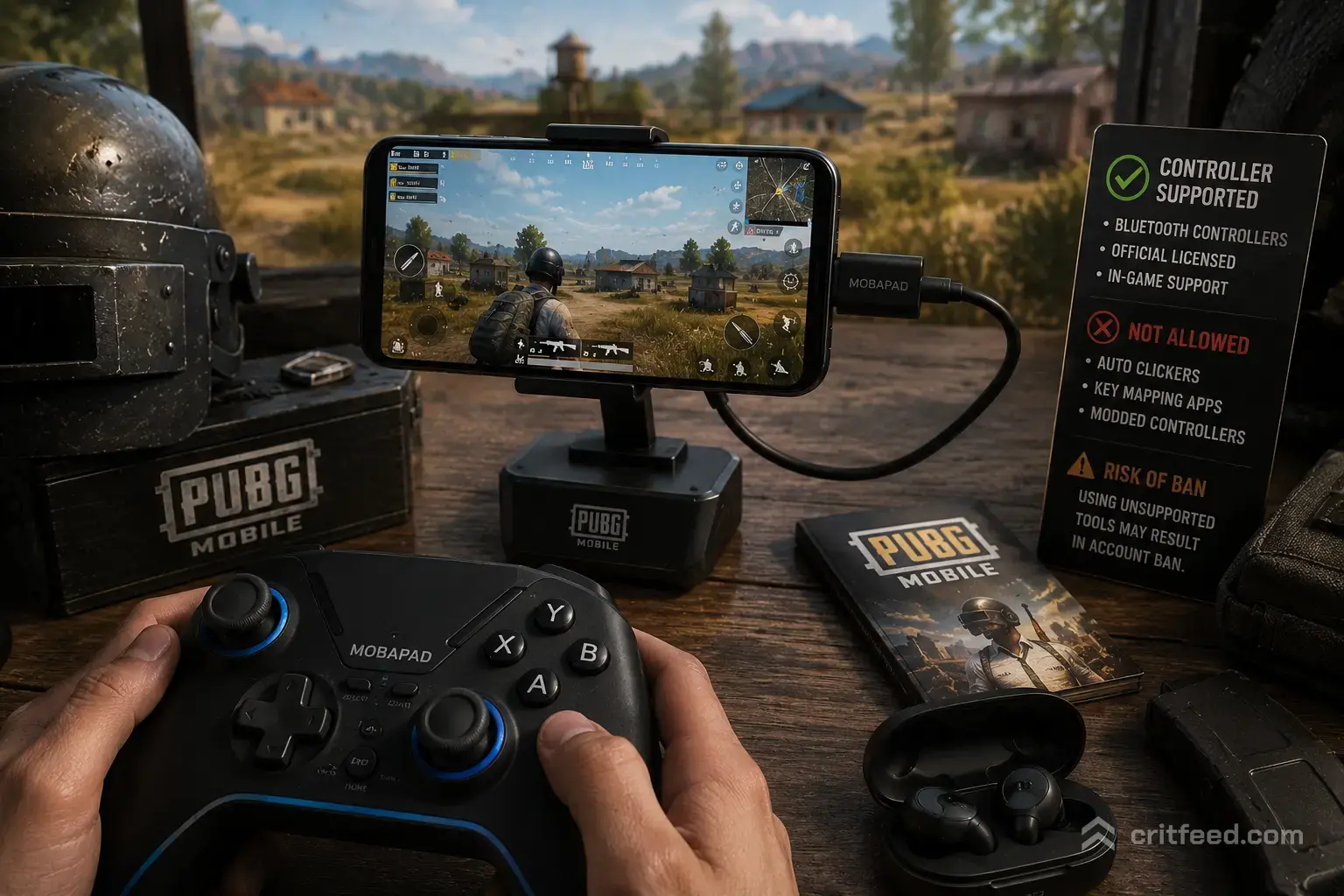
Looking to switch out your touch-screen swipes for physical thumbsticks and triggers? Mobile battle royale games feel completely different when played on gamepads, but getting physical controls to work on your phone requires a bit of know-how.
Before tweaking your gear layout, check out our PUBG Mobile Beginner Guide to brush up on basic survival, refine your gunplay with our PUBG Mobile Tips and Tricks, or jump straight into high-level action with our coverage of the PUBG Mobile Esports Nations Cup.
1. Does PUBG Mobile Officially Support Controllers?
The short answer is no. PUBG Mobile does not feature native, plug-and-play Bluetooth controller support for iOS or Android.
Why Is Native Support Missing?
- Competitive Fairness: Matchmaking groups players together by touch controls. Allowing direct Bluetooth controller pairing against touch-screen players would create an unfair advantage in movement and crosshair tracking.
- Anti-Cheat Restrictions: The game engine ignores standard direct gamepad inputs (like Xbox Series X/S or PS5 DualSense controllers) to protect tournament integrity.
2. Safe vs. Risky Ways to Use Physical Controls
Since native Bluetooth gamepads aren’t directly supported in-game, players rely on three main hardware and software solutions:
- Mechanical Clip-On Triggers (100% Safe): Physical levers attached to the screen. You play in normal touch-screen lobbies with zero setup hassle and zero account risk.
- Official PC Emulators – Gameloop (100% Safe): Tencent’s official PC software. Low setup complexity with pre-mapped controls, but you are placed strictly into emulator-only lobbies.
- Keymapping Apps – Mantis/ShootingPlus (High Risk): Third-party apps mapping Bluetooth controllers to touch zones. These carry high ban risks and require complex setup like USB Debugging or overlay permissions.
Method Comparison
| Method | Risk Level | Matchmaking Pool | Setup Complexity |
| Mechanical Clip-On Triggers | 100% Safe (Recommended) | Touch-Screen Lobbies | Zero (Plug-and-play physical levers) |
| Official PC Emulators (Gameloop) | 100% Safe | Emulator-Only Lobbies | Low (Pre-mapped on PC) |
| Keymapping Apps (Mantis/ShootingPlus) | High Risk (Gray Area) | Touch-Screen Lobbies | High (Requires USB Debugging / Overlay permissions) |
3. The Safest Option: Mechanical & Capacitive Triggers
If you want the physical feel of shoulder triggers without risking your account, mechanical clip-on triggers are the absolute gold standard.
How Clip-On Triggers Work
Mechanical triggers physically attach to the top edge of your smartphone. When you press the tactile shoulder button, a conductive silicon pad taps the touch screen for you.
Benefits of Mechanical Triggers
- Zero Account Risk: They do not modify game files or inject third-party overlay software into your device.
- Instant Input: Physical lever action guarantees zero Bluetooth latency or signal delay.
- Claw Grip Simulation: Easily run a 4-finger or 6-finger setup while holding your phone in a natural gamepad posture.
4. Third-Party Keymapping Apps: Risks & Warnings
Some gamers attempt to play using Bluetooth controllers like Xbox or PlayStation pads combined with keymapping software (e.g., Mantis Gamepad Pro or ShootingPlus V3).
Account Ban Risks
Tencent’s anti-cheat systems continuously scan active memory for touch-emulation overlays and background keymapping services. Using third-party mapping software on official mobile servers can trigger automated 10-day or 10-year account bans.
If you choose to experiment with keymapping software:
- Never use your main high-tier account.
- Disable auto-fire macros or rapid-tap features within keymapping software.
- Test your setup inside custom rooms or secondary accounts first.
5. Playing with Controllers on PC Emulators
If playing with a full controller or keyboard/mouse layout is non-negotiable for you, the best official solution is using Gameloop (Tencent’s official PC emulator).
- Native Mapping: Gameloop includes built-in controller profiles tailored specifically for PUBG Mobile.
- Fair Matchmaking: Gameloop automatically detects emulator input and places you exclusively into lobbies with other emulator players, keeping your main account 100% safe.
Playing PUBG Mobile with physical controls offers superior grip comfort and faster trigger reaction times. Sticking to mechanical clip-on triggers or official PC emulators keeps your account completely safe while giving you the tactical edge to secure consistent Chicken Dinners!
Final Thoughts
Playing PUBG Mobile with physical controls offers superior grip comfort and faster trigger reaction times. Sticking to mechanical clip-on triggers or official PC emulators keeps your account completely safe while giving you the tactical edge to secure consistent Chicken Dinners!