
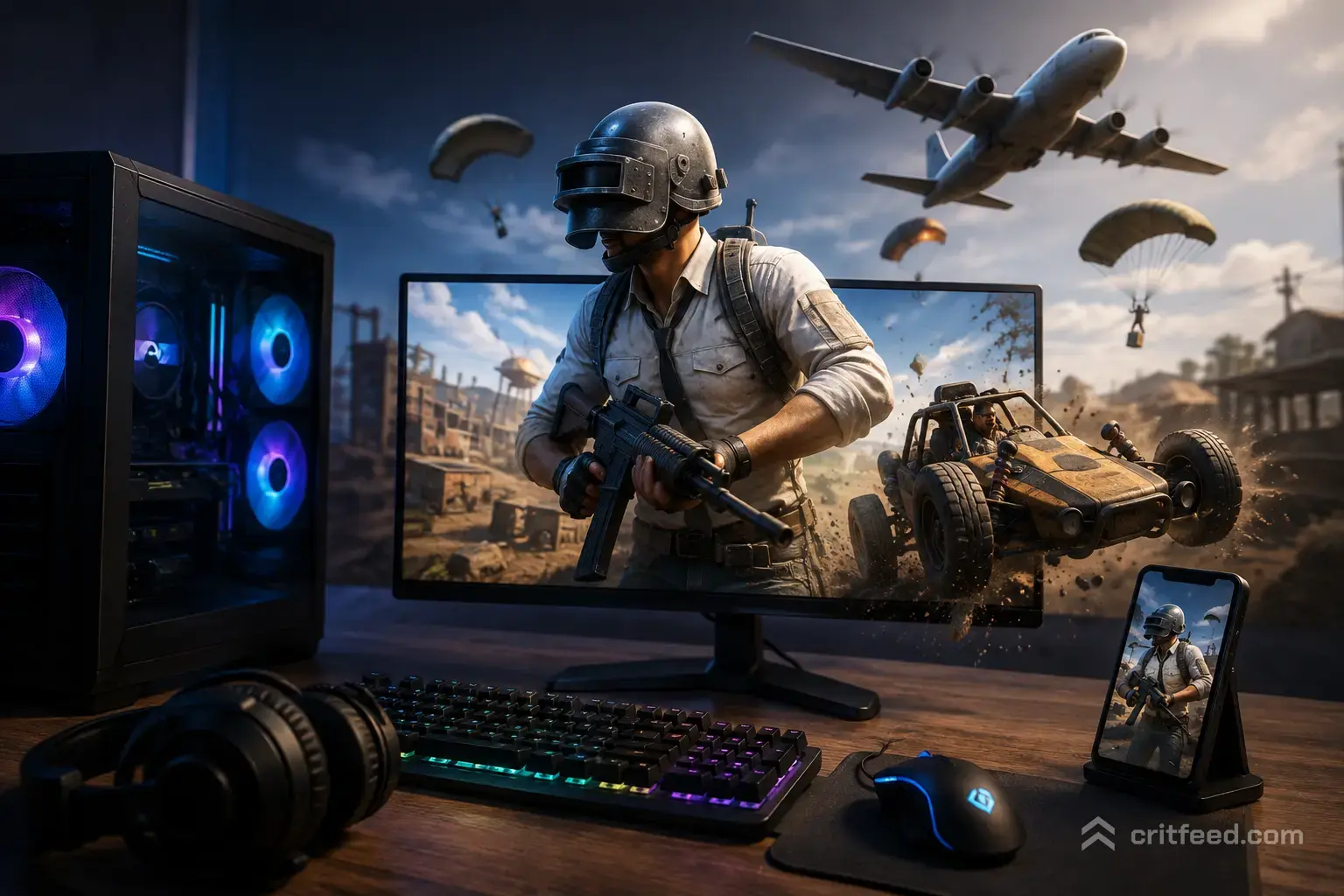
While PUBG Mobile was built for touchscreens, playing on a desktop or laptop delivers pinpoint mouse aiming, customizable keybindings, and high-framerate gameplay.
Whether you want to refine your survival skills from our PUBG Mobile Beginner Guide, practice spray control tricks from our PUBG Mobile Tips and Tricks, inspect rare skins like the legendary PUBG Mobile M416 Glacier, or check controller safety rules in our PUBG Mobile Controller Support Guide, playing on PC gives you total mechanical control.
1. Official Emulator vs. Third-Party Android Emulators
Before downloading an emulator, understanding how matchmaking works is essential for protecting your account.
- Gameloop (Tencent’s Official PC Emulator): Gameloop is the only officially authorized emulator for PUBG Mobile. It automatically places you in emulator-only lobbies, keeping your main account 100% safe from bans.
- Third-Party Emulators (BlueStacks, LDPlayer, Nox): Using unofficial emulators or touch-mapping bypasses on main servers can trigger Tencent’s anti-cheat protection, resulting in 10-day or 10-year account bans.
If you track pro players in major tournaments like the PUBG Mobile Esports Nations Cup, remember that official competitive play enforces strict device standards. Always stick to Gameloop to keep your main account safe.
2. PC System Requirements for Gameloop
Gameloop runs smoothly on a wide range of hardware setups:
System Requirements Table
| Hardware Component | Minimum Requirements | Recommended Requirements |
| Operating System | Windows 7 / 8 / 10 / 11 | Windows 10 / 11 (64-bit) |
| Processor (CPU) | Dual-core Intel / AMD at 1.8 GHz | Intel i5-8400 / AMD Ryzen 5 2600 or better |
| Memory (RAM) | 3 GB RAM | 8 GB RAM or higher |
| Graphics (GPU) | NVIDIA GeForce 8600/9600GT or AMD Radeon HD2600 | NVIDIA GTX 1060 / AMD RX 580 or higher |
| DirectX Version | Version 9.0c | Version 11 / 12 |
| Disk Storage | 1 GB (Plus 10 GB+ for game files) | Solid State Drive (SSD) with 15 GB+ free space |
3. Step-by-Step Installation & Setup
Setting up PUBG Mobile on your PC takes only a few minutes:
Step 1: Download & Install Gameloop
- Download the official Gameloop installer.
- Run the
.exefile as Administrator and click Install. - Choose an installation path on an SSD drive for faster load times.
Step 2: Install PUBG Mobile
- Launch Gameloop and open the Game Center tab.
- Search for PUBG Mobile in the top search bar.
- Click Install and wait for the game package to download completely.
Step 3: Log In & Resource Download
- Launch PUBG Mobile inside Gameloop.
- Log in using Twitter, Facebook, Google Play, or a Guest Account.
- Open the in-game Download Center to download high-resolution audio, maps, and HD resource packs.
4. Best Gameloop Settings for Maximum FPS (No Lag)
To prevent stuttering and frame drops during intense hot-drop fights, configure your Gameloop Engine settings:
- Screen Rendering Mode: Set to OpenGL+ if you have a dedicated graphics card. Use DirectX+ if your system relies heavily on CPU processing.
- Memory (RAM Allocation): Allocate half of your total PC RAM (e.g., set to 4096 MB if your system has 8 GB RAM).
- Processor Cores: Set to half of your total physical CPU cores.
- Resolution: Match your monitor’s native display (e.g., 1920×1080).
- DPI: Set to 240 or 320 for clean in-game UI scaling.
5. Ideal Mouse Sensitivity Settings for PC Aiming
Mouse control requires lower sensitivity than touchscreen swipes to maintain steady recoil control over long distances:
Recommended Camera & Scope Sensitivity
| Mode / Scope Type | Recommended Sensitivity Range |
| 3rd Person No Scope | 20% – 25% |
| 1st Person No Scope | 50% – 60% |
| Red Dot / Holographic / Aim Assist | 12% – 15% |
| 2x & 3x Scope | 10% – 14% |
| 4x Scope | 8% – 10% |
| 6x & 8x Scope | 4% – 6% |
Final Thoughts
Playing PUBG Mobile on PC using Gameloop gives you precise mouse control, responsive keybindings, and high framerates while keeping your account fully protected. By optimizing your Gameloop engine settings and fine-tuning your scope sensitivity, you can take full control of hot-drops and secure consistent Chicken Dinners!