
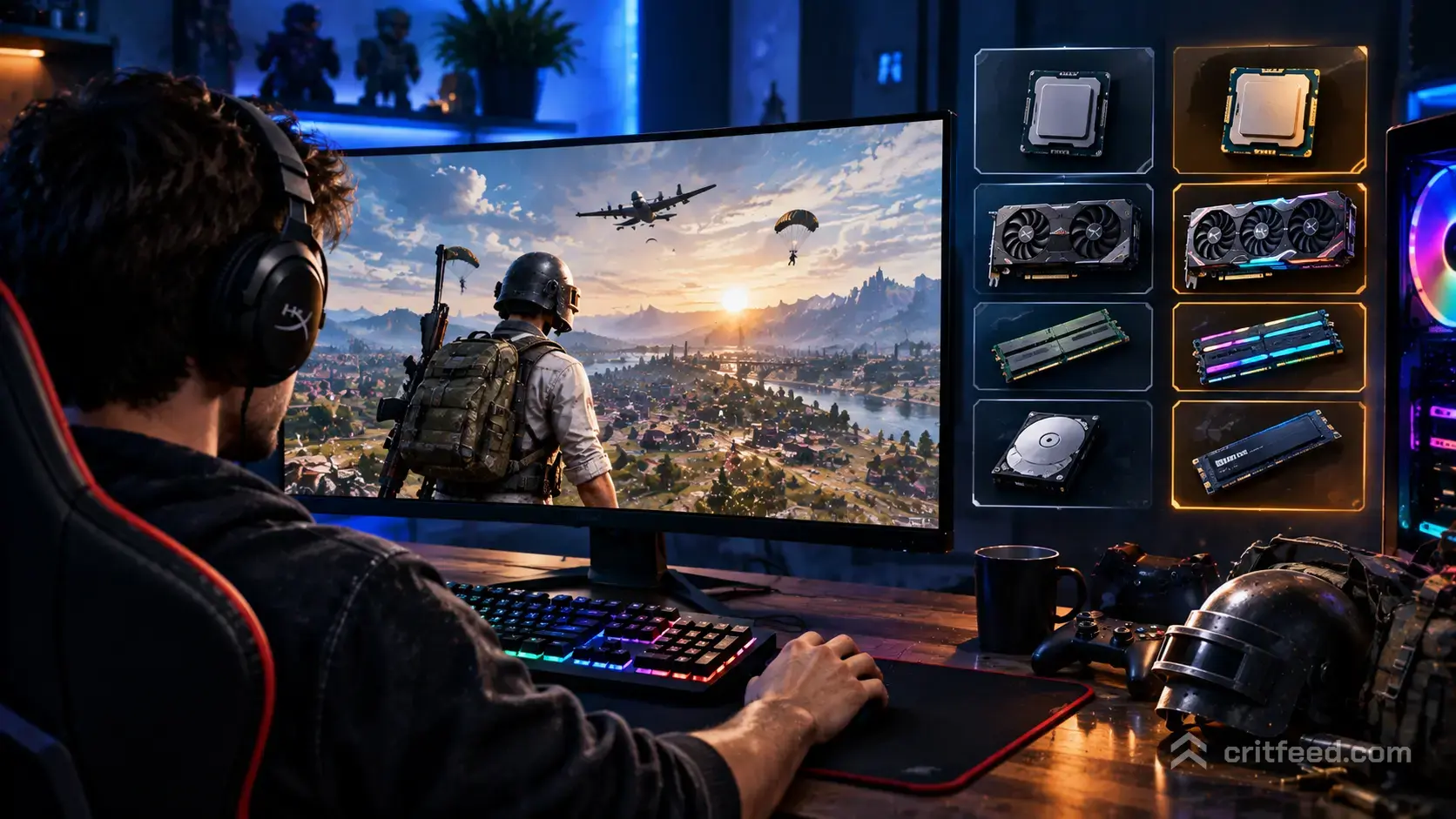
If you want to drop into Erangel today, the good news is that the PUBG system requirements are still friendly to older rigs. Below we break down the official minimum and recommended specs from Krafton, what they actually mean for your frame rate, and the settings tweaks that squeeze more FPS out of budget hardware.
PUBG Minimum System Requirements (PC)
These are the official minimum specs Krafton lists for PUBG: BATTLEGROUNDS on PC. Hitting them lets you launch and play, but do not expect a smooth ride on high settings.
| Component | Minimum Requirement |
|---|---|
| OS | Windows 10 (64-bit) |
| CPU | Intel Core i5-4430 / AMD FX-6300 |
| Memory | 8 GB RAM |
| GPU | NVIDIA GeForce GTX 960 2GB / AMD Radeon R7 370 2GB |
| DirectX | Version 11.0 |
| Network | Broadband internet connection |
| Storage | 40 GB available space (SSD recommended) |
Reality check: the minimum spec is roughly a decade old. You can boot the game on a GTX 960, but on maps like Erangel or Miramar you should expect 40 to 60 FPS on Very Low with drops in cities. Hot drops on Pochinki will feel rough.
PUBG Recommended System Requirements
Krafton’s recommended spec targets a stable 60 FPS at 1080p with mid settings. Competitive players and PGC watchers usually push well beyond this to chase 144+ FPS.
| Component | Recommended Requirement |
|---|---|
| OS | Windows 10 (64-bit) |
| CPU | Intel Core i5-6600K / AMD Ryzen 5 1600 |
| Memory | 16 GB RAM |
| GPU | NVIDIA GeForce GTX 1060 3GB / AMD Radeon RX 580 4GB |
| DirectX | Version 11.0 |
| Network | Broadband internet connection |
| Storage | 40 GB on an SSD |
Two things are non-negotiable here. Use an SSD. PUBG streams a lot of terrain and building data as you glide in, and an HDD will leave you looting empty rooms while textures pop in. Get 16 GB of RAM. The game plus Windows, Discord and a browser tab will chew through 8 GB and start stuttering.## What the Specs Actually Mean for FPS
The official numbers are conservative. Here is what we see in real play across hardware tiers.
- Entry tier (GTX 1060 / RX 580, i5-6600K, 16 GB): 60 to 90 FPS at 1080p on Medium. Fine for casual play.
- Mid tier (RTX 3060 / RX 6600, Ryzen 5 5600, 16 GB): 120 to 165 FPS at 1080p with mixed settings. The sweet spot for ranked.
- High tier (RTX 4070 or better, Ryzen 7 7700X, 32 GB): 200+ FPS at 1440p on competitive settings. What most PGC pros run.
PUBG is CPU-heavy in squad fights and inside the final circles. A strong CPU matters more than a top-end GPU once you drop below 1440p, which is why competitive players prioritise clock speed and cache over raw graphics power.
Can You Run PUBG on a Laptop?
Yes, but with caveats. Any gaming laptop with a GTX 1650 or better and a modern quad-core CPU will run the game. Integrated graphics (Intel UHD, older Vega) will struggle even on the lowest preset. Thin-and-light laptops will thermal throttle in long matches, so plug in the charger and lift the back for airflow.
Storage: How Big Is PUBG in 2026?
The install size sits around 40 GB but has grown as new maps like Deston and Rondo have been added over the years. Krafton has run install-size optimisation passes, so the current footprint is smaller than the game’s peak. Always keep 10 to 15 GB of headroom on your SSD for patches.
Boosting FPS on Minimum-Spec Rigs
If you are hovering right at the minimum, these tweaks help the most.
- Set Textures to Medium or High. Counter-intuitive, but low textures make enemies harder to spot at distance, and the VRAM saving is tiny.
- Drop Post-Processing, Shadows and Effects to Very Low. Biggest FPS gains, smallest visual loss.
- Set View Distance to Medium. Player rendering is tied to a different setting, so you will not lose long-range visibility.
- Keep Anti-Aliasing on Low. It removes jitter on distant enemies without a big cost.
- Cap your frame rate slightly below your monitor’s refresh rate to reduce input lag spikes.
For a full breakdown, see our guide to the best PUBG settings and our tested PUBG lag fix steps for stutter and packet loss issues.## Windows and Driver Checklist
Before you blame your hardware, make sure the software side is clean.
- Windows 10 or Windows 11, 64-bit, fully updated.
- Latest NVIDIA Game Ready or AMD Adrenalin driver. Krafton often ships fixes that pair with a driver release.
- DirectX 11 installed and up to date.
- Game Mode enabled, hardware-accelerated GPU scheduling on.
- BattlEye running (it is required for matchmaking).
If you are climbing the ladder, a stable frame rate matters more than a high one. Our pubg tips and tricks covers the aim and movement habits that actually win fights, and pubg ranks explains the RP system so you know what you are grinding toward.
Recommended Build for Competitive PUBG
If you are building fresh in 2026 and want a rig that handles PUBG plus streaming without breaking a sweat, aim here:
| Component | Suggested Part Tier |
|---|---|
| CPU | Ryzen 5 7600 or Intel Core i5-13600K |
| GPU | RTX 4060 Ti / RX 7700 XT or better |
| RAM | 32 GB DDR5-6000 |
| Storage | 1 TB NVMe SSD |
| Monitor | 1080p or 1440p, 144 Hz or higher |
This will comfortably push 200+ FPS at 1080p competitive settings and give you room for Discord, OBS and a browser without hitching. New to the game and not sure where to spend? Start with our pubg beginner guide before dropping cash on peripherals.
The Bottom Line
PUBG remains one of the more accessible AAA battle royales on PC. The minimum spec is genuinely low, but the realistic entry point in 2026 is a GTX 1060 class GPU, a modern six-core CPU, 16 GB of RAM and an SSD. Anything below that will run, but not the way the game is meant to be played.
If you are past the hardware stage and ready to actually get better, our pubg map guide walks through every rotation and drop spot you need to learn.