
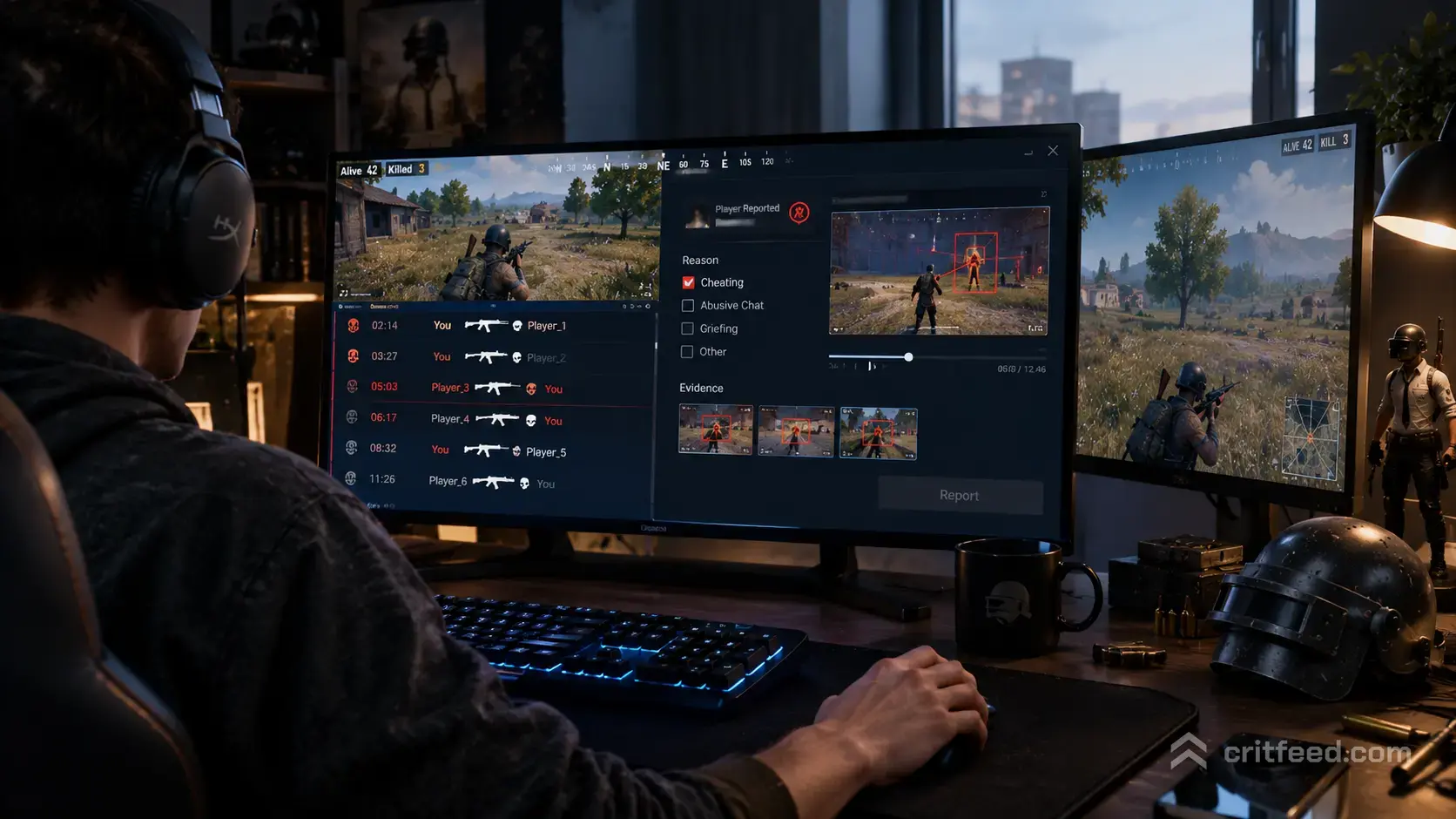
If you have ever wondered whether the streamer you just headshot went full tilt on camera, pubg report is the tool that answers you. It is a free community site that scans Twitch and matches PUBG: BATTLEGROUNDS clips to the exact players involved in the kill. In this guide, we cover both sides of the “report” world — the fan-made clip finder at pubg.report, and the official Krafton system for reporting cheaters, bugs, and account restrictions.
What Is PUBG Report?
PUBG Report (pubg.report) is a fan-built website that pulls PUBG: BATTLEGROUNDS clips from Twitch and links them to the players seen in each clip. It exists so you can watch streamers’ reactions when they kill you — or when you kill them.
The tagline on the site says it plainly: “Watch reactions of streamers on you killing them or them killing you.”
It is not made by Krafton. It is a community project, and it was fully rebuilt after feedback from the PUBG subreddit. It focuses on Twitch clips, streamer reactions, and matching kill feed events to broadcast VODs.
How PUBG Report Works
The site indexes public PUBG streams on Twitch, reads the kill feed shown on stream, and tags the moment with both the killer and the victim. When you look up your in-game name, you can find:
- Clips where a streamer killed you
- Clips where you killed a streamer
- The streamer’s live reaction to that specific kill
That last part is the fun bit. Getting deleted by a random headshot stings less when you can watch the streamer’s chat lose it in real time.
Using PUBG Report Step by Step
- Go to pubg.report in your browser.
- Enter your PUBG PC in-game name in the search bar.
- Browse the returned clips, sorted by date or streamer.
- Click a clip to jump straight to the Twitch moment.
Heads-up: the site can only match kills that happened on a live Twitch broadcast. If nobody was streaming your lobby, there will be no clip. Duo and Squad kills are matched too, as long as a streamer was in the match.
PUBG Report vs. Official PUBG Support
These two things share the word “report” and get mixed up constantly. They are not the same, and knowing the difference will save you a lot of time.
| Feature | pubg.report | PUBG Support (support.pubg.com) |
|---|---|---|
| Made by | Community / fan project | Krafton (official) |
| Purpose | Find Twitch clips of your kills | Report cheaters, bugs, restrictions |
| Uses Twitch data | Yes | No |
| Bans players | No | Yes |
| Handles account restrictions | No | Yes |
If you want to watch a clip, use pubg.report. If you want to report a cheater or appeal a ban, use the official PUBG Support site.
How to Report a Cheater in PUBG: BATTLEGROUNDS
Krafton runs the official reporting system through support.pubg.com under the “REPORTS & RESTRICTIONS” section. This is where actual anti-cheat action happens.
You have two main routes:
- In-game report — press the report button on the death cam or the scoreboard right after a suspicious kill. Choose the category (aim, wall, movement, teaming, etc.) and submit.
- Support ticket — for detailed cases, especially with video evidence, file a ticket through the Support site. Include your in-game name, the match date, the suspected player’s name, and a clip URL.
Key rule: Krafton does not publicly confirm bans on individual accounts. You will not get a “we banned them” email. Do not send follow-up tickets asking about specific players — it slows the queue.
What You Can Report Through Official Channels
- Cheating (aimbot, ESP, macros, radar)
- Teaming in solo modes
- Verbal abuse and hate speech
- Account theft or unauthorized access
- Bugs and exploits
- Appeals for your own account restriction
When PUBG Report Is Actually Useful
We think the fan site earns its place in three specific situations.
1. Verifying a suspicious kill. If a streamer with a public VOD killed you through a wall, the clip is your evidence. Attach it to your support ticket.
2. Learning from your deaths. Watching a top-tier player’s POV of the fight that killed you is one of the fastest ways to improve. Pair it with our pubg tips and tricks to fix the mistake next time.
3. Bragging rights. Killing a Twitch partner in a hot drop and watching them rage on camera is, frankly, one of the joys of the game.
Improving Before You Need to Report Anyone
The best defense against getting third-partied on stream is knowing the map and running the right loadout. If you are new, start with our pubg beginner guide to get the basics locked in.
From there, three areas move the needle fastest:
- Loadout choices — See our breakdown of the best PUBG weapons and attachments to stop wasting slots on weak combos.
- Client performance — Frame drops kill more players than aimbots. Our pubg lag fix walks through the settings that matter.
- Map knowledge — Rotations decide games. Study each battleground with our full pubg map guide.
Common Questions About PUBG Report
Is pubg.report safe to use?
The site is a public web tool. You do not log in, you do not link your Steam account, and you do not download anything. It reads public Twitch data.
Does pubg.report show console clips?
The site is built around Twitch’s PUBG category, which is dominated by PC streamers. Console clips exist but are far rarer.
Can I get someone banned through pubg.report?
No. The site does not send anything to Krafton. To act on a cheater, you must file an in-game report or a ticket at support.pubg.com.
Why can I not find any of my kills?
Either no streamer was in your lobby, the streamer’s clips are private, or your in-game name has special characters the search cannot parse. Try trimming the name to its core letters.
The Bottom Line
pubg.report is a Twitch clip finder for PUBG: BATTLEGROUNDS PC — it is fun, it is community-run, and it is the fastest way to see a streamer’s reaction to a kill involving you. support.pubg.com is the official Krafton channel for reporting cheaters, filing bug reports, and handling account restrictions. Use each for what it is built for and you will get a lot more value out of both.
If you are here because a streamer just embarrassed you, pull the clip, laugh it off, and load back in with a better plan.