
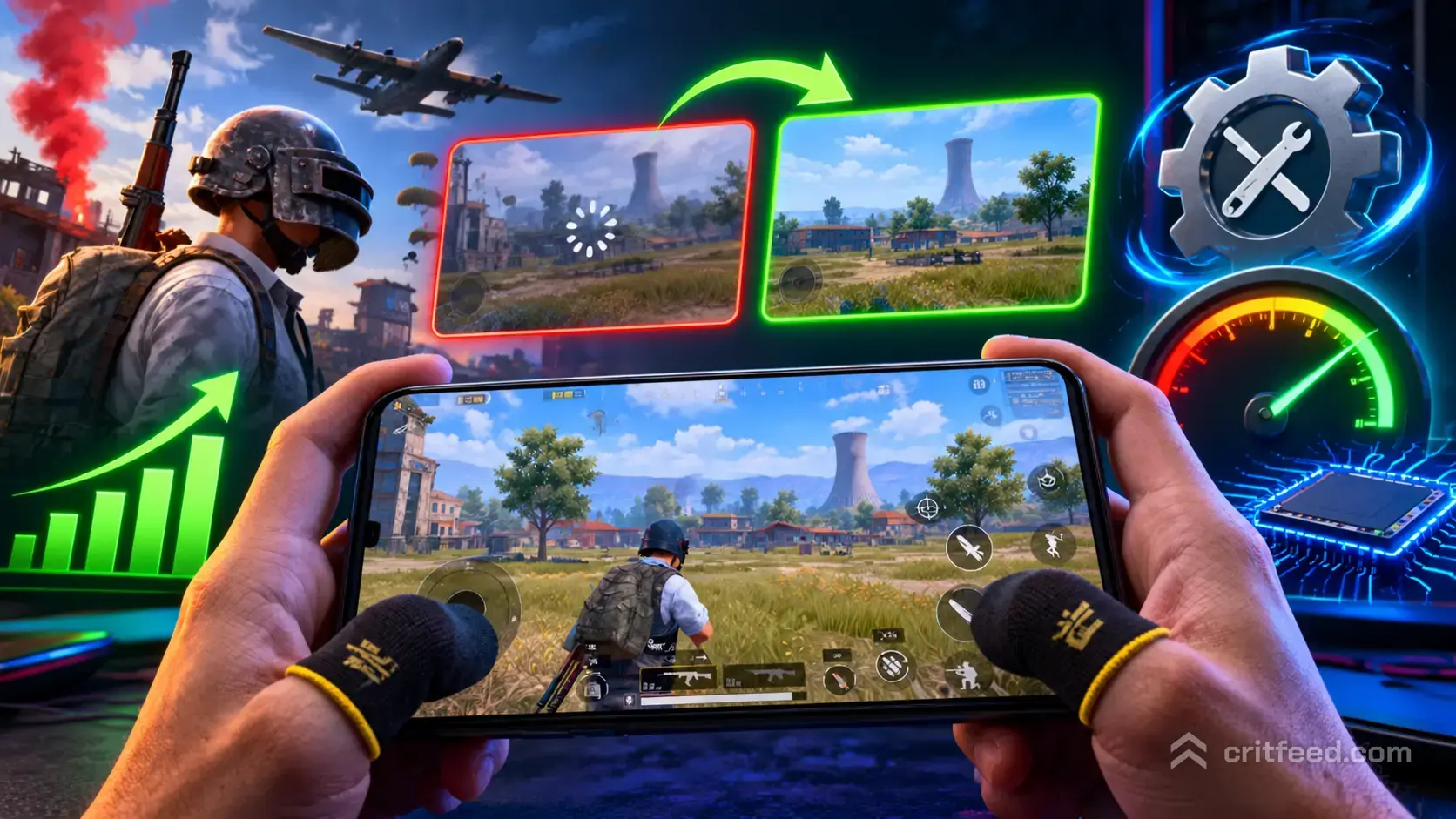
If you have ever searched for a gfx tool to squeeze more frames out of PUBG Mobile on a mid-range phone, you are not alone. These third-party apps promise HDR graphics, 90 FPS unlocks, and smoother gameplay on devices that normally cap at Balanced and 30 FPS. The honest answer is more complicated, and in 2026 the safer path is almost always the in-game Graphics menu itself.
We will walk you through what a gfx tool actually does, why Krafton’s anti-cheat flags many of them, and the exact in-game settings that will give you the same visual boost without risking your account.
What Is a GFX Tool?
A gfx tool is a third-party Android app that edits PUBG Mobile’s configuration files before the game launches. It forces the engine to load resolution, frame rate, shadow, and anti-aliasing values that are not offered in the in-game menu on your device.
The common unlocks include:
- HDR or UHD graphics on phones locked to Smooth or Balanced
- Ultra or Extreme frame rate on devices capped at High
- Custom resolution (often lowered to 720p for more FPS)
- Shadow and MSAA toggles stripped down to bare minimum
- FPS counter overlays and GPU optimizations
Most of these apps are free, ad-supported, and distributed outside the Google Play Store as APK files. Popular names in the category include GFX Tool, GFX Tool Pro, and various “booster” clones.
The Honest Problem With GFX Tools in 2026
Here is the part most tutorial sites skip. PUBG Mobile’s anti-cheat has been scanning for modified config files and non-standard graphics flags for several years. Using a gfx tool to force settings your phone was never approved for can trigger a device ban, not just a match kick.
The risk breaks down into three buckets:
| Risk Type | What Happens | How Common |
|---|---|---|
| Match-level flag | Game resets settings to default mid-session | Very common |
| Account warning | 7 to 10 day suspension | Occasional |
| Device-level ban | Phone’s device ID blacklisted | Rare but permanent |
The second honest problem: on a phone that genuinely cannot handle HDR, forcing it does not give you smoother gameplay. It gives you stutters, overheating, and worse aim. A locked 40 FPS at Smooth beats a jumpy 60 FPS at HDR every time.
If you are new to the game and just trying to find your footing, start with our pubg mobile beginner guide before chasing graphics tweaks.
The Legal Alternative: In-Game Graphics Settings
Krafton has quietly expanded the in-game Graphics menu so most of what a gfx tool used to unlock is now available natively on supported devices. You just have to know where to look.
Open Settings > Graphics and work through these in order:
- Graphics: Start at Smooth. Only move up if your phone sustains the frame rate without heating.
- Frame Rate: Pick the highest option your device shows. Ultra, Extreme, and 90 FPS appear only on compatible chips.
- Style: Classic gives the cleanest enemy visibility. Colorful looks nicer but hides characters in foliage.
- Anti-Aliasing: Turn OFF on mid-range phones. It eats frames for little visual gain.
- Shadows: Turn OFF. You lose nothing competitive and gain 5-10 FPS.
- Auto-adjust graphics: Turn OFF so the game stops downgrading mid-match.
Recommended Settings by Device Tier
| Phone Tier | Graphics | Frame Rate | Style |
|---|---|---|---|
| Flagship (Snapdragon 8 Gen 3 and up) | HDR | Extreme or 90 FPS | Classic |
| Upper mid-range | HD | Ultra | Classic |
| Mid-range | Balanced | High | Classic |
| Budget / 3-4 year old | Smooth | High | Classic |
Bold truth: A clean Smooth + Extreme setup on a budget phone will beat a stuttering HDR setup every single time in ranked.
Settings That Matter More Than Graphics
If your real goal is winning more fights, graphics are the smallest lever you have. The two settings that actually change your K/D are sensitivity and HUD layout.
Sensitivity Starting Point (No Gyro)
| Setting | Camera | ADS |
|---|---|---|
| TPP No Scope | 115% | 110% |
| FPP No Scope | 110% | 105% |
| Red Dot, Holo, Aim Assist | 55% | 55% |
| 2x Scope | 38% | 38% |
| 3x Scope, VSS | 28% | 28% |
| 4x Scope, SKS, Mini14 | 20% | 20% |
| 6x Scope | 12% | 12% |
| 8x Scope | 8% | 8% |
Sensitivity Starting Point (Full Gyro)
| Setting | Gyroscope |
|---|---|
| TPP No Scope | 300% |
| FPP No Scope | 300% |
| Red Dot, Holo, Aim Assist | 300% |
| 2x Scope | 300% |
| 3x Scope, VSS | 240% |
| 4x Scope, SKS, Mini14 | 200% |
| 6x Scope | 100% |
| 8x Scope | 70% |
These are starting values. Tune them in Training Ground against the moving targets, not in ranked.
HUD Layout Fixes That Feel Like a Free Upgrade
A gfx tool cannot fix a bad HUD, and a bad HUD costs you more fights than low graphics ever will.
- Fire button on the left shoulder: Add a second fire button so your right thumb stays free to aim.
- Scope button near the right thumb’s resting position: Reduce travel distance.
- Peek buttons on the outer edges: Lean left and lean right save your life in buildings.
- Jump button raised above crouch: Jump-shots become reliable.
- Crouch and prone separated: Never cover them with one combined button.
For a deeper breakdown of control refinements, our pubg mobile tips and tricks walks through more specific tweaks that most players miss.
If you prefer physical controls, PUBG Mobile has limited gamepad functionality in lobbies but no full in-match support on most devices. We cover what works and what does not in our pubg mobile controller support breakdown.
When a GFX Tool Might Still Be Reasonable
We are not going to pretend nobody uses them. Here is the narrow case where a gfx tool is defensible:
- You are playing in Training Ground only, not ranked or TDM
- Your phone is old enough that the in-game menu hides options your chip can clearly handle
- You accept that any ban is on you, not on the app
Even then, use the tool to lower settings for more FPS, not to force HDR on hardware that cannot sustain it. Forcing Ultra graphics on a phone that stutters is not an upgrade.
The Bottom Line
Where things stand right now: Krafton’s in-game Graphics menu covers almost every unlock a gfx tool used to offer, and the anti-cheat actively scans for modified config files. The safest path to higher FPS is the official menu plus the sensitivity and HUD work above.
Open questions that depend on your specific device:
- Does your chip genuinely support 90 FPS, or just display the option?
- Will your phone throttle after 15 minutes at HDR?
- Is your battery healthy enough to run Extreme without voltage sag?
Those are answered by testing in Training Ground, not by downloading another APK.
Final Word
The players climbing to Ace and Conqueror are not winning because of a graphics booster. They are winning because they practice recoil, learn pubg mobile erangel map rotations, and tune sensitivity until bullets land where they look. If you want one thing to do tonight, drop into Training Ground with your current graphics setting and spend twenty minutes burst-firing an M416 at 50 meters. That will raise your rank faster than any config file ever will.