
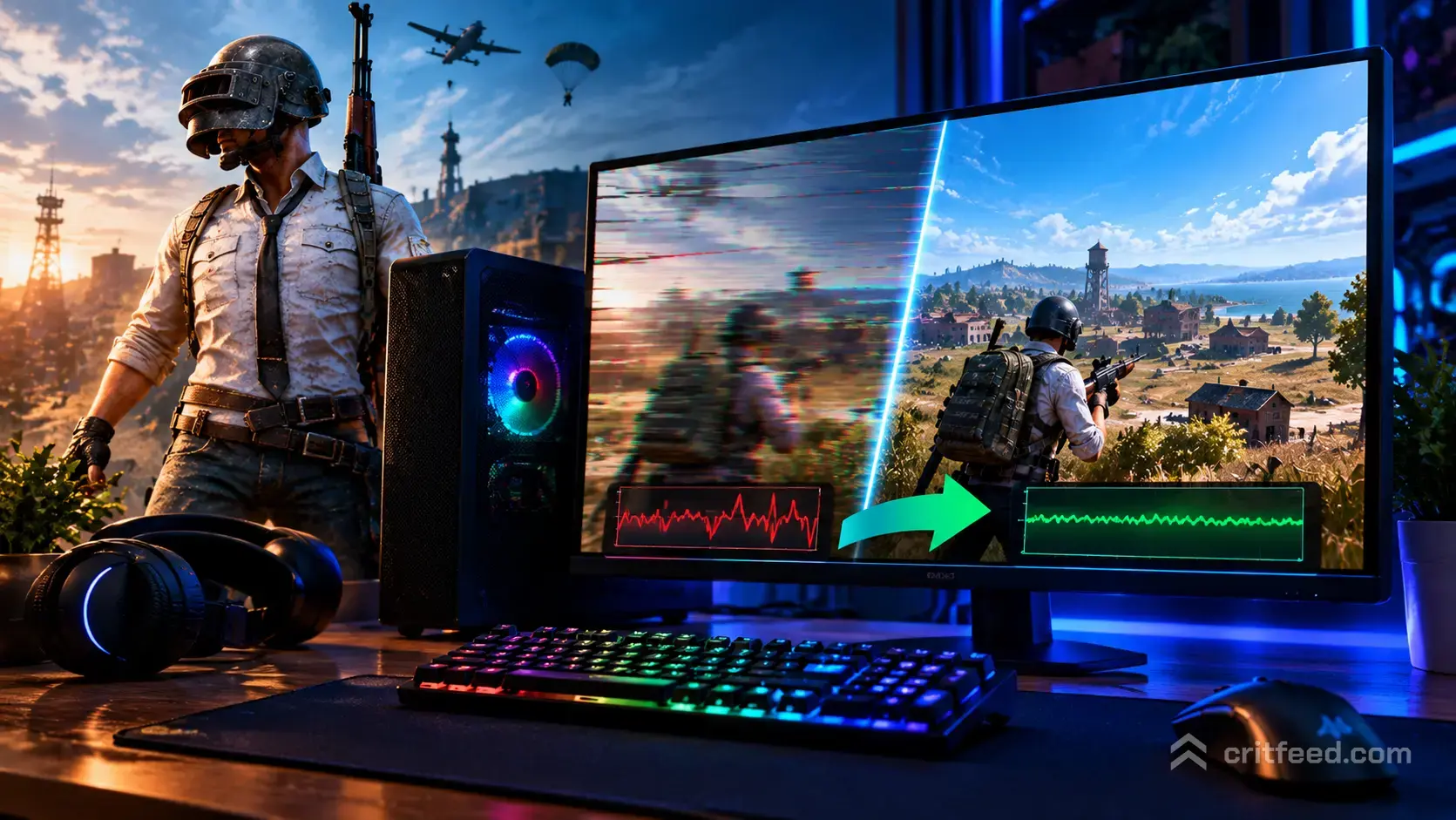
You line up a shot, the frame freezes for a split second, and suddenly you’re staring at the lobby screen. PUBG stuttering is one of the most frustrating problems on PC because it hits hardest in the exact moments that matter: a hot drop at Pochinki, a final-circle rotation, or the first bullet of a 1v1. The good news is that most frame drops are fixable with a tight set of system and in-game tweaks, and we’ll walk you through every one that actually moves the needle.
This guide is built from the real symptom players keep reporting: smooth 200+ FPS gameplay, then a sudden drop to 30 FPS for a single frame, then back up again. If that sounds like your match, you’re in the right place.
Why PUBG Stutters on PC Even With Strong Hardware
PUBG runs on Unreal Engine and streams a huge amount of terrain, loot, and player data as you move. On paper your rig might crush the game, but stutters usually come from bottlenecks that have nothing to do with raw GPU power.
The common causes we see:
- Shader compilation when you land in a new area or see a new weapon effect
- Asset streaming off a slow or fragmented drive
- CPU core parking and background Windows services stealing frametime
- Overlays (Discord, GeForce Experience, Steam, Xbox Game Bar) injecting into the game
- Driver and DirectX cache corruption after a GPU driver update
- Network microstalls that look like frame drops but are actually packet loss
If you want the broader rundown on sources of lag versus true stutter, our pubg lag fix guide covers the networking side in more depth. This article stays focused on frametime hitches.
Quick Diagnosis: Is It Stutter, Lag, or a Crash?
Before you change settings, figure out what you’re actually seeing. The fixes are different.
| Symptom | What It Looks Like | Likely Cause |
|---|---|---|
| Frame stutter | FPS dives to 30 for one frame, then recovers | CPU, shader, or storage |
| Rubber-banding | Character warps or snaps back | Network / server |
| FPS cap drop | FPS stays low (e.g., 60) for long stretches | GPU, thermals, power |
| Full freeze | Game locks for 2+ seconds | Driver, RAM, or disk |
| Hard crash | Game closes to desktop | Driver, memory, or files |
If PUBG is closing out entirely, start with our pubg crashing on pc walkthrough instead, because the fix list is different.
Step 1: In-Game Settings That Cause Hitching
A lot of stutter comes from PUBG’s own graphics options, not your hardware. We’d rather you run a clean 144 FPS than a spiky 240.
Settings to change first:
- Anti-Aliasing: Set to Medium. Ultra can cause brief frametime spikes on scope-in.
- View Distance: Medium or High. Ultra forces more asset streaming during rotations.
- Textures: Match your VRAM. 8 GB cards handle Ultra; 6 GB cards should sit at High.
- Post-Processing: Very Low. This is a known stutter contributor on scope transitions.
- Shadows: Low. Shadow pop-in is a classic cause of micro-hitches.
- V-Sync: Off. Use an in-game or RTSS frame cap instead.
- Motion Blur: Off. Always.
Set an FPS cap about 5-10 below your monitor’s refresh rate. A locked 141 FPS on a 144 Hz panel is smoother than an uncapped 200 that swings to 90.
Step 2: Windows and Driver Fixes
This is where most PUBG stuttering actually gets solved.
Update or Clean-Install Your GPU Driver
Corrupted driver installs are the number one cause of sudden stutter after a Windows update. Use DDU (Display Driver Uninstaller) in Safe Mode, then install the latest NVIDIA or AMD driver fresh.
Disable Fullscreen Optimizations
Right-click TslGame.exe in your Steam install folder, open Properties, go to Compatibility, and tick:
- Disable fullscreen optimizations
- Run as administrator
Turn Off Game Bar and Game DVR
Xbox Game Bar quietly records your gameplay in the background. Disable it in Windows Settings under Gaming, and then run this in an elevated PowerShell:
Get-AppxPackage xboxgamingoverlay | Remove-AppxPackageSet Windows Power Plan to High Performance
Balanced mode allows CPU core parking, which causes exactly the one-frame-to-30-FPS drops players keep reporting. Switch to High Performance or Ultimate Performance.
Clear the DirectX Shader Cache
Open Disk Cleanup, select your system drive, and tick DirectX Shader Cache. PUBG will rebuild it on next launch, which may cause one session of mild stutter before smoothing out.
Step 3: Storage and RAM
PUBG streams assets constantly, especially on larger battlegrounds like the full-sized maps. If you installed it on an older SATA SSD or (worse) a hard drive, you’ll stutter when the game loads new terrain.
What we recommend:
- Install PUBG on an NVMe SSD if you have one
- Keep at least 20 GB free on that drive
- Run 16 GB of RAM minimum, with 32 GB being the comfortable number for 2026
- Enable XMP/EXPO in BIOS so your RAM runs at its rated speed
Memory running at JEDEC defaults (often 2133 or 2400 MHz) is a silent FPS killer on Ryzen systems in particular.
Step 4: Background Processes and Overlays
Every overlay you run injects a hook into PUBG. Any one of them can cause a stutter.
Turn off or exit before launching:
- Discord in-game overlay
- NVIDIA GeForce Experience overlay (ShadowPlay instant replay is a common offender)
- Steam overlay (only if you don’t need it)
- MSI Afterburner / RivaTuner on-screen display (keep the FPS cap, drop the OSD)
- RGB software like iCUE, Armoury Crate, G Hub
- Browser tabs playing video or ads
Open Task Manager, sort by CPU, and close anything above 1-2% that you don’t need. If the stutter persists in offline training mode with everything closed, the cause is local. If it only happens online, it’s network related. Our breakdown of why pubg feels so laggy covers that side.
Step 5: Launch Options for Smoother Frametime
Right-click PUBG in Steam, select Properties, and under Launch Options paste:
-USEALLAVAILABLECORES -malloc=system -sm4A quick breakdown:
-USEALLAVAILABLECORESlets Unreal Engine spread work across your CPU-malloc=systemuses Windows’ memory allocator (helps on 32 GB+ systems)-sm4forces Shader Model 4, which some players report smooths spike-stutter on older GPUs. Remove this if you’re on a modern RTX or RX card and prefer the visual quality
Test with and without each flag. There is no universal magic string, and some flags that worked years ago no longer apply.
Step 6: Network Stutter That Looks Like FPS Drops
If your frametime graph is clean but your character still hitches, the problem is on the wire. Packet loss shows up as a one-frame “freeze” because the client is waiting on the server to confirm your position.
Checks to run:
- Ping test to your matchmaking region (aim under 60 ms)
- Switch from Wi-Fi to Ethernet if possible
- Change your DNS to 1.1.1.1 or 8.8.8.8
- Reboot the router (yes, actually)
- Disable VPNs and proxy clients
Server-side issues on specific regions do happen, especially around patch days. If every setting is dialed in and the game still stutters only on certain maps or at certain times, the server is the suspect.
When Nothing Works: Verify Game Files and Reinstall
This is the last resort because it takes time, but it does fix corruption-based stutter.
- In Steam, right-click PUBG, Properties, Installed Files, Verify integrity of game files
- If verification completes with replaced files, launch and test
- If stutter persists, uninstall PUBG, delete the leftover folder in
Steam\steamapps\common\TslGame, and reinstall
Also delete your local config in %LOCALAPPDATA%\TslGame\Saved\Config\WindowsNoEditor so the game rebuilds a fresh one. Back it up first if you have custom keybinds.
The Bottom Line
Most PUBG stuttering on PC comes from three places: a background process you didn’t know was running, a graphics setting that spikes frametime (post-processing and shadows are the usual suspects), or an uncapped frame rate on a system that can’t sustain it. Fix those three and you’ll solve the majority of hitches.
If you’re new to the game and still tuning your rig alongside your gameplay, our pubg beginner guide will keep you busy while shaders settle, and the pubg tips and tricks article covers habits that help you win fights even when a frame hiccup catches you off guard. Pin the FPS cap, kill the overlays, and go reclaim your Chicken Dinners.