
Want to aim like the most decorated AWPer in Counter-Strike history? This guide breaks down the complete device CS2 settings — from crosshair and sensitivity to viewmodel, video config, and gear — so you can replicate the exact setup Nicolai “device” Reedtz uses at the top level.
We’ve pulled every value directly from his most recent public config, so nothing here is guesswork.
Who Is device?
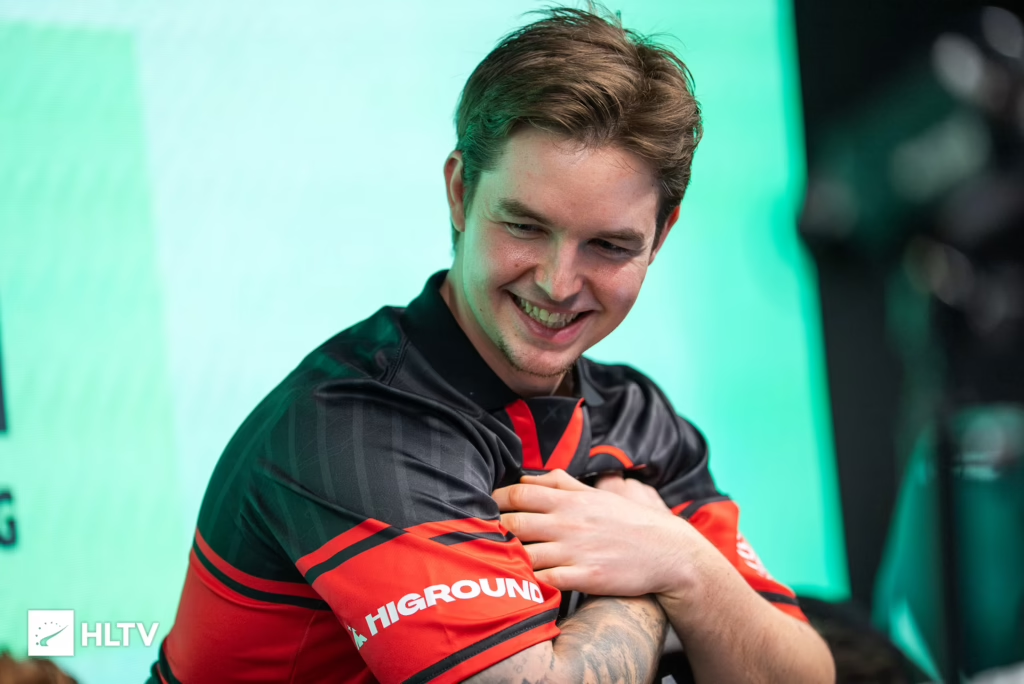
Nicolai “device” Reedtz is a Danish professional AWPer, born in 1995, widely regarded as one of the greatest Counter-Strike players of all time. He rose to fame with Astralis during their historic Major-winning era and remains one of the most consistent snipers in the game today.
His fundamentals — quiet setup, low sensitivity, minimal viewmodel — are exactly what you’d expect from an elite AWPer. Let’s break it all down.
device Mouse & Sensitivity Settings
device plays with a low-to-medium sensitivity that gives him the precision needed for AWP flicks while still allowing tight rifling. Here’s the exact config:
| Setting | Value |
|---|---|
| DPI | 400 |
| Sensitivity | 1.9 |
| eDPI | 760 |
| Zoom Sensitivity | 1.0 |
| Hz (Polling Rate) | 1000 |
| Windows Sensitivity | 6 |
| Raw Input | 1 |
| Mouse Acceleration | 0 |
Key takeaway: 760 eDPI is right in the sweet spot for pro AWPers. If you’re picking up the awp, this is a proven starting point.
device CS2 Crosshair
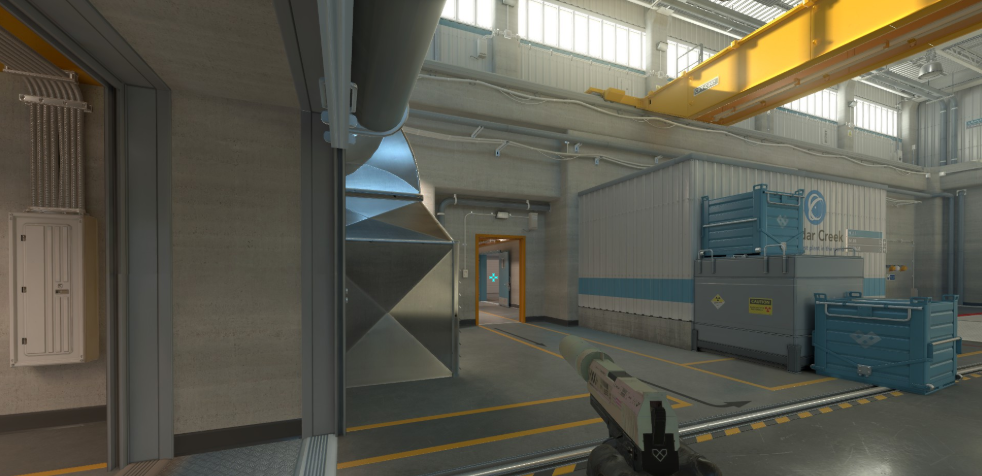
device runs a classic static, thin cyan crosshair — small enough to see headshot lines but visible against most backgrounds.
cl_crosshair_drawoutline "0"cl_crosshaircolor "5"
cl_crosshaircolor_b "255"
cl_crosshaircolor_g "255"
cl_crosshaircolor_r "0"
cl_crosshairdot "0"
cl_crosshairgap "-3"
cl_crosshairsize "2"
cl_crosshairstyle "4"
cl_crosshairthickness "0"
cl_crosshairusealpha "1"
cl_crosshairalpha "255"
Paste that block into your console and you’ll have his crosshair instantly. It’s a minimalist setup that works equally well for rifling with the ak-47 or scoping in with the AWP.
device Viewmodel Settings
device keeps his viewmodel pushed to the right with a low FOV — standard pro style for maximum screen visibility.
viewmodel_fov "68"viewmodel_offset_x "2.5"
viewmodel_offset_y "0"
viewmodel_offset_z "-1.5"
viewmodel_presetpos "3"
cl_bob_lower_amt "5"
cl_bobamt_lat "0.1"
cl_bobamt_vert "0.1"
cl_bobcycle "0.98"
device Video Settings
Like most pros, device prioritizes frame rate and visibility over eye candy. He plays on a stretched-then-fit 4:3 workflow on a 1920×1080 display.
| Setting | Value |
|---|---|
| Resolution | 1280×960 |
| Aspect Ratio | 4:3 |
| Scaling Mode | Stretched |
| Refresh Rate | 240Hz+ |
| Boost Player Contrast | Enabled |
| Wait for Vertical Sync | Disabled |
| Multisampling AA Mode | CMAA2 |
| Global Shadow Quality | High |
| Model / Texture Detail | Low |
| Texture Filtering | Bilinear |
| Shader Detail | Low |
| Particle Detail | Low |
| Ambient Occlusion | Disabled |
| High Dynamic Range | Quality |
If you want a deeper breakdown of every option in the menu, check our full cs2 graphic settings guide.
device Gear & Hardware
device’s peripherals are dialed in for consistency. He’s been on essentially the same core setup for years.
- Mouse: Logitech G Pro X Superlight
- Mousepad: Logitech G640
- Keyboard: Logitech G Pro X TKL
- Headset: Logitech G Pro X
- Monitor: BenQ ZOWIE XL2566K (360Hz)
- Chair: Herman Miller
Launch Options
device uses simple, no-nonsense launch options:
-novid -tickrate 128 -freq 240 +fps_max 400Why These Settings Work for AWPers
device’s config isn’t magic — it’s about removing distractions. Low sensitivity for micro-adjustments on scope. Minimal viewmodel so you see more of the map. Low graphics for maximum frames.
If you’re building your own AWP identity, study the values, but tune sensitivity to your own arm speed. Copying settings blindly won’t make you an AWPer — practice will.
Looking for more pro configs? Compare his setup with karrigan cs2 settings, fellow AWPer w0nderful cs2 settings, or FaZe star broky cs2 settings to see how top snipers differ.
Final Thoughts
device’s config is a masterclass in less is more — 400 DPI, 1.9 sens, thin static crosshair, and stripped-down visuals. It’s the exact setup that helped him lift multiple Major trophies, and it’s a proven template for any aspiring AWPer.