
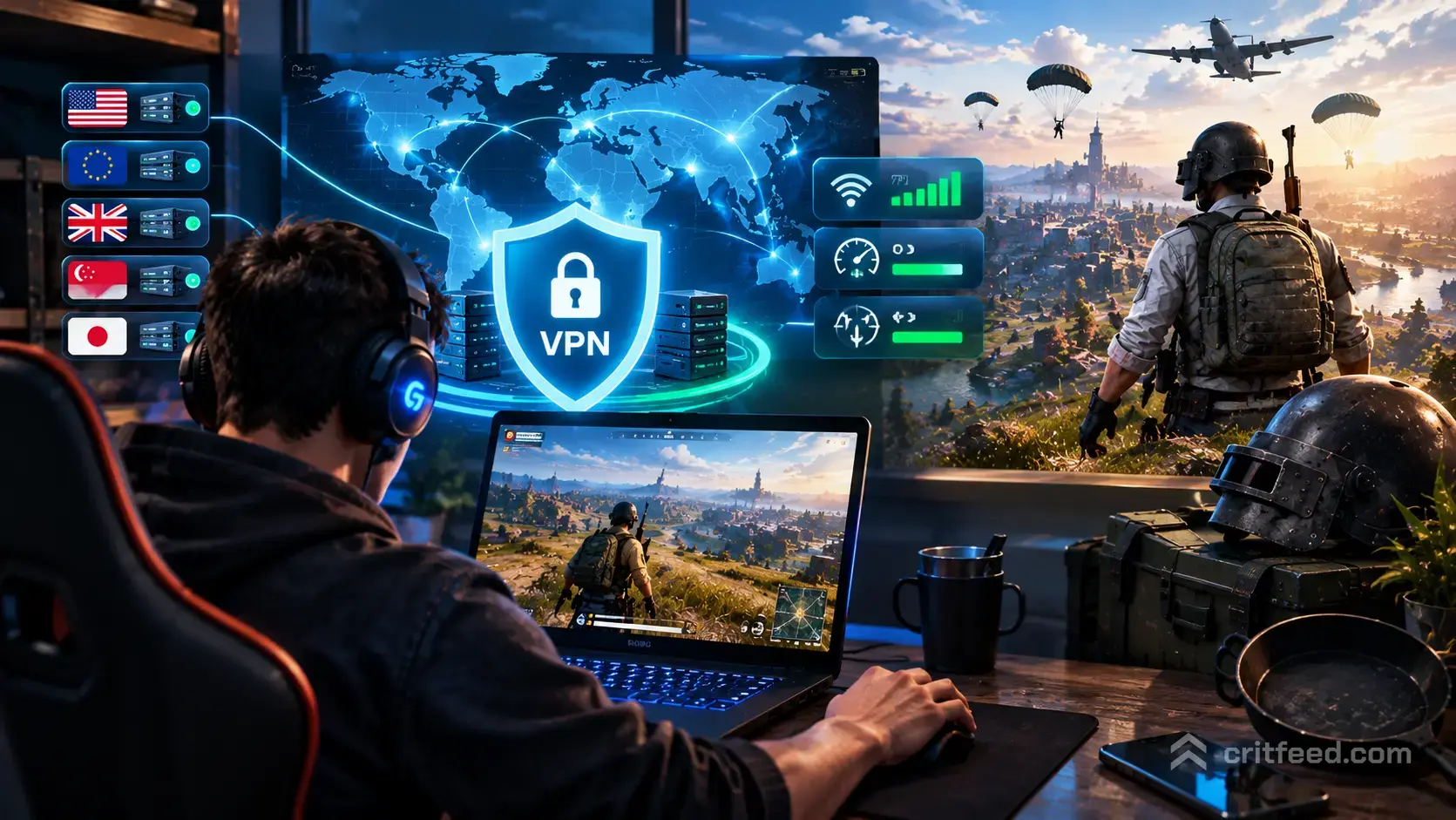
If your squad keeps getting matched into a region that runs at 180 ping, or you can’t queue with friends abroad, the best VPN for PUBG can genuinely fix that. A good gaming VPN reroutes your traffic through a server closer to a better matchmaking pool, which can lower ping, reduce packet loss and unlock regions your ISP routes you away from.
We’ll walk through how a VPN actually helps in PUBG: BATTLEGROUNDS on PC, what to look for, and the providers players and reviewers keep coming back to.
Is Using a VPN With PUBG Allowed?
Krafton’s rules focus on cheating, exploiting and account sharing. Using a VPN to protect your connection or to play with friends in another region is not the same thing as cheating, and it is common practice.
That said, use good sense:
- Do not use a VPN to evade a ban or region-lock enforcement.
- Do not hop into low-skill regions purely to farm easy lobbies. Krafton has cracked down on ping-abuse in the past.
- Stick to servers that reflect where you actually want to play.
If you’re new to the game and still learning the ropes, our pubg beginner guide is a better starting point than trying to game the matchmaker.
What a VPN Actually Does for PUBG
A VPN will not magically make your PC faster. What it can do:
- Reroute your traffic through a server that has a better path to PUBG’s matchmaking servers than your ISP’s default route.
- Change your matchmaking region, so you can queue with friends in Europe, Asia or North America.
- Reduce ISP throttling on gaming traffic if your provider is shaping packets.
- Protect you from DDoS attacks, which is a real concern in ranked and scrim environments where your IP can leak.
It will not help if your ping is high because your PC is on Wi-Fi, your router is old, or your ISP’s core route is congested. Fix the basics first.
What to Look for in the Best VPN for PUBG
Not every VPN is built for gaming. Prioritise these:
| Feature | Why It Matters for PUBG |
|---|---|
| Low-latency servers | Every 20ms of overhead hurts gunfights and peeks. |
| Wide server network | More regions means more matchmaking options. |
| WireGuard or proprietary protocol | Faster and lower overhead than older OpenVPN. |
| Split tunneling | Route only PUBG through the VPN, keep everything else direct. |
| Kill switch | Prevents your real IP leaking mid-match. |
| No-logs policy | Your gaming traffic isn’t stored or sold. |
Avoid free VPNs. They cap bandwidth, sell data, and their servers are overloaded. You’ll feel it in every firefight.
The Best VPNs for PUBG in 2026
Based on independent reviews from Top10VPN and CyberInsider, these are the providers that consistently rank highest for PUBG on PC.
1. ExpressVPN

ExpressVPN is the go-to pick for players who want a plug-and-play experience. It has servers in 105 countries, which is unmatched for reaching PUBG’s regional matchmaking pools, and its Lightway protocol is built for speed.
- Best for: Consistent low ping across regions
- Protocols: Lightway, WireGuard, OpenVPN
- Server count: 105 countries
- Extras: Split tunneling, kill switch, no-logs (audited)
2. NordVPN

NordVPN pairs a huge server network with NordLynx, its WireGuard-based protocol, which is one of the fastest in the industry. It’s a strong pick if you also want extras like Threat Protection and Meshnet for LAN-style play with friends.
- Best for: Speed with security extras
- Protocols: NordLynx, OpenVPN
- Server count: 6,000+ servers across 60+ countries
- Extras: Meshnet, split tunneling, double VPN
3. Surfshark

Surfshark is the value pick. It’s cheaper than the top two, allows unlimited simultaneous connections, and still supports WireGuard for low-latency gaming. Reviewers at Top10VPN specifically highlight it for PUBG.
- Best for: Full squads on one subscription
- Protocols: WireGuard, OpenVPN, IKEv2
- Server count: 100+ countries
- Extras: Unlimited devices, CleanWeb ad blocking
4. Windscribe

Windscribe is the standout free-tier option, though the paid plan is what you actually want for competitive play. Top10VPN lists it as a solid PUBG choice, and it gives you granular control over server configuration.
- Best for: Tinkerers who want configurable routes
- Protocols: WireGuard, OpenVPN, IKEv2
- Extras: Free tier available, custom port forwarding
How to Set Up a VPN for PUBG on PC
- Install and sign in to your chosen VPN client on your Windows PC.
- Enable WireGuard or the provider’s fastest protocol in settings.
- Turn on split tunneling and route only the PUBG executable through the VPN. This keeps Discord, browsers and updates on your normal connection.
- Pick a server in the region you want to matchmake into. Test with a couple of options to find the lowest ping.
- Enable the kill switch so you never leak your real IP mid-round.
- Launch PUBG through Steam and check your in-game ping before queuing.
If your ping is worse with the VPN on than off, try a different server in the same country, or a different protocol. WireGuard usually wins, but not always.
When a VPN Won’t Fix Your Ping
Before you blame your ISP, rule out the basics:
- Wi-Fi: Get on Ethernet. Wireless adds jitter that no VPN can undo.
- Background traffic: Cloud backups, downloads and streaming eat bandwidth.
- In-game settings: Poorly tuned settings cause frame drops that feel like lag. Our best pubg settings guide covers what to change.
- Server-side issues: Sometimes it’s just PUBG’s servers having a bad night.
If your gunfights still feel off after all that, the problem may be aim and positioning rather than latency. Our pubg tips and tricks breakdown helps with the fundamentals, and knowing your best guns in pubg matters more than a few ping points.
VPN Safety Checklist for Gamers
- No-logs, audited: Only trust providers with independent audits.
- Kill switch always on: Non-negotiable for competitive play.
- DNS leak protection: Check with a leak test after setup.
- Avoid free VPNs: They’re slow, sell data, or both.
- Pay annually: The month-to-month price of top providers is rough; annual plans are 60-70% cheaper.
The Bottom Line
The best VPN for PUBG is one that adds as little latency as possible while giving you access to the matchmaking regions you want. ExpressVPN, NordVPN and Surfshark are the three names that show up on nearly every reputable list, with Windscribe as the flexible outlier.
Test with a free trial or the standard money-back window before committing, and always measure your in-game ping with and without the VPN on the same server. If a VPN makes your connection worse, don’t use it. Once your connection is sorted, focus on the things that actually win rounds: map knowledge on the pubg erangel map, understanding pubg vehicles rotations, and knowing which fights to take.