
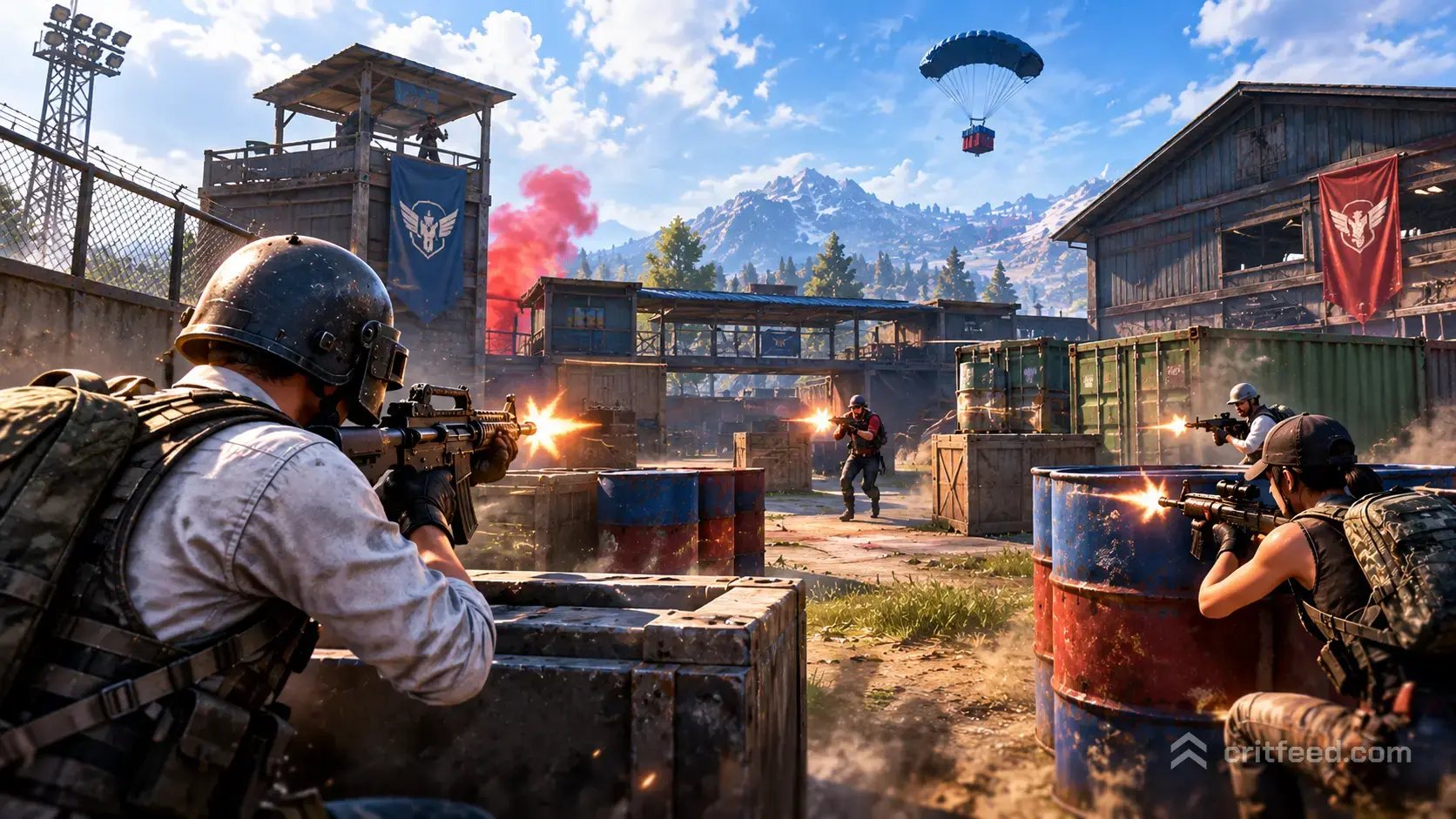
If you want faster fights, instant respawns, and pure gunplay practice, PUBG Mobile Arena Mode is where you go. It is the fast-food version of the battle royale: short rounds, close-range maps, and no loot grind. We will show you how each sub-mode works, which maps favor which guns, and how to use Arena as a warm-up for your ranked tier push.
What Is PUBG Mobile Arena Mode?
Arena Mode is the collection of small, fast, respawn-based modes grouped under one menu. You pick a loadout, drop into a tight map, and fight to a kill target or a round win. Matches usually finish in under 10 minutes, which makes Arena the best place to grind mechanics without burning an hour per game.
Unlike the battle royale queue, you do not scavenge loot. Your weapons come from preset loadouts or a weapon pool that both teams share. That shifts the whole skill test onto aim, movement, and crosshair placement.
Why players love it:
- Fast respawns keep the action constant
- You train real gunfights, not rotation theory
- Great for testing new pubg mobile sensitivity settings without wasting a BR match
- Short queues on most servers
The Arena Sub-Modes Explained
Arena is a bucket, not one single mode. The lineup rotates, but these are the core sub-modes you will see most often.
| Sub-Mode | Team Size | Win Condition | Average Length |
|---|---|---|---|
| Team Deathmatch (TDM) | 4v4 | First team to 40 kills | 5-8 minutes |
| Domination | 4v4 | Capture and hold 3 zones | 6-10 minutes |
| Assault | 4v4 | Round-based attack/defend | 8-12 minutes |
| Gun Game | FFA/Team | Cycle through all guns first | 5-10 minutes |
| Library (close-quarters TDM) | 4v4 | 40-kill race | 4-7 minutes |
Team Deathmatch (TDM), Warehouse
Warehouse is the default TDM map and the one you will play most. It is a stacked, multi-level industrial building with tight corridors, ladders, and a long sight line down the middle. Fights happen in the 5-20 meter range, which rewards hip-fire SMGs and quick-ADS ARs.
Library, Close Quarters at Its Purest
Library is a smaller, book-shelf-lined map built for 4v4 chaos. Expect to clear a corner and immediately eat a shotgun shell from the next aisle. Rounds end fast because the map rarely lets anyone sit still.
Domination
Three capture points, standard rules: hold more zones than the enemy and watch your score tick up. The team that plays the middle point patiently almost always wins. Lone wolves lose this mode.
Gun Game
Every kill upgrades your weapon. The last gun is usually a melee or a pan. If you are rusty with any specific gun, this is forced practice.
Best Weapon Loadouts for Arena Mode
Arena loadouts matter more than in BR because you cannot swap guns off a corpse mid-fight. Pick a kit that matches your map and your range.
For Warehouse TDM
- Primary: M416 or Beryl M762 (full auto, red dot, vertical grip)
- Secondary: UZI or Micro UZI for hallway rushes
- Playstyle: Hold mid-range angles from the top balcony, swap to SMG when pushing
For Library
- Primary: UMP45 or Vector (burst damage, close range)
- Secondary: S686 or S1897 shotgun for corner clears
- Playstyle: Hip-fire everything inside 10 meters
For Domination
- Primary: M416 with 2x or Red Dot
- Secondary: A DMR like the Mini-14 if the map has long sight lines
- Playstyle: Hold the point, not the kill feed
Sensitivity Tweaks Just for Arena
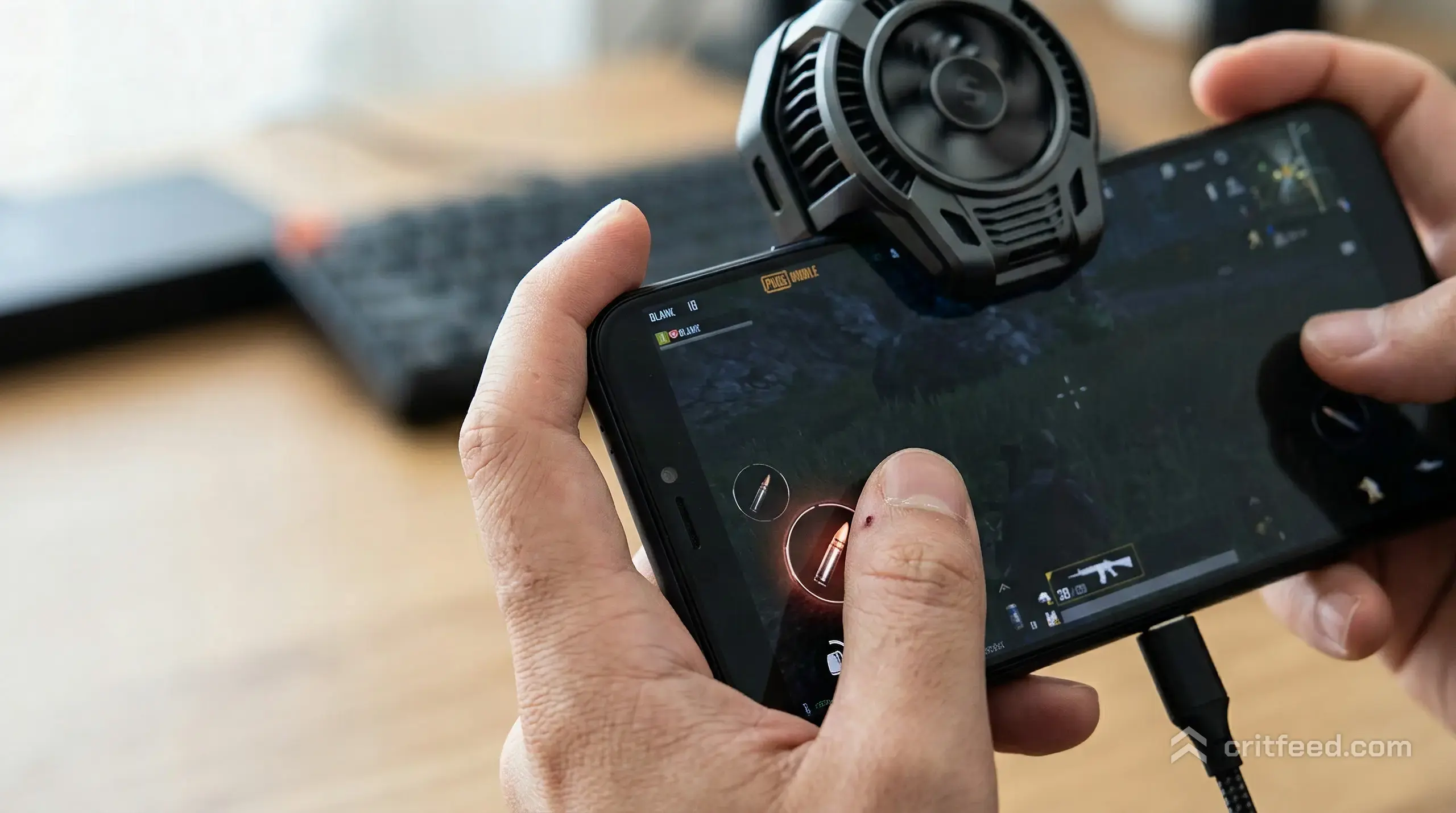
Your BR sensitivity is probably too low for Arena. Fights are closer, flicks are shorter, and you turn more often. We recommend bumping your camera (free look) and ADS sensitivities up for Arena sessions, then reverting for ranked.
A rough starting point for a 6-inch phone with claw grip:
- Camera (3rd person, no scope): 120-135%
- Camera (1st person, no scope): 110-125%
- Red Dot / Holo: 55-65%
- 2x scope: 35-45%
- Gyroscope (ADS, Red Dot): 300-350% if you play full gyro
Tune one value at a time. Changing three sensitivities at once means you learn nothing. Play two Warehouse games per tweak, then adjust.
If you are on an iPad, bigger screens let you spread your HUD out and lower thumb travel. We cover full tablet layouts in our guide to the best ipad for pubg mobile.
HUD Layout Tips for Faster Fights
Arena punishes awkward thumb positions. If you have to lift a thumb off a stick to tap a fire button, you lose the fight.
- Put the fire button under your right index finger if you play claw, right thumb if you play two-finger
- Move the jump button close to the fire button for jump-peeks
- Enlarge the ADS (scope) button so you never miss it mid-sprint
- Hide the crouch toggle behind a smaller button, you rarely crouch in Arena
How to Use Arena as Ranked Warm-Up
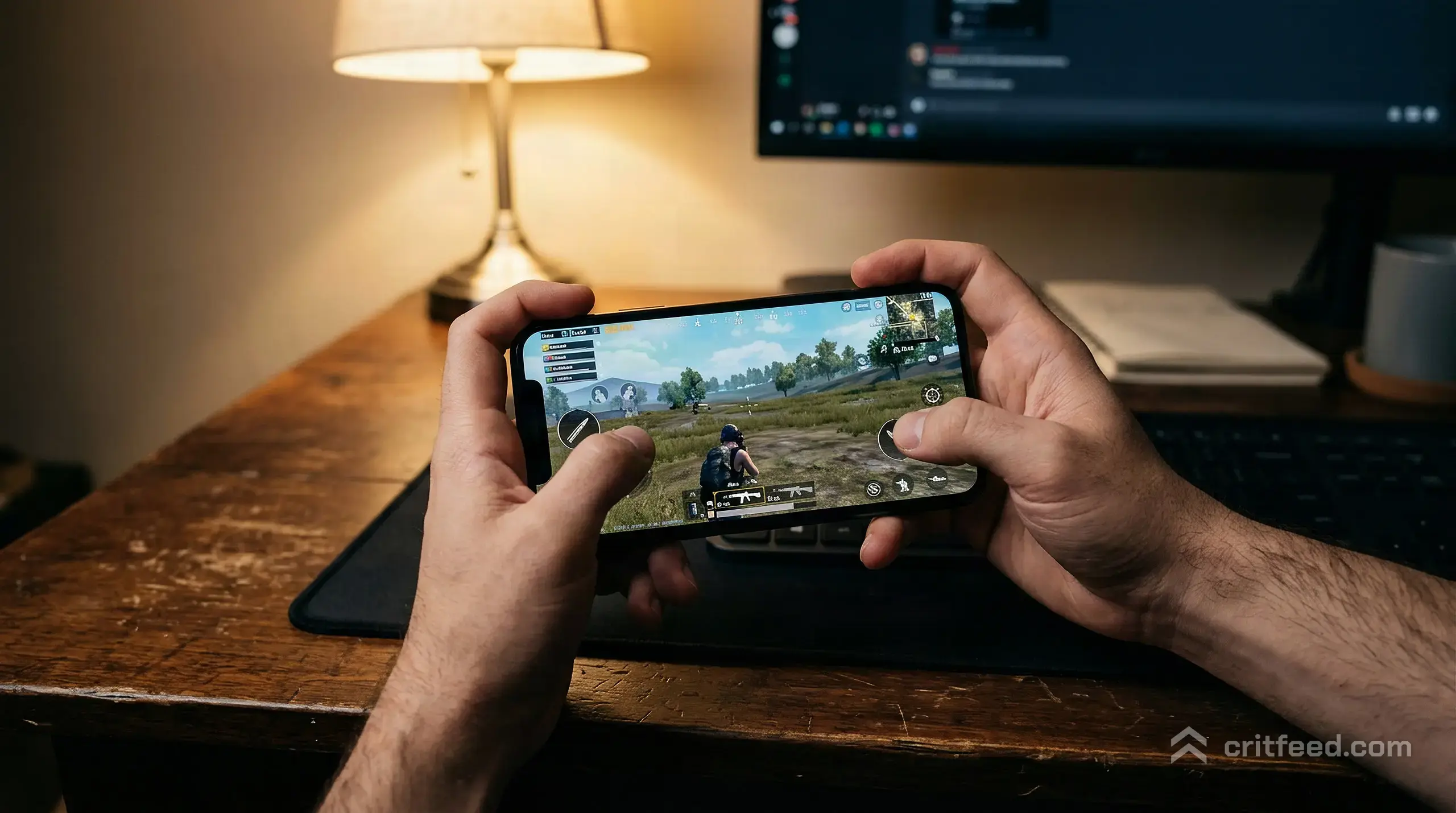
Jumping straight into a ranked BR match cold is how you lose 30 rating in the first hour. Arena fixes that.
Our pre-ranked routine:
- One Gun Game match to shake off aim rust across every weapon class
- Two Warehouse TDMs with your main loadout (usually M416 + UZI)
- One Library match for close-range reflex work
- Then queue ranked
Twenty minutes of Arena beats an hour of mindless BR grinding when you want to climb through the pubg mobile rank tiers.
Arena vs Battle Royale: When to Play Which
| Factor | Arena Mode | Battle Royale |
|---|---|---|
| Match length | 5-10 min | 25-30 min |
| Skill tested | Aim, reflexes | Rotations, loot, aim |
| Rewards | XP, mission progress | XP, Royale Pass, crates |
| Good for | Warm-up, mechanics | Ranked push, squad play |
| Loadout | Preset or shared pool | Loot-based |
If you want more scale and strategy, the full-size erangel battle royale map is still the main course. Arena is the appetizer that keeps your aim sharp between serious matches.
Fixing the “Arena Mode Not Pairing” Issue
Players regularly report Arena matchmaking stalling, especially late at night or right after a patch. If your queue hangs past 60 seconds, try these in order:
- Switch servers. Asia, KRJP, and Europe have different Arena populations. One is almost always healthier than the others.
- Lower your match range. If you set rank-based matchmaking too tight, the pool shrinks.
- Restart the game client rather than just leaving the queue.
- Check your network ping. Arena needs low latency; if ping spikes above 150 ms, matchmaking often fails silently.
- Try a different sub-mode. TDM Warehouse is the most populated. Niche rotations like Assault often have empty queues on smaller servers.
If none of this works, the sub-mode may be temporarily rotated out. Arena rotates its featured modes regularly, and not every sub-mode is live at the same time.
Other Modes Worth Trying
Arena is one slice of the Mode menu. If you like fast action but want something a bit different, check out pubg mobile payload mode for vehicles and rocket launchers, or pubg mobile midnight hunters mode when the limited horror rotation returns.
Players coming from other shooters often compare the pace of Arena TDM to Search and Destroy modes elsewhere. If that is you, our breakdown of pubg mobile vs cod mobile covers the real feel differences.
Common Mistakes We See in Arena
- Camping spawn in TDM. Spawn points flip when the enemy pushes. You will get shot in the back.
- Scoping in on Library. You lose a full second of fire time. Hip-fire the SMG.
- Ignoring grenades. Smokes and frags still spawn in your loadout. Use them on choke points.
- Playing solo in Domination. The team that groups on the middle point wins. Lone kills do not score.
- Full-auto spraying past 30 meters. Burst or tap-fire your AR, even in Arena.
The Bottom Line
PUBG Mobile Arena Mode is the fastest way to train real gunfights without the loot and rotation overhead of battle royale. Warehouse TDM and Library are your core maps, M416 + UZI is the safest universal loadout, and 20 minutes of Arena before a ranked session is the single highest-value warm-up routine we have found.
The best Arena player on your server is not the one with the flashiest skins. It is the one whose crosshair is already on your head when you round the corner. Make that your next match goal: watch your crosshair placement for one full TDM round, and nothing else.