
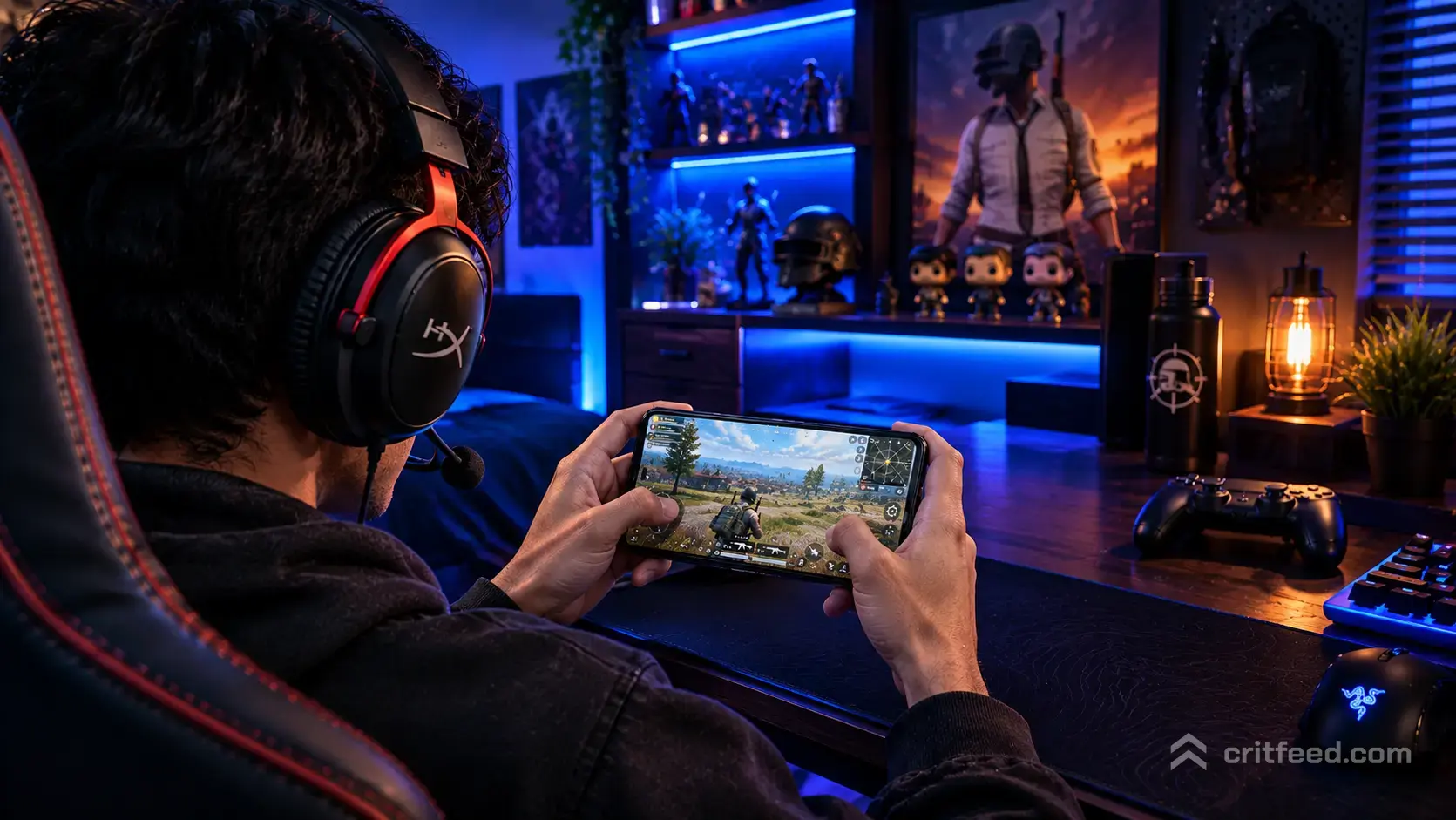
Footsteps, vehicle rumbles, and grenade pings decide most fights before a single bullet flies. That is why choosing the best headphones for PUBG Mobile matters as much as your sensitivity or claw grip. In this guide, we break down what to look for, wired versus wireless, and the specific features that actually help you win in ranked lobbies and scrims.
Why Audio Wins Fights in PUBG Mobile
PUBG Mobile is one of the most audio-dependent mobile games out there. Directional sound tells you where an enemy is prone in a house, when a squad is rotating on a bike, or whether that grenade landed inside or outside your compound.
Good headphones give you three things phone speakers cannot:
- Accurate stereo imaging so left, right, front and back are distinct
- Low latency so audio lines up with your taps and gyroscope aim
- Passive isolation so you actually hear soft footsteps over room noise
Pair the right headset with dialed-in best PUBG mobile settings and you will hear rotations before they hit your building.
What to Look For in PUBG Mobile Headphones
Before we get to picks, here is the checklist we use when testing a headset for ranked play.
1. Wired Beats Wireless for Competitive Play
Bluetooth codecs add latency, sometimes 100 to 300 milliseconds. In a game where a footstep and a peek happen in the same beat, that delay can cost you a fight. Wired 3.5mm or USB-C headphones are the safer choice for tier push and scrims.
If your phone has no headphone jack, a good USB-C DAC dongle keeps latency near zero.
2. Closed-Back Over-Ear or IEMs
Closed-back designs block room noise, which is huge if you play in a shared space or on the go. In-ear monitors (IEMs) do the same job in a smaller package and are lighter for long sessions on a tablet or best iPad for PUBG Mobile setup.
3. Neutral or Slightly V-Shaped Sound Signature
You want mids and highs to shine so footsteps, reload clicks, and glass breaks are clear. Overly bass-heavy “gaming” headphones can drown out subtle cues under gunfire.
4. Comfort for Long Matches
A Chicken Dinner run can last 30 minutes. Add a scrim block and you are wearing these for hours. Look for lightweight builds, memory foam pads, and low clamping force.
5. A Decent Mic for Squad Comms
If you play with a squad, an inline mic or detachable boom is a must. Clear callouts win rotations.
Wired vs Wireless: Quick Comparison
| Feature | Wired (3.5mm/USB-C) | Wireless (Bluetooth) |
|---|---|---|
| Latency | Near zero | 40-300 ms depending on codec |
| Audio quality | Full, uncompressed | Compressed via SBC/AAC/aptX |
| Battery worry | None | Yes, mid-match death is real |
| Best for | Ranked, scrims, PMGC viewing | Casual TDM, arcade modes |
Our verdict: go wired for anything competitive. Save wireless for casual queues.
Best Headphones for PUBG Mobile by Category
Best Budget Wired Pick: In-Ear Monitors Under $50
Solid IEMs from brands like KZ, Moondrop Chu, or Truthear Hola punch far above their price. You get clean mids, tight highs, and passive isolation that rivals headsets three times the cost. Add a clip-on mic if the stock cable does not include one.
Why it works for PUBG Mobile: light, sweat-friendly, and the tight seal makes footstep direction easy to pick out.
Best Mid-Range Over-Ear: Gaming Headsets in the $80-$150 Range
Headsets like the HyperX Cloud II, Razer BlackShark V2, and SteelSeries Arctis Nova 3 sit in a sweet spot. They offer:
- Clear stereo separation for footstep tracking
- Detachable boom mics for clean squad callouts
- 3.5mm connections that plug straight into phones, tablets, and controllers
If you also use a PUBG mobile controller support setup, most of these plug directly into the controller’s headphone jack.
Best Premium Wired: Audiophile Headphones
Sennheiser HD 560S, Beyerdynamic DT 900 Pro X, and similar open-back cans deliver imaging that borders on unfair. You will hear a prone enemy shift a foot to the left. The trade-off is open-back designs leak sound and let ambient noise in, so they suit quiet rooms.
Note: high-impedance audiophile cans need a DAC or amp to drive properly from a phone. A small USB-C dongle DAC solves this.
Best Wireless (If You Must Go Wireless): Low-Latency Gaming Earbuds
If wired is not an option, look for earbuds with a dedicated low-latency gaming mode: Sony INZONE Buds, Razer Hammerhead HyperSpeed, or the gaming modes on Samsung Galaxy Buds and OnePlus Buds Pro. These drop latency to around 40-60 ms, which is playable in casual matches.
Avoid AirPods for competitive PUBG Mobile. Latency is inconsistent and there is no gaming mode.
Settings and Habits That Multiply Your Audio Edge
Buying a good headset is half the job. These in-game and hardware habits do the rest.
- Set your device volume high, then use in-game sliders to balance effects, music, and voice. Turn music down, effects up.
- Enable stereo audio in your phone’s accessibility settings if you have hearing differences in each ear.
- Disable “Dolby Atmos” or “3D audio” phone effects for PUBG Mobile. They often smear directional cues.
- Keep case fans and AC noise low in your play space. Even great isolation cannot beat a loud room.
Combining a solid headset with sharp PUBG mobile tips and tricks will lift your win rate faster than any skin bundle.
Do You Need a Gaming DAC or Amp?
For most players on a phone or tablet, no. The built-in DAC on modern phones drives IEMs and mainstream gaming headsets just fine.
You benefit from an external DAC (like the Apple USB-C dongle, Moondrop Dawn, or FiiO KA1) if:
- Your phone has no 3.5mm jack and the included dongle sounds thin
- You use high-impedance audiophile headphones
- You want a physical volume knob for quick adjustments mid-match
Quick Buyer’s Checklist
Before hitting buy, run through this list:
- Does it connect wired to my phone or tablet? (Jack, USB-C, or via DAC)
- Is the mic clear enough for squad comms?
- Can I wear it for two hours without ear fatigue?
- Does it isolate enough noise for my play space?
- Is it within the budget I set before browsing?
If you answer yes to all five, you have a real competitor. Pair it with the right device from our which mobile is best for PUBG guide and you are set.
The Bottom Line
The best headphones for PUBG Mobile are wired, closed-back or IEM, with a clear midrange and a working mic. Skip fancy Bluetooth features for ranked, use a USB-C DAC if your phone lacks a jack, and dial in your in-game audio sliders to prioritize effects over music.
If you are also chasing a full competitive setup, check our guides on best sensitivity for BGMI and PUBG mobile ranks to squeeze every advantage out of your kit. Good audio does not just sound better. It wins rounds.