
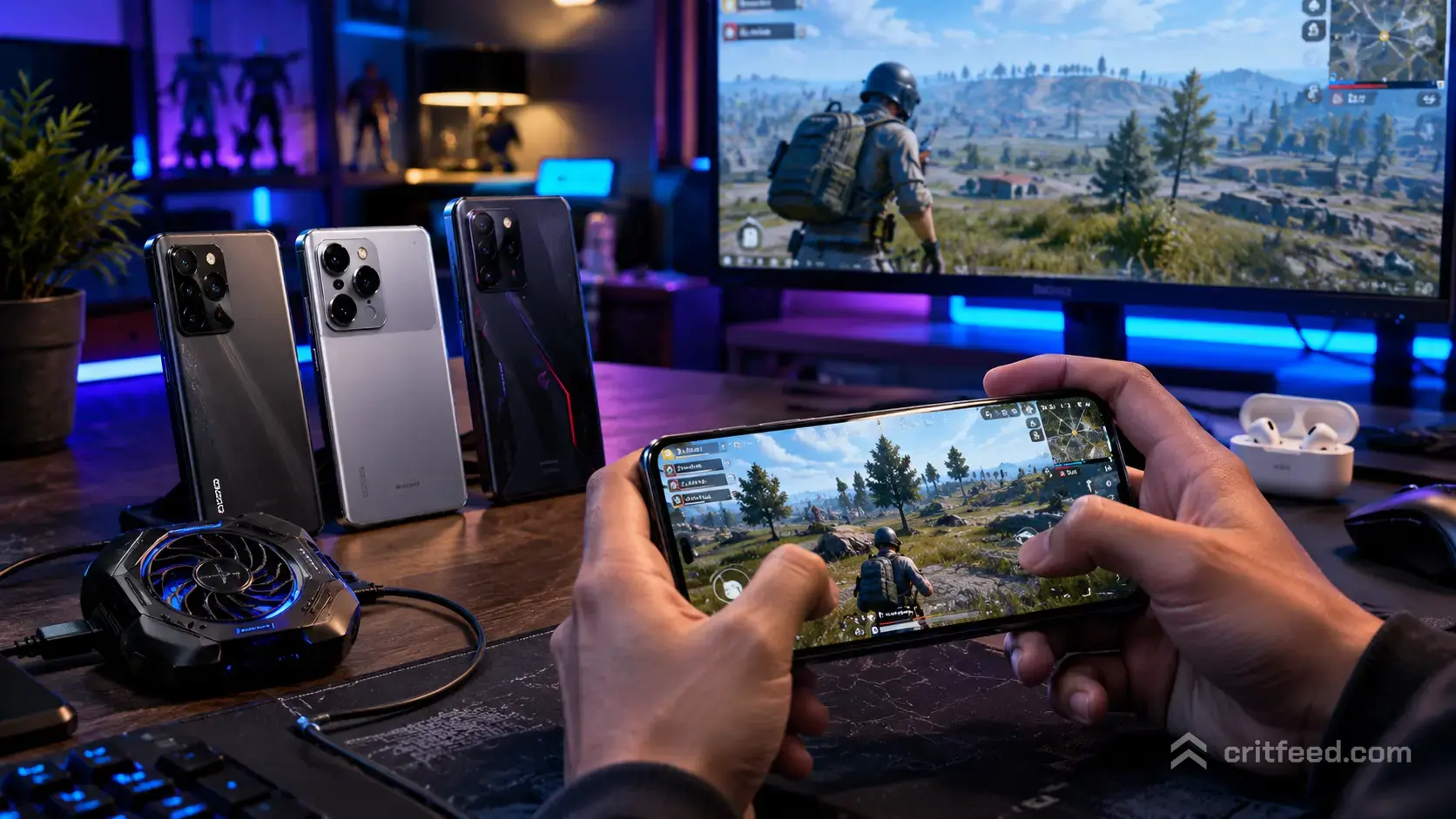
If you have ever lost a 1v1 because your phone throttled mid-spray, you already know why picking the right device matters. So which mobile is best for PUBG MOBILE right now? The honest answer in 2026 is that no single phone wins for everyone, but a handful of chipsets, panels, and cooling designs consistently keep you in the fight when the circle closes.
We are going to skip the hype and focus on what actually decides a chicken dinner: sustained frame rate, touch latency, thermal headroom, and battery life across a two-hour ranked session.
What Actually Matters for PUBG MOBILE Performance
Marketing pages love to shout “gaming phone.” Most of it is noise. These are the specs that decide whether you hit head shots or watch your screen stutter.
- Chipset and sustained performance: Peak benchmark scores are meaningless. What matters is the frame rate after 30 minutes of Erangel.
- Display refresh rate and touch sampling rate: 90Hz or 120Hz refresh is table stakes. Touch sampling of 240Hz or higher makes tap-fire and drag-shoot feel instant.
- Cooling system: Vapor chambers and graphite layers are the difference between “Ultra + Extreme” all match and a throttled last circle.
- Battery and charge behaviour: You want a phone that can bypass charging (route power to the board, not the battery) so heat stays low when plugged in.
- Speakers and haptics: Stereo speakers help you place footsteps. Good haptics tighten your gyroscope aim recoil control.
Bottom line: chipset plus cooling plus touch response is the trio that wins games. Everything else is secondary.
PUBG MOBILE Graphics Support: Know What Your Phone Can Unlock
PUBG MOBILE caps graphics options based on your device. Buying a phone without checking the supported settings is how people end up stuck at HD + High.
| Graphics Tier | Frame Rate Options | Who Unlocks It |
|---|---|---|
| Smooth | Up to Extreme+ (90 FPS) | Most mid-range devices |
| Balanced / HD | Up to Ultra (60 FPS) | Solid mid-range and up |
| HDR / UHD | Up to High (30 FPS) | Flagship chipsets only |
| 90 FPS mode | Requires 90Hz+ display | Select flagships |
If your goal is competitive play, Smooth + Extreme (or Extreme+) is the standard, not HDR. Pros pick frames over pixels every time. Our pubg mobile tips and tricks guide covers why lower graphics presets actually help you spot enemies faster.
Best Phone Tiers for PUBG MOBILE in 2026
Instead of naming a single “winner” that will be outdated by next patch, here is how to shop by budget and playstyle.
Flagship Tier (For Ranked Grinders and Scrims)
Flagship phones running the latest Snapdragon 8-series or equivalent Dimensity 9-series chips will handle Smooth + Extreme+ (90 FPS) without breaking a sweat for the first hour. What separates the good ones from the great ones is cooling.
Look for:
- Active cooling (fans) or a large vapor chamber
- 120Hz LTPO display with 240Hz+ touch sampling
- Bypass charging support
- Ultrasonic or dedicated shoulder triggers (a huge quality-of-life win over screen-mapped claws)
Dedicated gaming phones like the ASUS ROG series and RedMagic line are built for exactly this. Cooling fans, air triggers, and no notch to eat your HUD. If you play four fingers or claw, they are hard to beat.
Upper Mid-Range (The Sweet Spot for Most Players)
This is where most competitive players actually shop. You get 90 FPS support, a 120Hz display, and enough thermal headroom for solid ranked sessions. You lose some sustained performance in long scrims, but for pub matches and tier pushing to Ace or Conqueror, you will not notice.
Check our pubg mobile ranks breakdown if you are unsure what tier your current setup can realistically carry you to.
Budget Tier (Play Smart, Not Fancy)
Budget phones can absolutely run PUBG MOBILE. You will be locked to Smooth + Ultra (60 FPS) or lower, and long sessions will heat up. That is fine for casual play. Just accept the ceiling and focus on smart positioning over reflex fights.
If you play on a very tight budget device, our pubg mobile light coverage is worth a look, since the Lite version was designed for exactly these specs.
iPhone vs Android for PUBG MOBILE
This debate never dies, so let us settle the practical part.
- iPhones (Pro / Pro Max lines): Apple’s A-series chips still lead in raw sustained performance. iOS also has famously low touch latency. The downside: iPhones throttle hard once the frame gets hot, and you cannot mod HUD as freely.
- Android flagships: More layout flexibility, better cooling hardware on gaming-focused models, wider refresh-rate and sensitivity options in-game.
For pure competitive results, both work. Most PMGC-level pros run either iPhone Pro Max models or dedicated Android gaming phones. If you are a serious grinder, our best ipad for pubg mobile and best tablet for pubg mobile breakdowns are worth reading, since tablets remove a lot of the heat issues phones struggle with.
Sensitivity and HUD: Your Phone Choice Changes Everything
A phone’s screen size, weight, and grip changes how you should set sensitivity. Do not copy a pro’s sensitivity code without testing it on your device.
Rough starting points to tune from:
- 6.5-inch phone, two-finger thumb player: Lower camera sensitivity (around 90–100 on TPP no scope), higher ADS values on close scopes
- 6.7-inch+ phone, four-finger claw: Slightly higher camera sens, gyroscope always on, gyro sensitivity in the 300–400 range for red dot / holo
- Tablet or foldable: Reduce gyroscope values (10–20 percent lower than phone) because the device moves more per wrist twist
Whatever your device, gyroscope is not optional at a competitive level. Turn it on, keep it on, and re-tune when you switch phones.
Accessories That Actually Move the Needle
- Triggers / shoulder buttons: A cheap pair of capacitive triggers turns a two-finger player into a four-finger player overnight. Combined with the right best guns in pubg mobile picks, your close-range win rate jumps.
- Cooling fan clip: Not a gimmick on non-gaming phones. Genuinely extends the “no throttle” window in long matches.
- Finger sleeves: Cheap, reduce sweat drag, help drag-shooters. Non-negotiable in hot climates.
- Controller: PUBG MOBILE has limited native support. Read our pubg mobile controller support guide before you buy one and expect it to work in ranked.
Quick Buying Checklist
Before you tap “buy,” confirm your phone hits these:
- Chipset released within the last two generations (older flagships often beat newer mid-range chips)
- 90Hz display minimum, 120Hz preferred
- 240Hz+ touch sampling rate
- Vapor chamber or active cooling
- Confirmed 90 FPS support in PUBG MOBILE (search the exact model name plus “90 FPS PUBG”)
- At least 8GB RAM for smooth background performance
- Stereo speakers for footstep audio
If a phone fails two or more of these, keep shopping.
The Bottom Line
The best mobile for PUBG in 2026 is the one that pairs a modern chipset with real cooling and a high-touch-sampling display. Flagship gaming phones win outright for scrim players; upper mid-range Android and current-gen iPhones cover everyone else. Skip HDR graphics, chase frames, tune your sensitivity from scratch on any new device, and always test at least one full match before committing to settings.
For your next steps, tune your setup with our pubg mobile beginner guide if you are new, or dive into PMGC-adjacent coverage like the pubg mobile esports nations cup to see what the pros are running.