
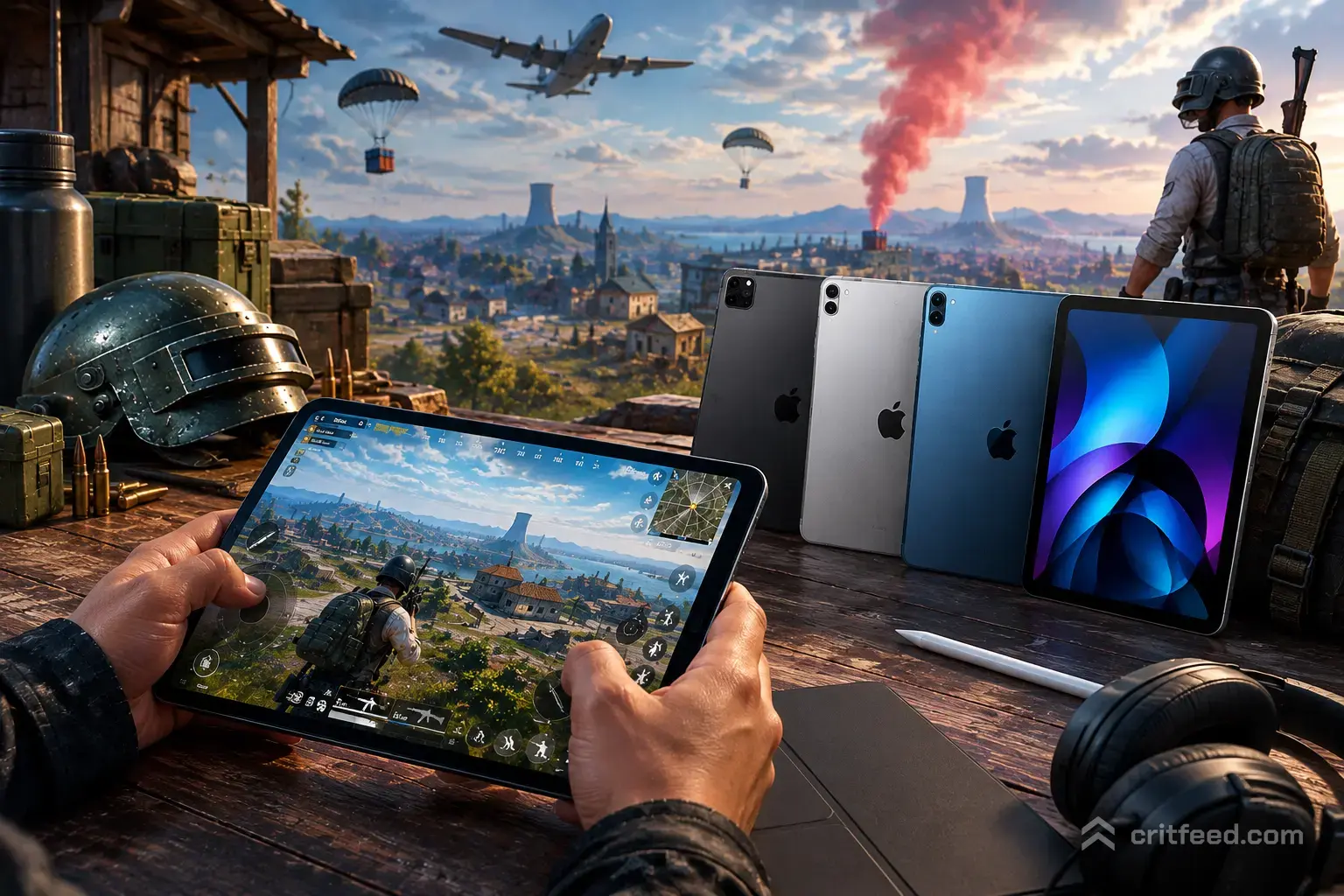
If you want to hit 90 FPS, lock in four-finger claw, and stop losing close-range fights to input lag, picking the best iPad for PUBG Mobile matters more than any sensitivity tweak. The right tablet gives you a bigger HUD, smoother tracking, and thermal headroom for long ranked sessions. Below, we rank the current iPad lineup for PUBG Mobile players — from budget grinders to PMGC-tier hardware.
What Actually Matters for PUBG Mobile on iPad
Not every spec on the box matters for battle royale. Here’s what actually moves the needle when you’re pushing tier in Erangel:
- Refresh rate: PUBG Mobile supports up to 90 FPS on supported iPads. A 120Hz ProMotion display gives you smoother tracking and lower perceived input lag.
- Chip performance: Apple’s A-series and M-series chips crush PUBG Mobile at max graphics, but the M-series stays cooler over long sessions.
- Screen size: 11-inch models are the claw-grip sweet spot. 13-inch iPads are great for HUD visibility but heavier for thumb players.
- Weight: Anything over 500g gets painful in four-finger claw after a full squad match.
- Speakers: Stereo speakers matter for footstep and vehicle audio when you’re not wearing earbuds.
Key takeaway: Prioritize refresh rate and weight over raw benchmark scores. PUBG Mobile is not a chip-bound game on modern iPads — it’s a comfort and thermal game.
Best iPad for PUBG Mobile: Quick Comparison
| iPad Model | Display | Refresh Rate | Chip | Weight (Wi-Fi) | Best For |
|---|---|---|---|---|---|
| iPad Pro (M4) 11″ | OLED | 120Hz ProMotion | Apple M4 | ~444g | Competitive/PMGC hopefuls |
| iPad Pro (M4) 13″ | OLED | 120Hz ProMotion | Apple M4 | ~579g | HUD visibility, thumb players |
| iPad Air (M2/M3) 11″ | LCD | 60Hz | Apple M-series | ~462g | Best value serious pick |
| iPad (A16) | LCD | 60Hz | A-series | ~477g | Budget ranked grinders |
| iPad mini (A17 Pro) | LCD | 60Hz | A17 Pro | ~293g | Portable claw grip |
1. iPad Pro (M4) 11-inch — Best Overall for PUBG Mobile

If you’re serious about ranked or eyeing an esports run, the 11-inch iPad Pro with the M4 chip is the top pick. The Tandem OLED display runs at 120Hz ProMotion, which pairs perfectly with PUBG Mobile’s 90 FPS cap for buttery aim tracking.
The M4 chip barely breaks a sweat on Ultra HDR graphics, meaning fewer thermal throttles during long tier-push sessions. It’s also thinner and lighter than the 13-inch — a big deal when you’re holding claw grip for hours.
Best for: Players chasing Conqueror, scrim regulars, and anyone who wants the smoothest possible tracking. Learn more about pubg mobile ranks if you’re planning that climb.
2. iPad Pro (M4) 13-inch — Best for HUD Visibility

The 13-inch M4 iPad Pro is the same beast, just bigger. The extra screen real estate makes it easier to see enemies at long range and lets you space your HUD buttons further apart — a real advantage in four-finger claw.
The downside is weight. At around 579g, it’s noticeably heavier than the 11-inch, which can cause hand fatigue for thumb players and lighter claw setups.
Best for: Two-thumb players and streamers who want a bigger canvas for their pubg mobile tips and tricks content.
3. iPad Air (M-series) 11-inch — Best Value
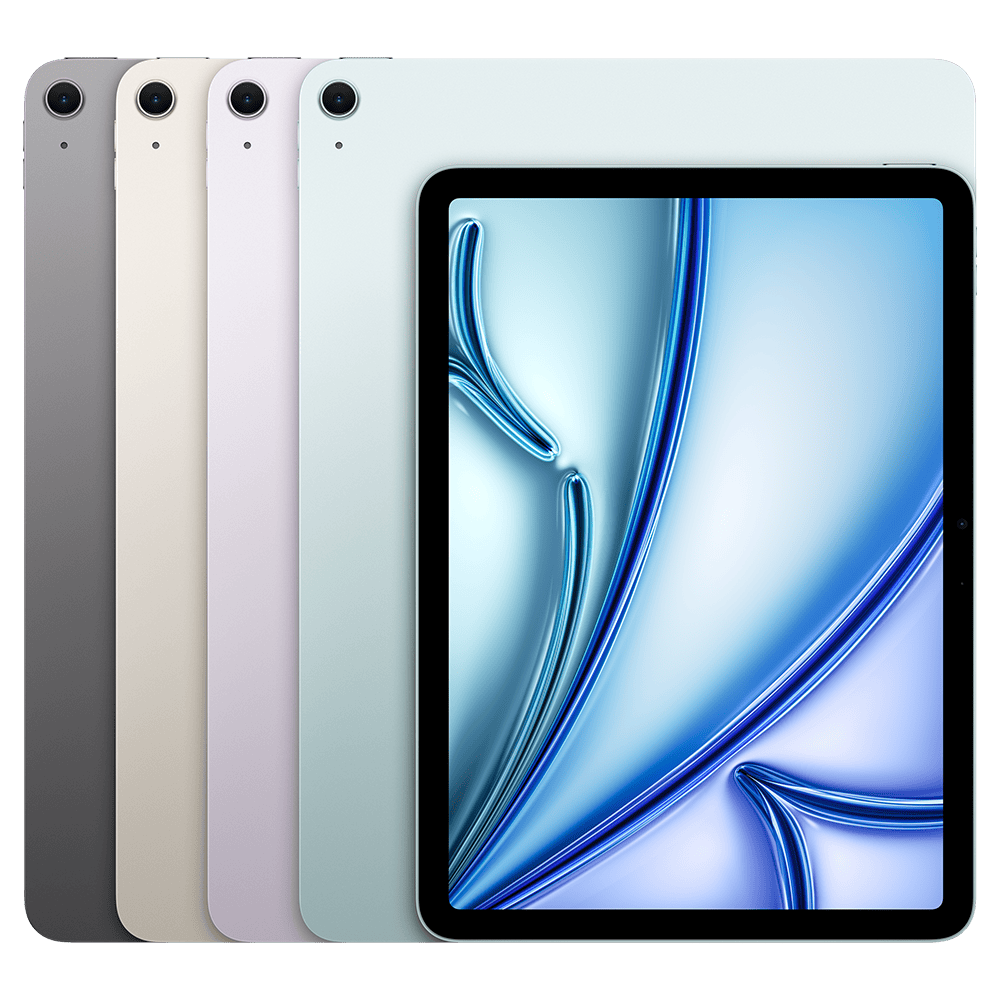
The iPad Air hits the sweet spot between price and performance. It uses an Apple M-series chip that handles PUBG Mobile at max settings without breaking a sweat. You lose the 120Hz ProMotion display and OLED panel, but the 60Hz LCD is still perfectly playable at 90 FPS.
For most ranked players, the Air is the smart buy. You get flagship-tier performance for hundreds less than the Pro.
Best for: Players who want Pro-level chip power without paying for the OLED display.
4. iPad (A-series) — Best Budget Pick
The base iPad is the entry point. It runs PUBG Mobile smoothly at high settings, and the A-series chip has more than enough headroom for 90 FPS on supported configurations.
You’ll miss out on Apple Pencil Pro support, the laminated display, and the anti-reflective coating — but for pure gameplay, it delivers. If you’re moving up from a mid-range phone, this is a huge upgrade.
Best for: New PUBG Mobile players or grinders on a tight budget. Pair this with our pubg mobile beginner guide to build good habits from day one.
5. iPad mini (A17 Pro) — Best for Portability
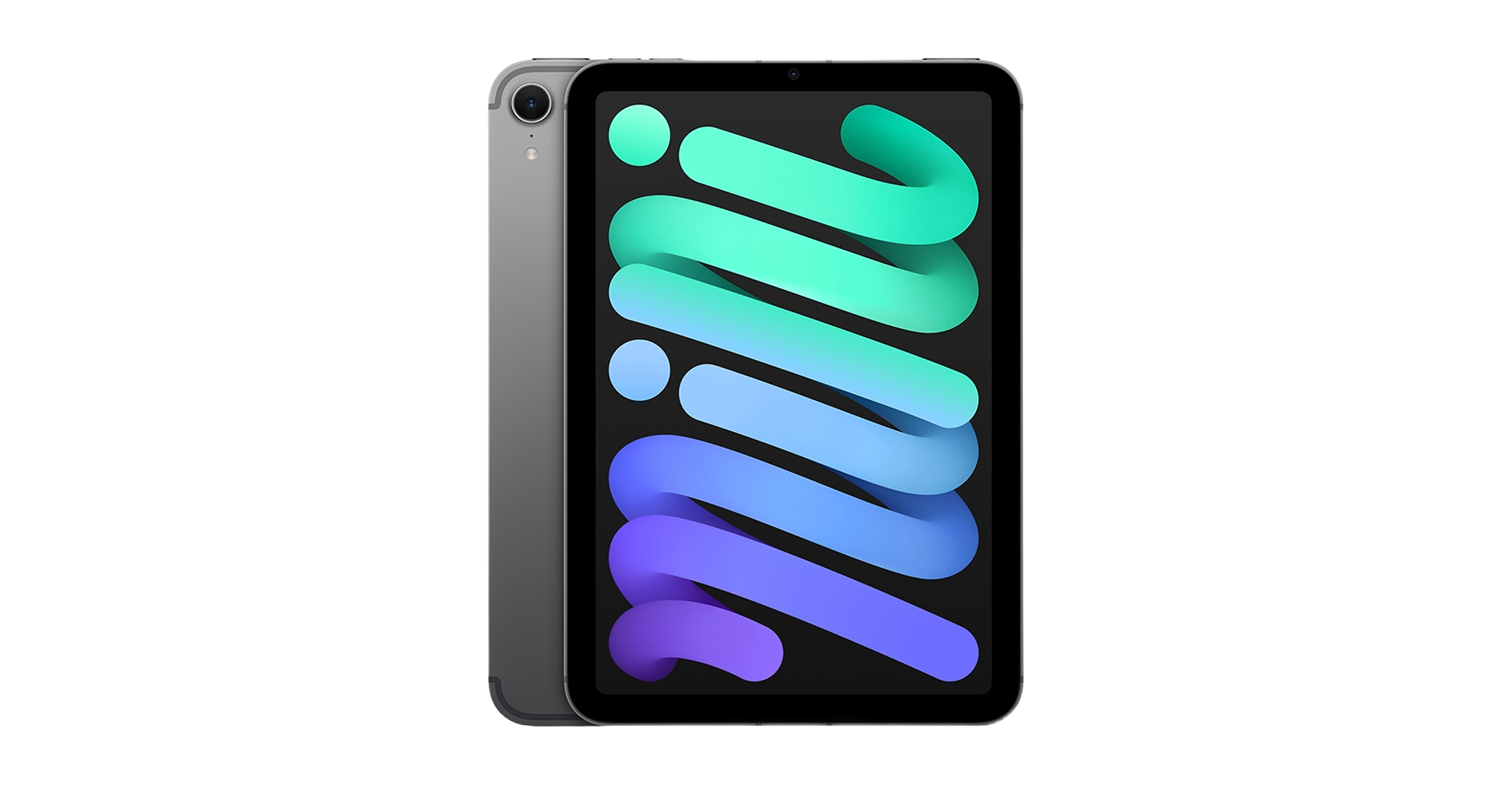
The iPad mini is a strange but interesting pick. The 8.3-inch screen is closer to a large phone than a tablet, which makes it easier to hold in claw grip if you’re coming from a smaller device. The A17 Pro chip is genuinely powerful for its size.
The trade-off is HUD real estate. Small buttons and cramped layouts can hurt your accuracy compared to an 11-inch model.
Best for: Players who want tablet-tier chip performance without the tablet-tier hand strain.
PUBG Mobile Settings for iPad
Here’s a starting-point setup that works well on most modern iPads. Adjust based on your grip and preferences:
| Setting | Recommended Value |
|---|---|
| Graphics | HDR or Ultra HDR |
| Frame Rate | Ultra (60) or Extreme (90) where supported |
| Style | Colorful or Realistic |
| Anti-Aliasing | On |
| Auto-Adjust Graphics | Off |
| Gyroscope | Always On (for scope tracking) |
Pro tip: If you’re new to gyro, our guide on what is gyroscope in pubg breaks down how to layer it into your existing sensitivity setup without breaking your muscle memory.
HUD Layout Tips for Larger Screens
- Spread your fire buttons wider than you would on a phone — take advantage of the extra thumb travel.
- Bind a dedicated jump button near your right index finger for peek-jump-shoot plays.
- Move your mini-map slightly inward so it stays in your line of sight during rotations.
iPad vs Phone for PUBG Mobile: Is It Worth It?
An iPad gives you three real advantages over even the best gaming phone:
- Bigger HUD — more space for buttons means fewer misclicks in panic moments.
- Better thermals — larger chassis dissipates heat better, so no FPS drops mid-fight.
- Longer sessions — bigger battery, less throttling, more matches per charge.
The trade-off is portability and matchmaking. Some competitive lobbies separate tablet users, and running around with a 13-inch iPad in a bag is a commitment.
If you’re on the fence about tablet vs emulator, our comparison of the best emulator for pubg mobile covers the pros and cons of each path.
Accessories That Actually Help
You don’t need much, but a few add-ons make a real difference:
- Finger sleeves — keep sweat off the screen during ranked pushes.
- Cooling fan or magnetic cooler — helps sustain 90 FPS on hot days.
- Bluetooth or wired earbuds — stereo footstep audio is a huge edge in the final zones.
- A stand for training modes — great when you’re grinding best guns in pubg mobile recoil patterns.
If you prefer a physical controller, check our breakdown on pubg mobile controller support before spending money — support is limited and matchmaking rules apply.
The Bottom Line
The best iPad for PUBG Mobile in 2026 depends on how seriously you play. Competitive players should go with the 11-inch iPad Pro (M4) for its 120Hz ProMotion display and cool-running M4 chip. Value seekers should grab the iPad Air — it plays PUBG Mobile at the same effective ceiling for far less money. Budget players get real flagship-level performance from the base iPad.
Whatever you pick, remember: hardware is the floor, not the ceiling. Aim, positioning, and game sense still decide the chicken dinner.
Ready to put your new iPad to work? Start with our full pubg mobile tips and tricks breakdown and start climbing.