
If you want to spray like the Turkish legend himself, copying the XANTARES CS2 settings is the fastest way to feel that razor-sharp aim. İsmailcan “XANTARES” Dörtkardeş is one of the most explosive riflers in Counter-Strike history, and his current setup on Aurora reflects nearly a decade of fine-tuning. Below, we break down his full config, crosshair, viewmodel, and gear so you can mirror it in minutes.
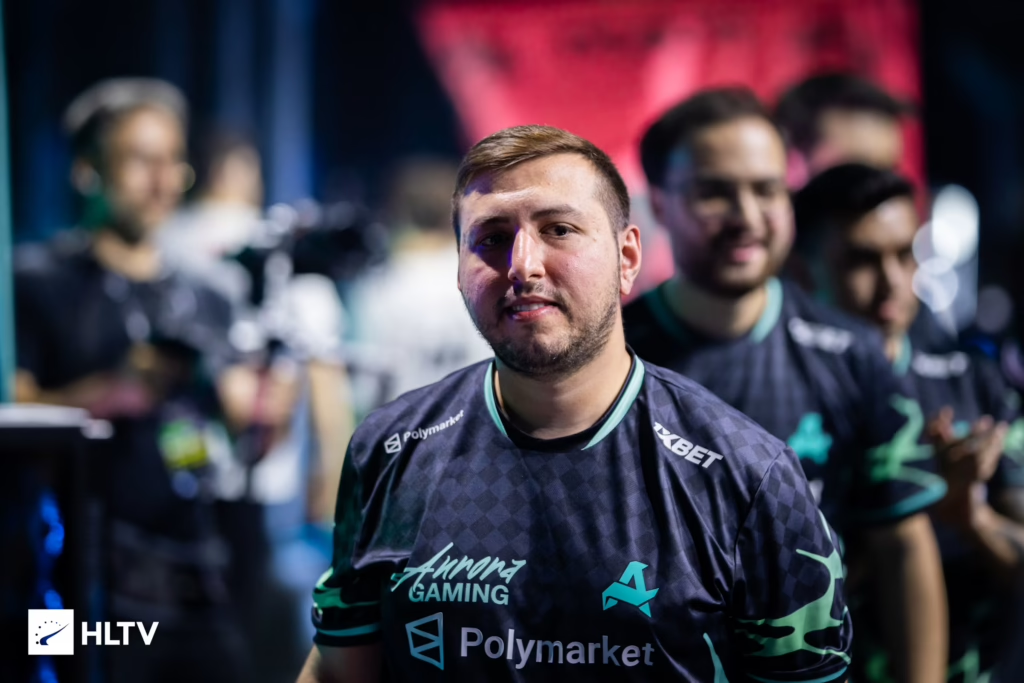
Who Is XANTARES?
XANTARES is a Turkish professional player currently competing for Aurora Gaming. Known for his aggressive peeks and one-tap consistency, he’s been a top-tier rifler since his HellRaisers and BIG days. His mechanics have aged like fine wine, and his settings reflect a player who values raw speed and clarity over flashy visuals.
If you’re curious how other pros compare, check our karrigan cs2 settings breakdown for another veteran IGL configuration.
XANTARES CS2 Mouse Settings
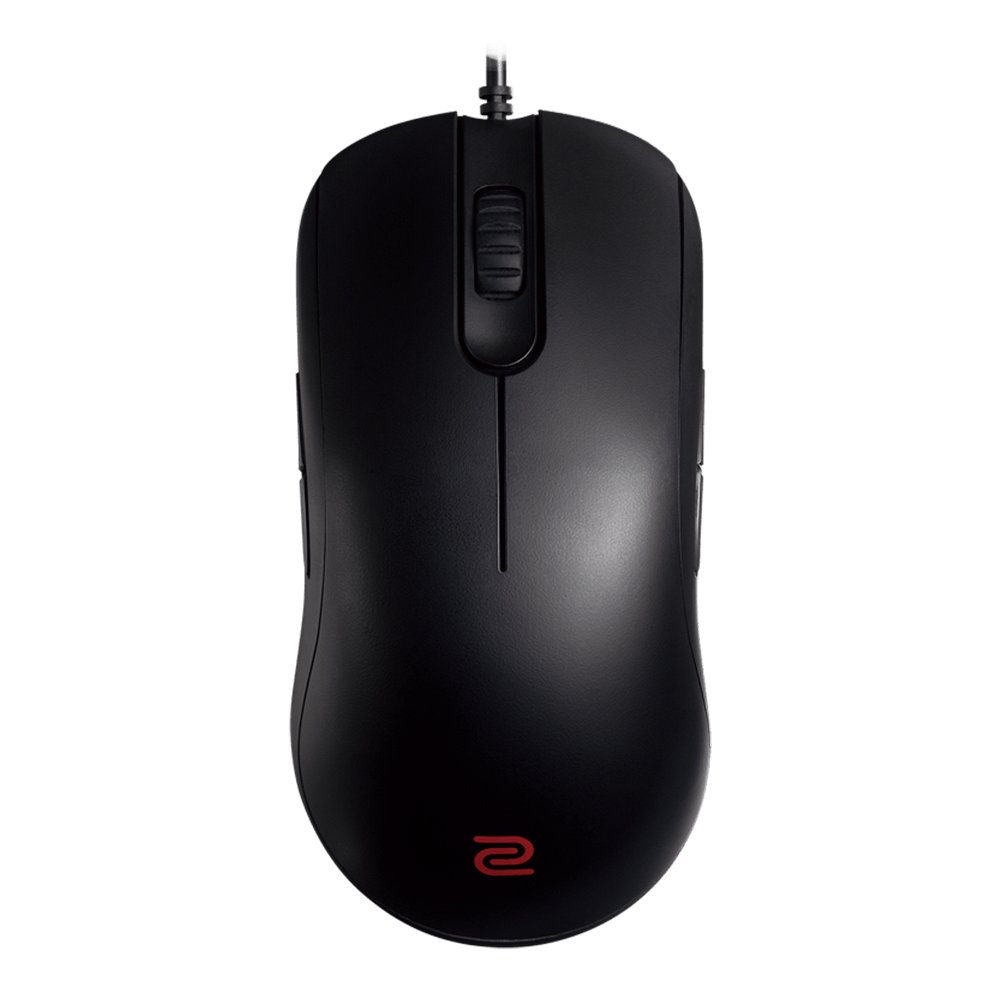
XANTARES uses one of the highest eDPI values among top pros, which explains his incredibly sharp, aggressive spray control.
| Setting | Value |
| DPI | 400 |
| Sensitivity | 2.3 |
| eDPI | 920 |
| Zoom Sensitivity | 1.1 |
| Hz (Polling Rate) | 1000 |
| Windows Sensitivity | 6 |
| Raw Input | On |
| Mouse Acceleration | Off |
Key takeaway: His massive 920 eDPI rests far above the pro average, allowing him to aggressively clear angles and effortlessly snap to targets without heavy arm movements.
XANTARES CS2 Crosshair
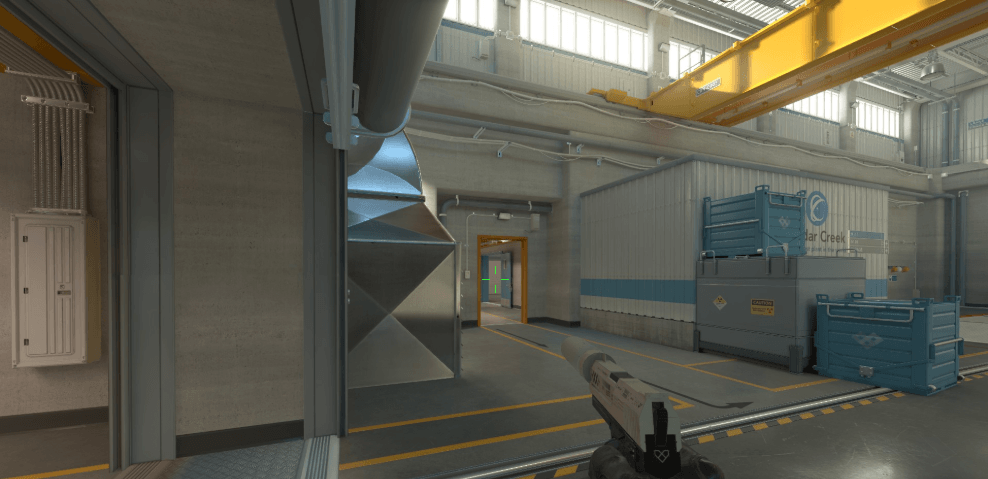
His crosshair is small, static, and green — optimized for maximum headshot precision and rapid target acquisition during high-speed entries.
Crosshair code: CSGO-xbpe2-E24RJ-YXNuO-pQvt8-ppNAK
cl_crosshairstyle 4
cl_crosshairsize 1.5
cl_crosshairthickness 0
cl_crosshairgap -3
cl_crosshair_drawoutline 0
cl_crosshaircolor 1
cl_crosshairdot 0
cl_crosshair_t 0
Copy-paste the command below directly into your CS2 console:
cl_crosshairstyle 4; cl_crosshairsize 1.5; cl_crosshairthickness 0; cl_crosshairgap -3; cl_crosshair_drawoutline 0; cl_crosshaircolor 1; cl_crosshairdot 0; cl_crosshair_t 0;Viewmodel Settings
XANTARES runs a highly aggressive, zoomed-in viewmodel — a tight, centered configuration designed to keep his peripheral vision completely clear for swift target tracking.
| Setting | Value |
| viewmodel_fov | 60 |
| viewmodel_offset_x | 1 |
| viewmodel_offset_y | 1 |
| viewmodel_offset_z | -1 |
| viewmodel_presetpos | 1 |
Video Settings
XANTARES prioritizes frames over eye candy. His resolution is a classic stretched 4:3, which many veteran CS players prefer for wider player models.
| Setting | Value |
| Resolution | 1024×768 |
| Aspect Ratio | 4:3 |
| Scaling Mode | Stretched |
| Display Mode | Fullscreen |
| Boost Player Contrast | Enabled |
| Global Shadow Quality | Low |
| Model / Texture Detail | Low |
| Shader Detail | Low |
| Multisampling AA | 4x MSAA |
| Texture Filtering | Anisotropic 4x |
If you want more depth on optimizing your visuals, our cs2 graphic settings guide covers every option in detail.
Gear XANTARES Uses
Copying pro settings only works if your hardware can keep up. Here’s the gear XANTARES relies on:
- Mouse: ZOWIE FK1-C
- Keyboard: Corsair K70 PRO TKL
- Headset: HyperX Cloud III Wireless
- Monitor: ZOWIE XL2586X (540 Hz)
- Mousepad: Logitech G640 Original
Pro tip: A 540Hz monitor is the absolute pinnacle for modern competitive CS2 — offering unmatched motion clarity that complements his hyper-fast, robotic spray tracking.
Launch Options
XANTARES keeps his launch options minimal and focused on performance:
-novid -consoleAdd these via Steam → right-click CS2 → Properties → Launch Options.
Should You Copy His Settings?
Copying pro configs won’t magically make you a pro, but they’re a great baseline. XANTARES’s low sensitivity rewards patience and crosshair placement, so pair it with regular aim training. If you’re the type who prefers a more relaxed aiming style, compare his numbers against our broky cs2 settings or tarik cs2 settings breakdowns.
Final Thoughts
The XANTARES CS2 settings are built for speed, clarity, and raw mechanical precision — a 400 DPI / 1.6 sens combo, a tiny cyan crosshair, and stretched 1280×960 resolution. Copy the config, tweak your gear if needed, and hit the range.
Ready to upgrade your loadout to match your new aim? Browse the