
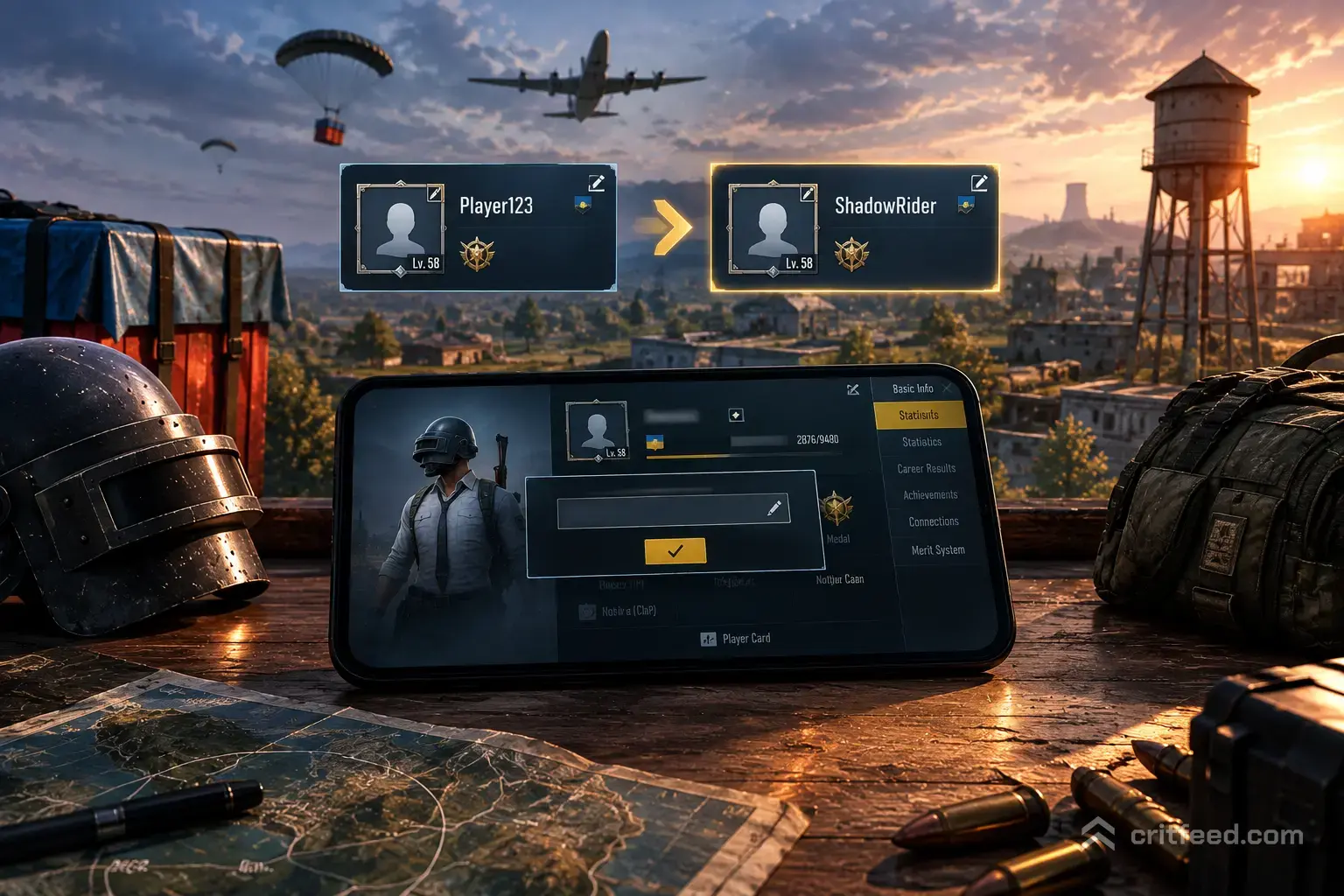
Tired of that random “Player123456” tag next to your kills? Learning how to change name in PUBG Mobile takes about 30 seconds once you have a Rename Card — and yes, you can grab your first one without spending any UC. This guide walks you through the exact steps, where to find free Rename Cards, character limits, and the naming rules that get accounts flagged.
What You Need Before You Rename

To change your in-game name (IGN), you need one item: a Rename Card. Without it, the name field is locked.
- First rename is usually free. New accounts get a complimentary Rename Card in their in-game mail once they reach a low character level.
- Additional renames cost UC (the premium currency) or can be earned through events and the Royale Pass rewards track.
- Rename Cards are consumed on use — one card, one name change.
If you have not spent much on the game yet, check out our guide on how to get free UC in PUBG Mobile before you buy a card from the shop.
How to Change Name in PUBG Mobile (Step-by-Step)
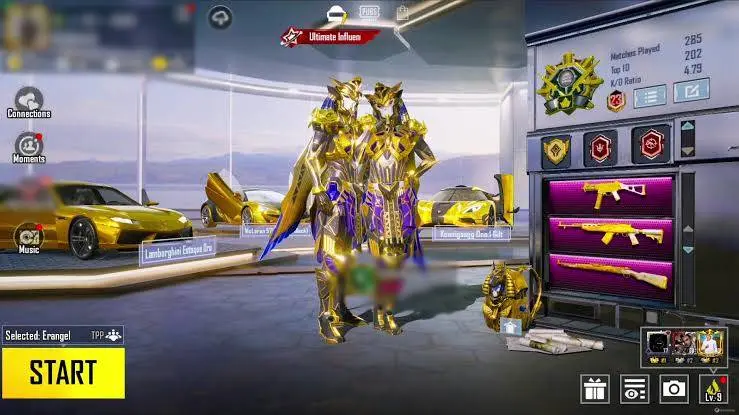
Here is the exact path on both Android and iOS. The UI is the same on phones and tablets.
- Launch PUBG Mobile and stay on the lobby screen.
- Tap your profile picture in the top-left corner. This opens your player profile.
- Tap the pencil / edit icon next to your current name.
- Type your new name in the text box.
- Tap “OK” or “Confirm.” The game will ask you to confirm the Rename Card use.
- Confirm again — your name updates instantly across the lobby, chat, and match results.
Heads up: if the pencil icon is greyed out, you do not have a Rename Card in your inventory. Head to the shop or your in-game mail to grab one.
Where to Find a Free Rename Card
You don’t always have to spend UC. Here’s where free cards typically show up:
| Source | Details |
|---|---|
| In-game Mail | New accounts receive one free Rename Card as a starter reward |
| Royale Pass | Some seasons include Rename Cards on the free track |
| Events Tab | Login events and mission rewards occasionally hand them out |
| Shop → Treasures | Purchasable for UC if you cannot wait |
| Redeem Codes | Official codes from PUBG Mobile socials sometimes include one |
Pro tip: Check the Events tab weekly. Rename Cards frequently pop up in login-streak rewards, which cost nothing but time.
PUBG Mobile Name Rules and Character Limits
Not every name will save. The game blocks names that break these rules:
- Character limit: 4 to 14 characters (letters, numbers, and most symbols)
- No profanity in any supported language — the filter is aggressive
- No impersonation of PUBG Mobile staff, developers, or well-known pros
- No spaces at the start or end of the name
- Symbols and cool fonts work, but only characters the game font can render will display correctly
If you paste a stylish name from a nickname generator, the game may reject it or show boxes instead of characters. Test it in a name generator that previews the PUBG font before you burn a Rename Card.
Fixing Common Rename Errors
Renaming can fail for a handful of reasons. Here’s how to fix each one:
- “Name already exists.” Someone owns that IGN. Add a symbol, number, or clan tag.
- “Contains restricted words.” The filter flagged part of the name. Try removing letters one at a time to find the trigger.
- “Rename Card not found.” The card is either not in your inventory or has expired. Check the mail tab — some free cards have a claim window.
- Name looks like boxes. The font you copied isn’t supported. Stick to standard Unicode characters.
Adding a Clan Tag to Your Name
A clan tag is separate from your IGN. If you’re in a Clan or Crew, the tag appears in brackets automatically — you do not have to type it into your name. Trying to fake a clan tag inside your IGN wastes characters and looks off in the kill feed.
If you’re grinding ranks with a squad, our breakdown of PUBG Mobile ranks explains how Crew MVP and rank rewards actually work.
Choosing a Name That Won’t Get You Reported
A good IGN is short, readable, and unique. Pros keep names simple so casters can pronounce them on stream during events like the PMGC. If you’re aiming to climb, avoid:
- Long strings of random symbols that clog scoreboards
- Names that look like slurs when read fast
- Copying a well-known streamer’s handle exactly
For newer players still learning callouts and loot routes, pair a clean name with the fundamentals in our PUBG Mobile beginner guide before you start ranked pushing.
Can You Change Your Name for Free More Than Once?
Officially, no — after your first free card, every rename requires either a UC purchase or an event reward. There is no “free rename every 30 days” feature in PUBG Mobile. If you see a YouTube thumbnail claiming otherwise, it’s almost always clickbait or a third-party tool that risks a ban.
Speaking of bans, if you’re curious about the game’s history in certain regions, our explainer on why PUBG was banned in India covers the full timeline.
Does Renaming Reset Anything?
No. Your rename is cosmetic only. Your rename does not affect:
- Your account level or XP
- Your Tier / rank in Classic modes
- Your inventory, skins, or the M416 Glacier skin you grinded for
- Your friends list or Crew membership
- Your match history and stats
The only thing that changes is the string of text above your character.
The Bottom Line
Changing your name in PUBG Mobile is a two-tap job once you have a Rename Card — tap your profile, tap the pencil, type, confirm. Your first card is free, and events regularly hand out more, so most players never need to buy one. Just stay inside the 4–14 character limit and skip anything the filter will flag.
Ready to make the rest of your account match your new name? Sharpen your gunplay with our roundup of the best guns in PUBG Mobile and start climbing.