
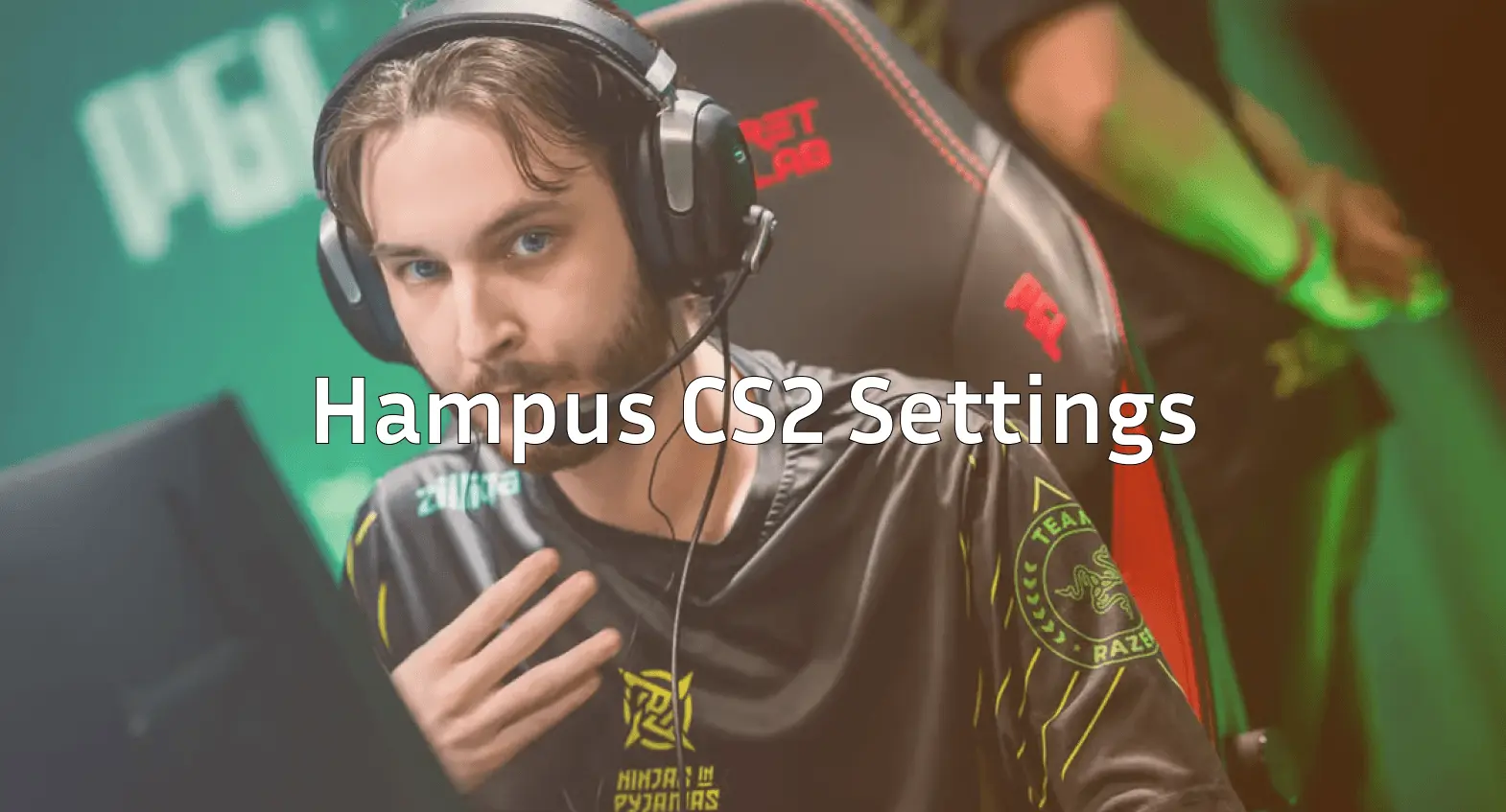
Hampus CS2 Settings, Crosshair & Config Guide
Want to play like one of the smartest in-game leaders in Counter-Strike? This Hampus CS2 guide breaks down the exact settings, crosshair, and peripherals used by the Swedish IGL so you can tune your setup the same way he does.
Hampus “hampus” Poikonen is known for his tactical calls and clutch plays for Ninjas in Pyjamas. While talent and teamwork can’t be copied, his config is public — and using a pro-tested setup is one of the fastest ways to improve consistency.
Who Is Hampus?
Hampus is a Finnish-Swedish professional Counter-Strike player and in-game leader. He rose to global recognition after leading NIP to the PGL Major Stockholm 2021 title as IGL, cementing his legacy as one of the best tactical minds in CS history.

His playstyle focuses on smart utility usage, patient reads, and clutch composure traits that rely heavily on a clean, distraction-free setup.
Hampus CS2 Crosshair
A crosshair is personal, but Hampus runs a classic cyan static crosshair that favors visibility without blocking your target.
cl_crosshairstyle 4cl_crosshairsize 2
cl_crosshairthickness 0.5
cl_crosshairgap -2
cl_crosshair_drawoutline 0
cl_crosshaircolor 1
cl_crosshairdot 0
cl_crosshair_t 0
Key takeaway: Style 4 (static classic) keeps the crosshair steady during movement and spray ideal for rifle duels on sites like B Apartments on Inferno or Mid on Mirage.
Hampus CS2 Mouse Settings
Hampus plays on a fairly low sensitivity, which is standard for most tier-1 CS2 pros.
| Setting | Value |
|---|---|
| DPI | 400 |
| In-game Sensitivity | 1.85 |
| eDPI | 740 |
| Zoom Sensitivity | 1.0 |
| Polling Rate | 1000 Hz |
| Windows Sensitivity | 6/11 |
| Raw Input | On |
Low eDPI rewards controlled arm movement and precise micro-adjustments crucial for tapping heads at long range with the AK-47 or holding angles with an AWP.
Viewmodel and HUD
Hampus uses a standard desktop viewmodel nothing fancy, just clean visibility.
viewmodel_fov 68viewmodel_offset_x 2.5
viewmodel_offset_y 2
viewmodel_offset_z -2
cl_bob_lower_amt 5
cl_viewmodel_shift_left_amt 1.5
cl_viewmodel_shift_right_amt 0.75
If you want to shift your weapon to match a lefty preference like some pros, check our left hand command cs2 guide.
Video Settings
Most pros, Hampus included, favor framerate over visual polish. Here’s a typical competitive-focused setup:
| Setting | Value |
|---|---|
| Resolution | 1280×960 (4:3 stretched) |
| Aspect Ratio | 4:3 |
| Display Mode | Fullscreen |
| Boost Player Contrast | Enabled |
| Multisampling Anti-Aliasing | CMAA2 |
| Shader Detail | Low |
| Model/Texture Detail | Low |
Why stretched 4:3? Enemy models appear slightly wider, which many Swedish players grew up preferring. It’s a muscle-memory choice more than a competitive edge.
To squeeze out extra FPS, pair these with our recommended cs2 launch options.
Hampus Peripherals
Gear won’t make you a pro, but it does remove friction. Hampus typically uses:
- Mouse: Lightweight wireless mouse (sub-70g class)
- Keyboard: Low-profile mechanical with linear switches
- Monitor: 240Hz+ 24″ competitive panel
- Headset: Closed-back esports headset
How to Practice Like Hampus
Copying settings is only half the job. Hampus is famous for IGL preparation studying demos, refining defaults, and drilling utility lineups.
Here’s how to train the right way:
- Warm up aim in Aim Botz or a community 1v1 map see our cs2 1v1 server guide.
- Drill smokes and flashes using cs2 practice commands on an empty server.
- Review your demos with cs2 replay commands to find positioning mistakes.
- Refine binds buy, grenade, and clear-decals binds save precious time. Start with our cs2 binds guide.
Should You Copy a Pro’s Config?
Short answer: use it as a starting point, not a rulebook.
Hampus’s low sensitivity works because he’s put thousands of hours into muscle memory at that speed. If 1.85 at 400 DPI feels unplayable to you, adjust in small steps (0.05 at a time) until it clicks.
The settings that matter most crosshair, viewmodel, and video translate cleanly. Copy those first.
Final Thoughts
The hampus cs2 config is a masterclass in simplicity: low sensitivity, clean crosshair, high FPS, zero distractions. Use it as a template, then fine-tune to your own hands.