
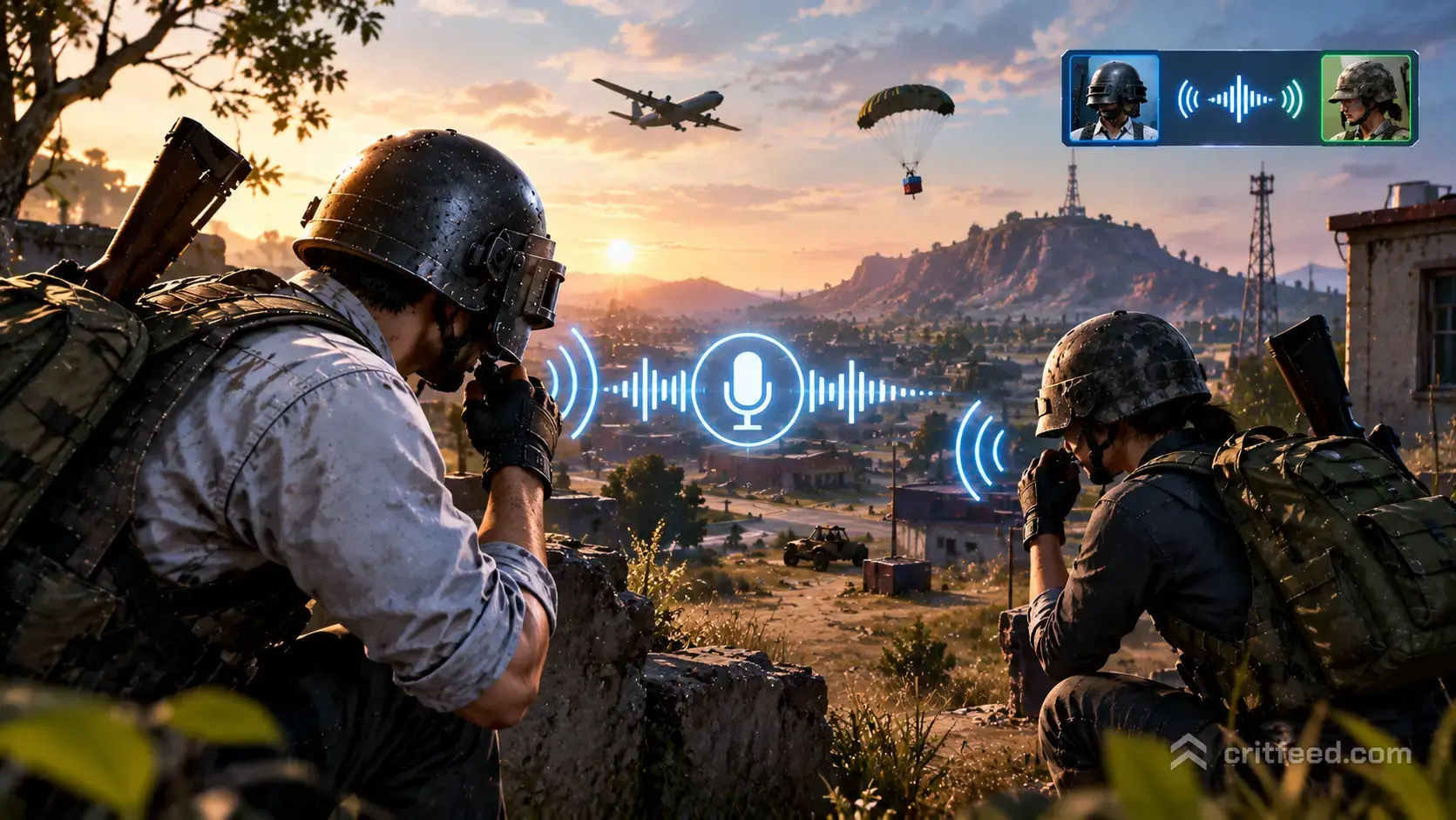
Short answer: no, PUBG: BATTLEGROUNDS on PC does not have open proximity voice chat with enemies. You cannot hear a random squad talking in the next building, and they cannot hear you taunt them back. Voice chat in PUBG PC is locked to your own party, with a couple of narrow exceptions we’ll walk through below.
If you came from a game with full prox chat and expected the same here, that gap is the single biggest surprise for new PUBG PC players. Here’s exactly how voice works, why Krafton built it this way, and what you can do to get something closer to the proximity experience.
How Voice Chat Actually Works in PUBG PC
PUBG PC uses party-only voice chat by default. When you load into a match, your mic is open to the people in your squad and nobody else. An enemy standing one wall away hears zero of your callouts, and you hear none of theirs.
There are three voice channels inside the game:
| Channel | Who hears you |
|---|---|
| All | Only your party members (not every player in the match) |
| Team | Your current squad |
| None | Nobody, mic muted |
The “All” label is the part that confuses people. It does not mean “all 100 players on the map.” It means everyone connected to your lobby party, including friends who queued with you but may have been assigned to a different team in some modes. For a solo queue match, “All” and “Team” are effectively the same thing.
So Does PUBG Have Proximity Chat at All?
Not in the open-world, hear-anyone-nearby sense. You will not pick up footsteps-plus-voices from enemy squads the way you might in a dedicated extraction shooter or an older military sim.
There are, however, two cases where voice reaches people outside your original squad:
- Team-up mechanics in modes that allow it. Some limited-time or special modes let players from different squads form temporary alliances. Once allied, those players share a voice channel. This is party-based, not spatial, so you still don’t hear strangers wandering by.
- Pre-match lobby chat. On the plane and in the starting island, voice is still scoped to your party. You cannot shout at the other 96 players before the jump.
That’s the whole picture. If a video or forum post claims PUBG has true proximity chat on PC, they’re either talking about a mod, a custom server, or confusing PUBG with another battle royale.
Why Krafton Doesn’t Enable Open Proximity Chat
Krafton has never shipped open prox chat in PUBG PC, and the reasoning tracks with how the game is balanced:
- Positional audio is already a core skill. Footsteps, gunfire direction, vehicle engines and reloads are tuned to be the information you use to locate enemies. Adding voice leakage would overlap with that system and reward players with the loudest teammates rather than the best ears.
- Competitive integrity. PUBG has a serious esports scene running up to the PGC. Any audio an enemy could exploit, including accidental voice bleed, is a liability for pro play.
- Moderation load. Open voice between strangers is the single biggest source of toxicity reports in multiplayer shooters. Keeping voice party-scoped keeps the moderation problem bounded.
That doesn’t mean the design is perfect for every player, but it is deliberate.
Setting Up Voice Chat Correctly on PC
If your mic isn’t working, or teammates can’t hear you, run through these in order. The vast majority of “PUBG voice chat broken” posts come down to one of these settings.
In-Game Settings
- Open Settings then Audio.
- Set Voice Chat to All or Team.
- Pick your correct Input Device and Output Device from the dropdowns. Default rarely works if you have multiple audio devices.
- Set Voice Chat Mode to Push to Talk if you don’t want open mic sending your keyboard clatter to the squad.
- Rebind the push-to-talk key under Controls if the default conflicts with your layout.
Windows and Steam Checks
- In Windows Sound Settings, confirm your mic is set as the default input device and the input level moves when you speak.
- In Steam, right-click PUBG then Properties then Controller, and make sure Steam Input isn’t hijacking a key you bound to push-to-talk.
- Check that Discord or any other overlay app isn’t holding exclusive mic access.
If voice still fails after that, voice chat failures and login handshakes sometimes trip together. Our guide on failing to authenticate from external provider PUBG covers the auth side of common client issues.
Workarounds If You Want a Proximity Feel
You cannot patch open prox chat into the base game, but there are ways to get closer to that experience.
Third-Party Voice Apps
The honest truth: most PUBG squads do their serious communication outside the game entirely.
- Discord servers with multiple voice channels let a group of 8 to 16 friends split into squads but drop into a shared channel between matches.
- TeamSpeak is still common for competitive teams because of its low latency and tight permission controls.
These don’t give you spatial audio from strangers, but they do solve the “I want to talk to friends not in my squad” problem completely.
Custom Matches and Private Servers
Players with custom match access, usually tied to content creation or esports programs, can run private lobbies where house rules apply. Some communities build team-up or alliance modes that effectively create larger voice groups. This is group-based, not true spatial proximity.
Spatial Audio Headsets
If your real goal is better positional awareness, not literally hearing enemies talk, invest here instead. A headset with proper 7.1 or spatial processing will do more for your win rate than any chat feature. Pair it with the audio tweaks in our PUBG tips and tricks article and you’ll pick up footsteps through walls long before voice chat would’ve helped.
Text Chat and Pings
Voice isn’t the only comms layer. PUBG PC gives you:
- Team text chat with the default Enter key, scoped to your squad.
- All chat in the pre-match lobby only, which you can mute.
- Ping and marker system for placing map markers your team can see, and quick-chat wheel callouts (enemy spotted, need healing, etc.) that work even without a mic.
The marker system is strong enough that solo-queue players running into fill squads can function fine without ever using voice. Learning the quick-chat wheel is one of the first things covered in our PUBG beginner guide.
Reporting Voice Chat Abuse
Because voice is scoped to your party, abuse mostly comes from random fill teammates. Krafton’s reporting flow:
- Open the scoreboard with Tab.
- Right-click the offender’s name.
- Pick Report, select the category (Verbal Abuse, Hate Speech, etc.), and submit.
You can also mute an individual on the fly by clicking the speaker icon next to their name on the scoreboard. That mute persists for the rest of the match.
The Bottom Line
PUBG: BATTLEGROUNDS on PC does not have open proximity voice chat. Voice is scoped to your party, with narrow team-up exceptions in specific modes. Enemies cannot hear you, and you cannot hear them. If you want that cross-squad feel, you’re going to lean on Discord, custom matches, or community alliance modes rather than a built-in feature.
Still open: whether Krafton revisits voice chat scope in future updates. The developer has not announced a shift to open prox chat on PC, and the competitive side of the game makes a surprise reversal unlikely. We’ll update this page if that changes.
For now, the single most useful thing you can do with this information is stop assuming an enemy heard your callout. If a push went wrong, it wasn’t because they overheard you, it was positioning, audio cues, or timing. Fix those, and the lack of prox chat stops mattering.