
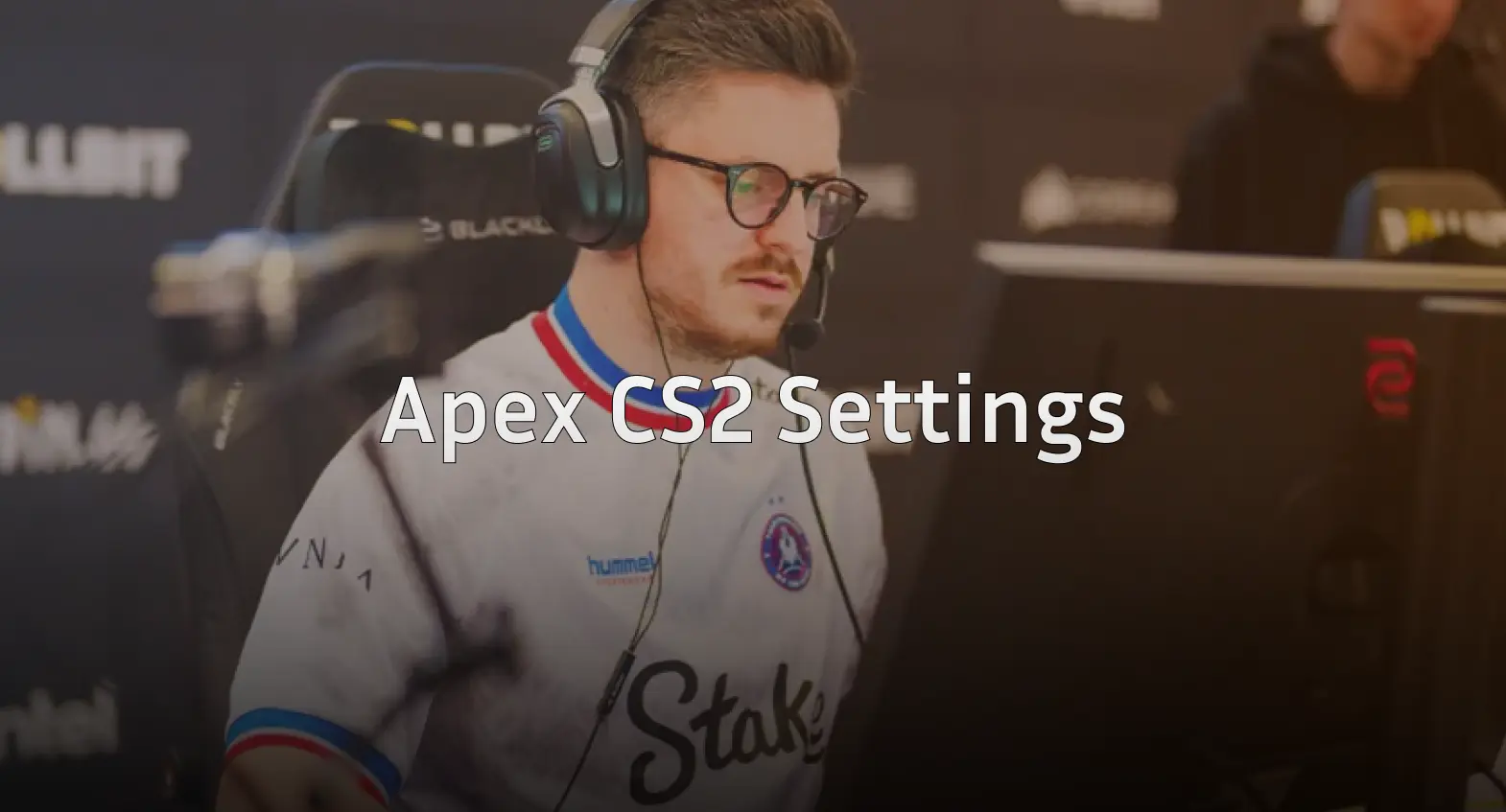
Want to frag like one of the most mechanically gifted players in Counter-Strike history? The Apex CS2 settings featured in this guide break down every configuration the French legend uses to dominate at the highest level.
Apex built his reputation on aggressive entry fragging, lightning-fast reflexes, and clutch plays that defined an era of CS:GO. Now competing in CS2, his settings reflect years of refinement at the professional level.
Let’s dive into his complete setup.
Apex Mouse Settings
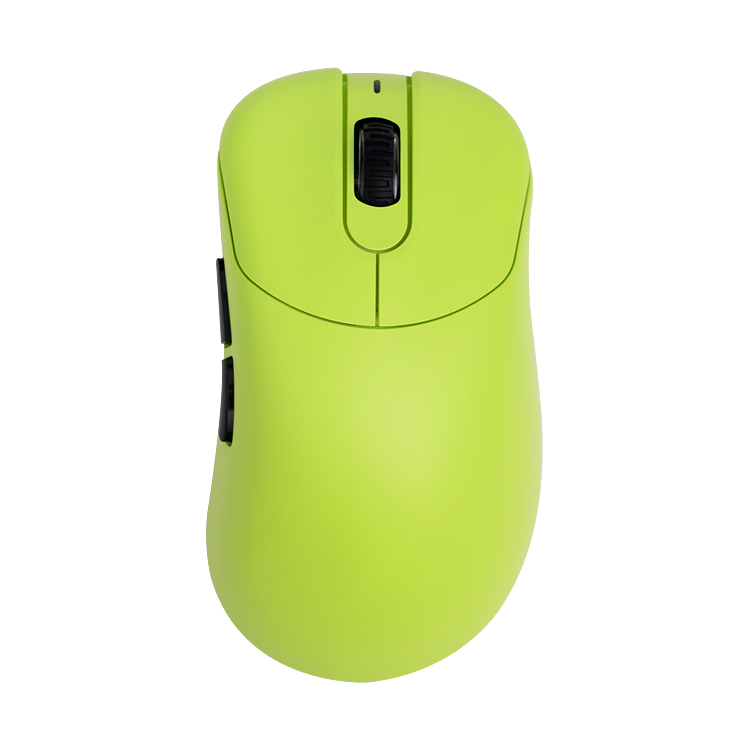
Apex uses a relatively low sensitivity paired with a high-quality mouse, giving him precise control during aim duels and spray transfers.
| Setting | Value |
|---|---|
| DPI | 400 |
| In-Game Sensitivity | 2.0 |
| eDPI | 800 |
| Zoom Sensitivity | 1.0 |
| Polling Rate | 1000 Hz |
| Windows Sensitivity | 6 |
| Raw Input | On |
| Mouse Acceleration | Off |
His 800 eDPI sits in the mid-range for professional players. This balance allows quick flicks while maintaining accuracy for long-range AWP shots.
If you’re transitioning from higher sensitivity, check our cs2 mouse sensitivity guide for adjustment tips.
Apex Crosshair Settings
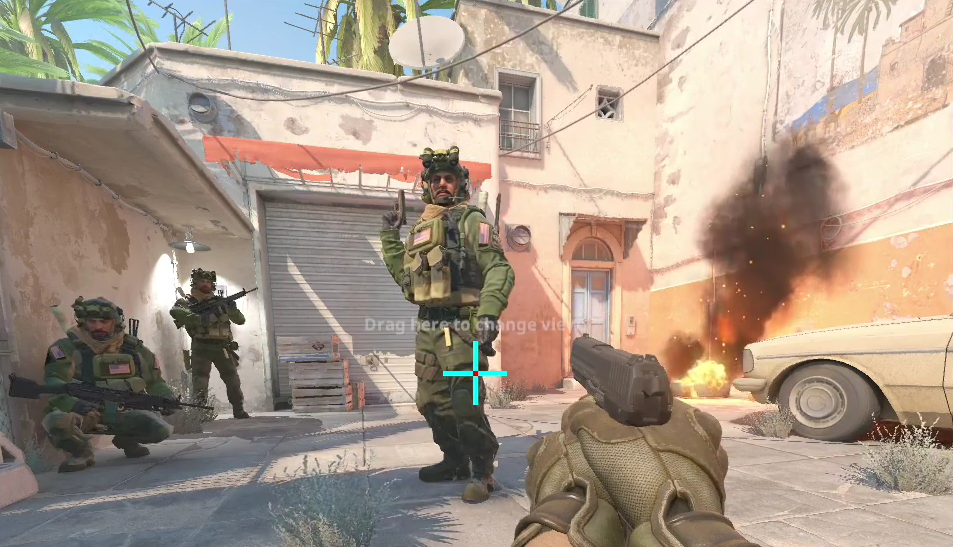
Apex runs a small, static crosshair with a visible gap—perfect for tracking enemy heads without obstructing your view.
| Setting | Value |
|---|---|
| Style | Classic Static |
| Color | Green (1) |
| Size | 2 |
| Thickness | 0 |
| Gap | -3 |
| Outline | Yes |
| Outline Thickness | 1 |
| Dot | No |
Crosshair Code:
CSGO-O4Jsi-V9tyR-rNPr4-2CfXo-FXWLPCopy this code directly into your CS2 settings to replicate his crosshair instantly.
Apex Video Settings
Like most professionals, Apex prioritizes frame rate over visual fidelity. His video settings squeeze maximum FPS from his system while maintaining competitive visibility.
| Setting | Value |
|---|---|
| Resolution | 1280×960 |
| Aspect Ratio | 4:3 |
| Scaling Mode | Stretched |
| Display Mode | Fullscreen |
Advanced Video Options
| Setting | Value |
|---|---|
| Boost Player Contrast | Enabled |
| V-Sync | Disabled |
| Multisampling Anti-Aliasing | 4x MSAA |
| Global Shadow Quality | Medium |
| Model/Texture Detail | Low |
| Texture Filtering Mode | Bilinear |
| Shader Detail | Low |
| Particle Detail | Low |
| Ambient Occlusion | Disabled |
| High Dynamic Range | Performance |
| FidelityFX Super Resolution | Disabled |
The 4:3 stretched resolution makes player models appear wider, potentially easier to hit. Many entry fraggers prefer this setup for close-range engagements.
For a deeper dive into optimizing your display, read our cs2 video settings breakdown.
Apex Viewmodel Settings
His viewmodel stays compact and unobtrusive, keeping the screen clear during firefights.
viewmodel_fov 68viewmodel_offset_x 2.5
viewmodel_offset_y 0
viewmodel_offset_z -1.5
viewmodel_presetpos 3
Apex Keybinds
Apex uses a fairly standard layout with a few personal tweaks for utility management.
| Action | Key |
|---|---|
| Jump | Space / Mouse Wheel Down |
| Crouch | Ctrl |
| Walk | Shift |
| Use | E |
| Inspect | F |
| Drop | G |
| Smoke | 4 |
| Flashbang | Mouse 4 |
| HE Grenade | Mouse 5 |
| Molotov | C |
Binding jump to mouse wheel enables consistent bunny hopping. Having grenades on mouse buttons allows quick utility deployment without moving your fingers from movement keys.
Apex Launch Options
-novid -tickrate 128 -freq 240- -novid skips the intro video
- -tickrate 128 ensures offline practice matches run at competitive tick rate
- -freq 240 matches his monitor’s refresh rate
Why These Settings Work for Apex

Apex’s configuration reflects his aggressive playstyle. The stretched resolution helps with close-quarters combat where he excels. His moderate eDPI provides enough speed for quick entries while staying controlled.
Key takeaways from his setup:
- Low visual clutter keeps focus on enemies
- Stretched 4:3 widens player models
- 800 eDPI balances speed and precision
- Static crosshair ensures consistent aim reference
Should You Copy Apex’s Settings?
These settings work for Apex because they complement his playstyle and years of muscle memory. Use them as a starting point, not gospel.
Consider your own hardware first. If you’re running a 144Hz monitor, adjust the launch options accordingly. If 4:3 stretched feels disorienting, try native resolution first.
Compare his setup with other professionals like s1mple settings or zywoo settings to find what resonates with your playstyle.
Conclusion
The Apex CS2 settings showcase a refined, performance-focused configuration built for aggressive play. His stretched resolution, moderate sensitivity, and clean crosshair work together to maximize his mechanical prowess.
Copy his crosshair code, test his sensitivity, and adjust from there.