
If your sprays drift off target or your scope swings too far past the enemy, your sensitivity is wrong, not your aim. In this guide we break down the PUBG Mobile best sensitivity code 2026 for every control style, from thumbs-only to full gyroscope, and show you how to tune the numbers to your phone instead of copy-pasting someone else’s.
Sensitivity in PUBG Mobile is personal. A code that feels locked-in on a 6.1-inch phone can feel twitchy on a tablet, and gyro values that work for a claw player will tank a two-finger setup. We’ll give you starting points that pros actually use, then show you how to adjust.
Why Sensitivity Codes Matter in 2026
A sensitivity code is just a shareable string you paste into Settings > Sensitivity > Reset Sensitivity > Import. It replaces every value in that menu in one go.
The problem with blind copying is simple: your device, finger count, and gyro habits are not the same as the creator’s. A code built for a 120Hz tablet with four-finger claw will feel broken on a 60Hz phone with two thumbs.
Use codes as starting points, not final answers. Then adjust one slider at a time.
Important note on code IDs: PUBG Mobile sensitivity codes expire or get overwritten by the game’s servers over time, and new ones are published by pros each patch. The specific code strings floating around the internet change constantly. We’re focusing on the actual slider values you want to hit, because those stay useful even when the import string stops working.
How to Import a Sensitivity Code
The import process is the same across every version:
- Open PUBG Mobile and tap the Settings gear (top-right in lobby).
- Go to the Sensitivity tab.
- Scroll to the bottom and tap Reset Sensitivity.
- Choose Enter Code and paste the code string.
- Confirm, then jump into Training Grounds to test.
If a code is dead, the game will tell you. Grab a newer one or build your own from the values below.
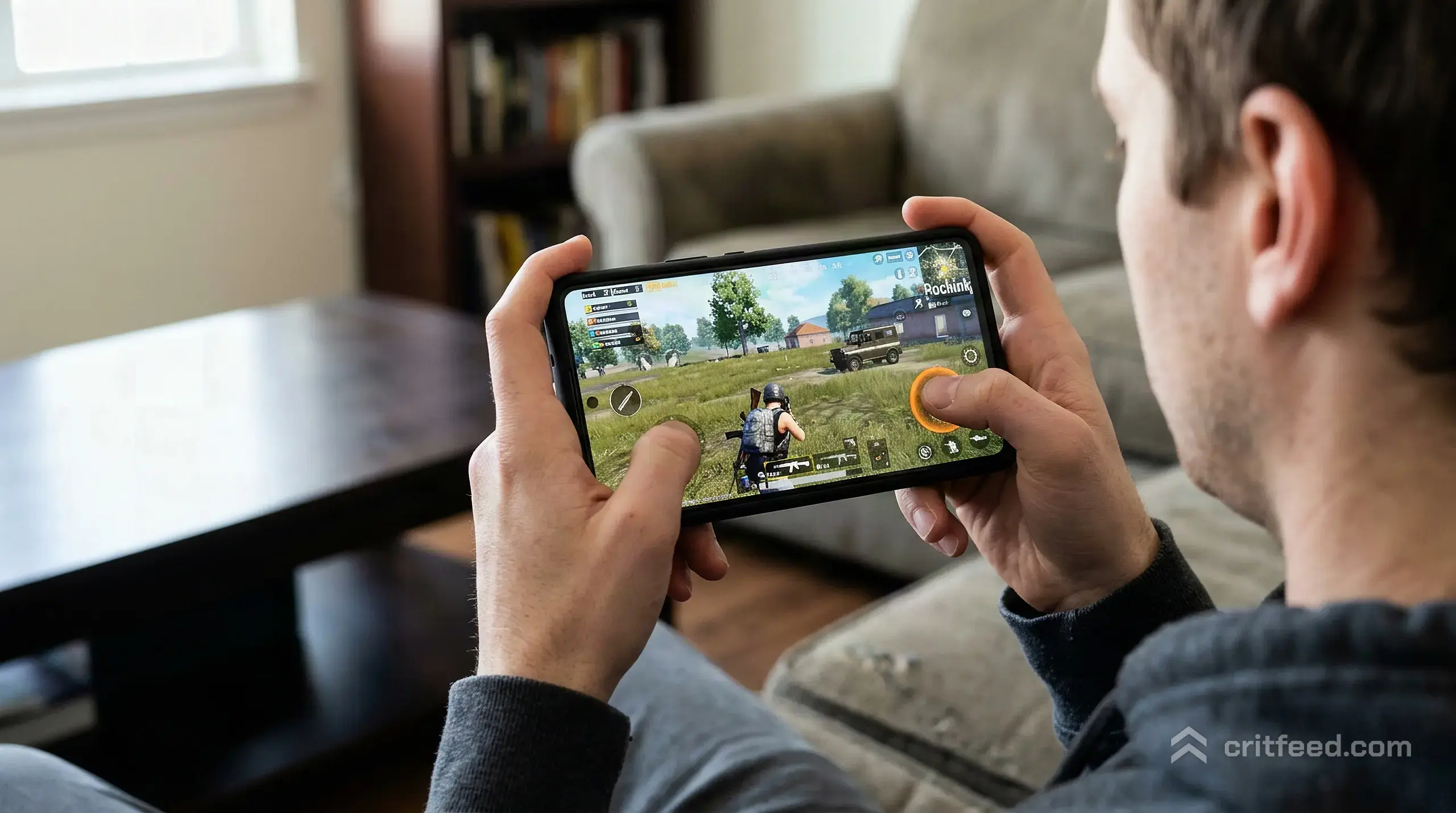
Best Camera Sensitivity (Free Look)
Camera sensitivity controls how fast you can swing the view with no scope open. This is the number that affects your close-range tracking and your ability to check corners without over-rotating.
| Scope | Low Range | Balanced | High (Claw/Gyro) |
|---|---|---|---|
| 3rd Person Camera (Free Look) | 100% | 130% | 160% |
| 1st Person Camera (Free Look) | 100% | 115% | 140% |
| Camera | 100% | 120% | 150% |
Rule of thumb: if you play two-finger thumbs, stay on the low side. If you claw and want faster hip-fire turns, push these up.
Best ADS Sensitivity (No Gyro Setup)
If you aim with your thumb only and keep gyroscope off, your ADS values do the heavy lifting. These numbers get your crosshair to settle on target without over-sweeping.
| Scope | Suggested Value |
|---|---|
| TPP No Scope | 150% |
| FPP No Scope | 110% |
| Red Dot, Holographic, Aim Assist | 50% |
| 2x Scope | 40% |
| 3x Scope, Win94 | 30% |
| 4x Scope, VSS | 20% |
| 6x Scope | 12% |
| 8x Scope | 10% |
The 4x scope value is the most important number for ranked play, because that’s your main mid-range weapon sight. If your 4x sprays walk off target, drop this by 2% at a time until the muzzle sits still.
For an in-depth look at the Indian version’s values, our best sensitivity for BGMI guide follows the same framework.
Best Gyroscope Sensitivity (Always On)
Gyroscope is where real recoil control lives. Pros in PMGC run gyro always-on because it gives you a second axis of input that your thumbs cannot match.
| Scope | Gyro Value |
|---|---|
| TPP No Scope | 300% |
| FPP No Scope | 300% |
| Red Dot, Holographic | 300% |
| 2x Scope | 300% |
| 3x Scope, Win94 | 300% |
| 4x Scope, VSS | 300% |
| 6x Scope | 200% |
| 8x Scope | 150% |
Yes, maxing gyro at 300% looks aggressive. The trick is that your phone only tilts a few degrees even for big flicks, so high gyro values convert tiny wrist motion into usable aim speed. If 300% feels unstable, drop the 6x and 8x first because those scopes punish any wobble.
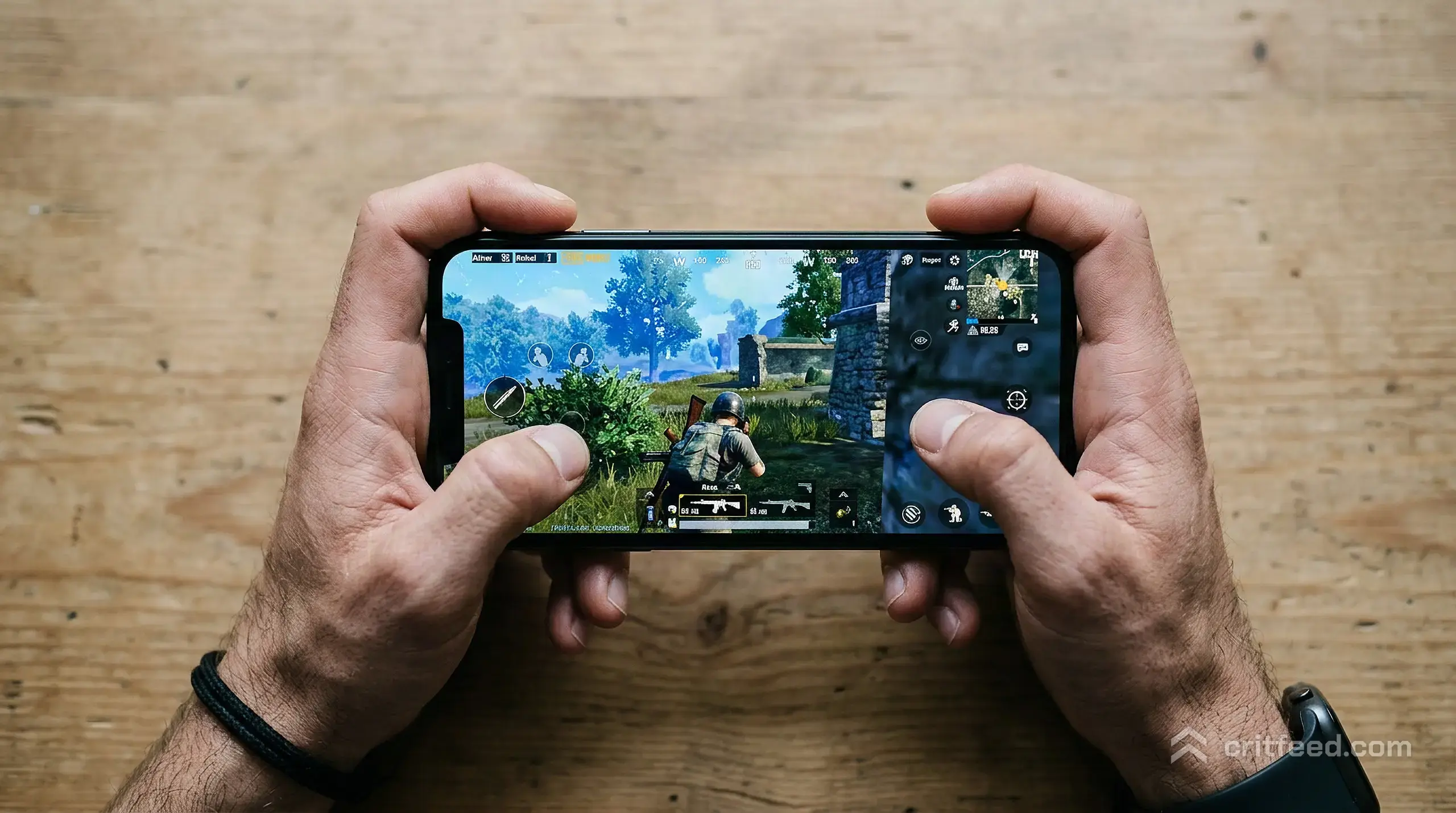
ADS Sensitivity (With Gyroscope On)
When gyro is on, your ADS values should drop. Gyro handles the vertical pull, and your thumb only needs to make small corrections.
| Scope | Suggested Value |
|---|---|
| TPP No Scope | 120% |
| FPP No Scope | 100% |
| Red Dot, Holographic | 40% |
| 2x Scope | 30% |
| 3x Scope, Win94 | 25% |
| 4x Scope, VSS | 18% |
| 6x Scope | 10% |
| 8x Scope | 8% |
The core idea: gyro pulls the gun down, your thumb only drags left or right for horizontal recoil. If you keep ADS values high while using gyro, you’ll double-correct and overshoot.
Device-Specific Tuning
Sensitivity does not translate cleanly between phones and tablets. Screen size changes how far your thumb has to travel for the same in-game rotation.
- Small phones (under 6 inches): Reduce all gyro values by about 10 to 15%. Your wrists move less to tilt the screen.
- Large phones (6.5 inches and up): The values in the tables above are tuned here. This is the sweet spot.
- Tablets (iPads, Android tablets): Increase gyro by 20 to 30%, because the device weighs more and tilts slower in your hands. Our best iPad for PUBG Mobile guide covers which screens handle this best.
- 90Hz and 120Hz screens: Can run slightly higher ADS values because the extra frames give you better visual feedback. Check your device on the PUBG Mobile 120 FPS supported devices list to see if you qualify.
If you’re not sure your phone can hold the frames you need, our guide to which mobile is best for PUBG walks through the specs that matter.
Four-Finger Claw vs Two-Finger Thumb
Your grip style changes which sliders you lean on hardest.
Two-finger thumbs:
- Push camera sensitivity higher so you can turn without lifting your thumb
- Keep gyro moderate (around 250% on 4x) because your thumbs are already busy
- Rely on ADS values more than gyro
Three or four-finger claw:
- Lower camera sensitivity, because you have dedicated fingers for look
- Push gyro to 300% because your index fingers free up your thumbs to control recoil
- You can trust the higher ADS table above
Fine-Tuning in Training Grounds
Numbers from a table only get you 80% of the way. The last 20% comes from live testing.
- Load Training Grounds with an AKM and a 4x scope.
- Fire a full 30-round mag at the fixed target 30 meters out.
- If the muzzle climbs up and left, your gyro is too low. Add 10%.
- If the muzzle shakes but stays on target, your gyro is right but your thumb is over-correcting. Drop ADS by 2%.
- Repeat with 6x and 8x scopes.
Spend 15 minutes a day doing this for a week. You’ll end up with values that are yours, not someone else’s. For more complete graphics and HUD tuning on top of these, our best PUBG Mobile settings guide covers the full picture.
Weapon-by-Weapon Recoil Notes
Not every gun needs the same control. Match your sensitivity confidence to the weapon.
- AKM, Beryl M762: High recoil. Gyro has to pull hard. If these walk off target, your 4x gyro is the first thing to raise.
- M416, SCAR-L: Soft recoil. Easy to overcorrect if your gyro is too high.
- DP-28, M249: Vertical climb only. Perfect for testing if your gyro vertical pull is correct.
- Groza: Fast fire rate, moderate recoil. Great for 2x and 3x gyro testing.
Our best guns in PUBG Mobile breakdown covers which weapons reward tight sensitivity tuning the most.
Common Sensitivity Mistakes
- Copying a pro’s full code without testing. Pros play on specific devices with specific grips. Their numbers are their numbers.
- Setting gyro too low because 300% looks scary. Low gyro means your thumb has to do everything, and your thumb will lose.
- Changing three sliders at once. You’ll never know which one fixed or broke your aim. Change one value at a time.
- Ignoring the no-scope values. Close-range fights are decided by hip-fire camera speed, not 8x scope.
The Bottom Line
The PUBG Mobile best sensitivity code 2026 is the one you build yourself, starting from the values in the tables above. High gyro, moderate ADS, and camera sensitivity matched to your grip is the formula that wins fights across every current patch.
Paste a code to get moving, then spend a week in Training Grounds trimming the numbers until the muzzle sits where you point it. That’s the setting that will outlast any patch or roster change.