
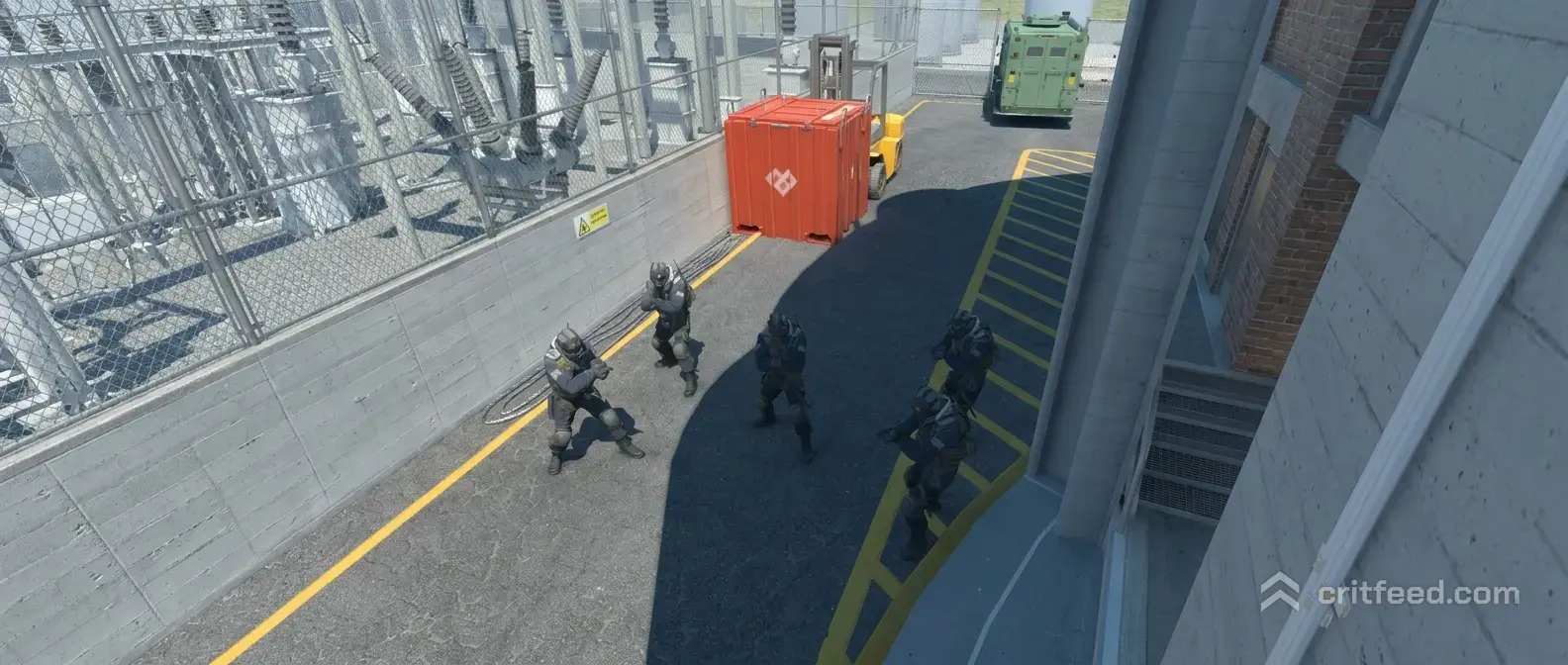
CS2 Spawn Bot at Location: Full Guide for Practice
Want to drop a bot in a specific spot on any map for aim drills, knife rushes, or spray tests? Learning how to cs2 spawn bot at location gives you a private firing range built around the exact angles you care about. We will walk through the console commands, the setup steps, and the practice drills that make them worth your time.
Enable the Console and Cheats First
Before any bot command works, you need two things turned on: the developer console and sv_cheats. Most bot placement commands are flagged as cheats, so without this step they will do nothing.
Steps to enable the console:
- Open CS2 and go to Settings.
- Under the Game tab, set “Enable Developer Console” to Yes.
- Bind a key if you want. The default is the tilde (
~).
Once you are in a private match or an offline map with bots, drop the console and run:
sv_cheats 1If you plan to run a long practice session, add these quality-of-life commands too:
mp_warmup_endmp_roundtime 60
mp_roundtime_defuse 60
mp_freezetime 0
mp_limitteams 0
mp_autoteambalance 0
mp_maxmoney 60000
mp_startmoney 60000
sv_infinite_ammo 1
These keep the round from ending while you set up and let you buy whatever you want. For a deeper command list, our cs2 bot commands breakdown covers everything from kicking bots to freezing them in place.
How to Spawn a Bot at Your Exact Location
The core command for dropping a bot where you are standing is:
bot_placeWalk to the spot you want. Aim in the direction you want the bot to face. Open the console and type bot_place. A bot appears right at your crosshair, facing the way you were looking. That is the whole trick.
Important behavior notes:
- The bot spawns on the opposing team by default.
- It will stand still unless given a different behavior.
- You can place as many bots as the server allows (
bot_quotacontrols the cap).
If bot_place does nothing, double-check that sv_cheats 1 ran successfully and that you are not on an official matchmaking server.
Freezing Bots in Place
A bot that runs away from you is useless for angle practice. Lock them down with these commands before you place them:
bot_stop 1bot_freeze 1
bot_mimic 0
bot_stop 1stops the bot from moving or shooting.bot_freeze 1fully freezes the bot in position.bot_mimic 0makes sure the bot is not copying your inputs.
Now when you use bot_place, the bot stays exactly where it was dropped, facing exactly where you aimed. Perfect for pre-aim drills on common angles like CT spawn on Mirage or Banana on Inferno.
Setting Up a Full Bot Practice Session
Here is a clean setup you can paste into the console in order. It gets you from map load to a controllable practice environment in under a minute.
sv_cheats 1mp_warmup_end
mp_freezetime 0
mp_roundtime 60
mp_roundtime_defuse 60
mp_limitteams 0
mp_autoteambalance 0
mp_maxmoney 60000
mp_startmoney 60000
sv_infinite_ammo 1
bot_kick
bot_stop 1
bot_freeze 1
Then walk to each angle you want to practice and run bot_place as many times as you need. If you want to clear the map and start over, bot_kick removes every bot at once.
Common Use Cases for Placed Bots
Aim Practice on Real Angles
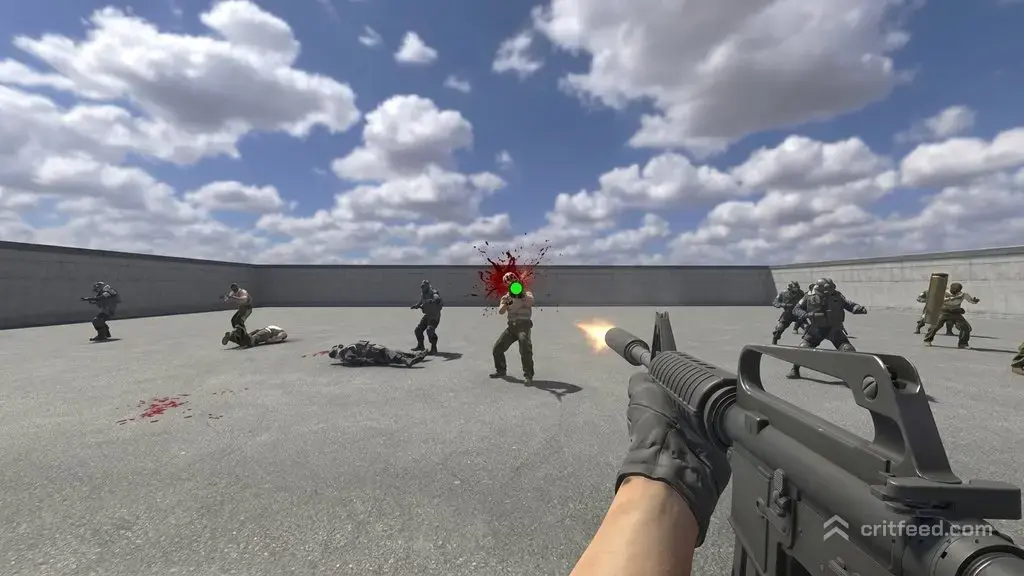
The biggest reason to spawn a bot at a precise location is to rehearse angles you actually hold in real matches. Place a bot in Jungle on Mirage, back off to CT spawn, and work your pre-aim and crosshair placement. It beats generic aim maps because the muscle memory transfers directly. If you also want pure flick training, pair this with aim botz cs2 sessions.
Knife Skill Testing
Static bots are the fastest way to test knife animations, inspect timing, and backstab mechanics. Place one, equip your knife, and go to work. Players showing off a new butterfly knife or a fresh karambit usually test the animations this way before recording clips.
Dodging and Movement Drills
Spawn a bot with a weapon and keep them frozen while you practice strafe peeking, jiggle peeking, and counter-strafing. You get live gunfire to react to without the bot repositioning on you. Combine with mp_restartgame 1 between runs to reset your position.
Spray and Recoil Practice
Line up three or four bots in a stairstep pattern at different distances. Use the bots as reference points for your spray transfers. This is far more useful than spraying at a wall because you see exactly where each bullet lands on a player model.
Useful Bot Commands to Pair With bot_place
| Command | What It Does |
|---|---|
bot_add_t | Adds a bot to the T side |
bot_add_ct | Adds a bot to the CT side |
bot_kick | Removes all bots from the server |
bot_difficulty 0-3 | Sets bot difficulty from Easy to Expert |
bot_stop 1 | Stops bots from moving or shooting |
bot_freeze 1 | Freezes bots completely in place |
bot_mimic 1 | Makes bots copy your movement and shooting |
bot_crouch 1 | Forces bots to crouch |
bot_pistols_only | Restricts bots to pistols |
bot_knives_only | Restricts bots to knives |
If you want to change how smart or aggressive your target is, our guide on how to change bot difficulty cs2 walks through the full difficulty scale and what each level actually feels like to shoot at.
Giving Placed Bots a Weapon
By default, a placed bot spawns with whatever its loadout rules allow. To force a specific weapon on a bot, look at the bot, open the console, and use:
bot_pistols_onlyOr restrict them to rifles, SMGs, or knives using the matching bot_ commands. You can also drop a weapon on the ground and the bot will not pick it up while frozen. If you want them to hold a specific rifle like the ak-47 for a visual reference, give it to yourself, drop it next to the bot, kill the bot once to clear its hands, respawn it, and it will grab the dropped gun on reload.
Saving Your Bot Setup
CS2 does not save bot positions between sessions, but you can save your command sequence as a config file and run it with one line. Create a .cfg file in your CS2 cfg folder with your practice commands. Our guide on the cs2 config location shows exactly where to drop it. Then in-game, type:
exec yourfilenameand your whole setup loads instantly. Pair this with bind commands so one keypress freezes bots, another kicks them all, and another spawns a new one at your crosshair.
Troubleshooting Common Issues
The bot does not appear when I use bot_place.
Make sure sv_cheats 1 is active. Check that bot_quota is not set to 0. Verify you are on a local server, not an official matchmaking match.
The bot keeps running away.
You skipped bot_stop 1 and bot_freeze 1. Run both, then place a new bot.
The bot spawns on my team.
Use bot_add_t or bot_add_ct to force a side before placing, or kick the bot and respawn it on the opposite team.
Bots keep dying to round end.
Extend mp_roundtime and mp_roundtime_defuse to 60. Also run mp_ignore_round_win_conditions 1 if you want the round to never end.
The Bottom Line
Spawning a bot exactly where you want is the single most useful offline tool in CS2 for building real angle discipline. bot_place plus bot_stop 1 and bot_freeze 1 is the three-command foundation. Everything else, difficulty, weapons, mimic mode, is just flavor on top. Build a config, bind the commands you use most, and you will spend seconds setting up a drill instead of minutes.