
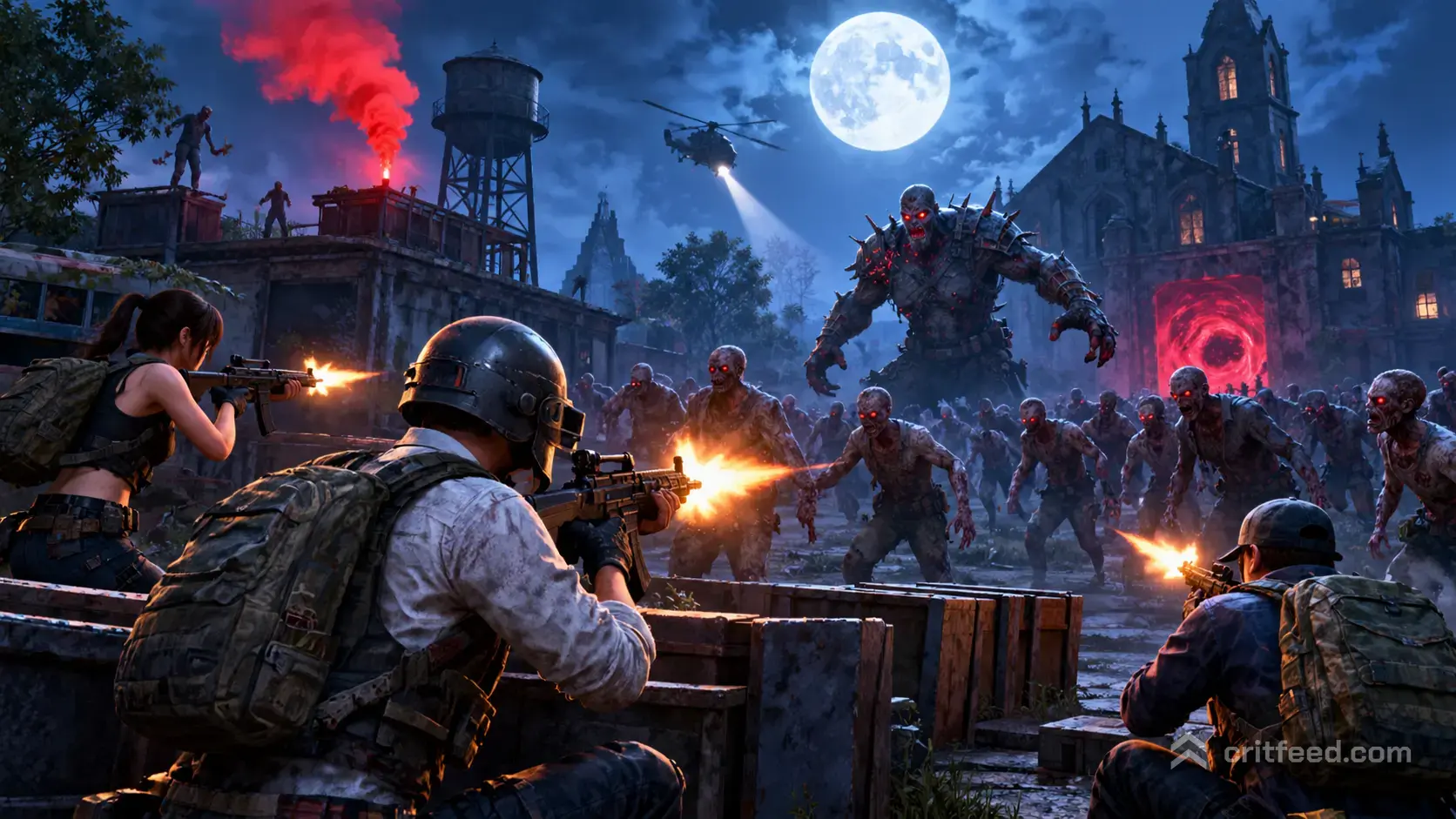
PUBG Mobile zombie mode is the game’s recurring PvE and PvPvE experiment, where players fight waves of infected inside the standard Battlegrounds engine. It is not always live in the main lobby. When it is active, you will find it inside the game’s rotating event menu, usually under PUBG Labs or a seasonal theme card.
Below we break down how to find it, what changes compared to classic Battle Royale, and the settings and tactics that keep you breathing when a Mutant Zombie is sprinting at your face.
What PUBG Mobile Zombie Mode Actually Is
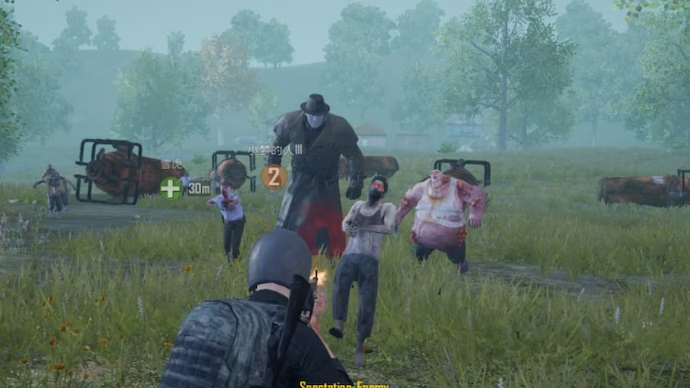
Zombie mode is an umbrella name for several related variants PUBG Mobile has run over the years. The core idea stays the same: infected enemies replace or join the player count, and your job is to survive, complete objectives, or outlast the horde.
The common variants you will see rotate in and out:
- Survive Till Dawn / Darkest Night: PvPvE on a Battle Royale map, usually Erangel or Vikendi, where you fight both zombies and other squads through day and night cycles.
- Infection Mode: PvP arena where some players spawn as zombies and others as defenders. Zombies melee, defenders shoot.
- Metro Royale-style PvE sweeps: tighter maps with scripted zombie encounters and loot extraction.
- Themed events tied to Halloween or crossover collaborations, which borrow the zombie template but swap in event-specific enemies and rewards.
Only variants that currently appear in your in-game event menu are playable. Everything else is archived until the publisher rotates it back.
How to Access Zombie Mode
Zombie modes live in the rotating mode list rather than the permanent classic queue. The path has stayed roughly the same across patches.
- Launch PUBG Mobile and log in.
- On the lobby screen, open the mode selection panel above the start button.
- Scroll to the EvoGround, Metro Royale, or Themed Mode category.
- Look for an entry labeled with “Zombie”, “Infection”, “Survive Till Dawn”, or the current event name.
- If no zombie entry appears, check the Events tab for a limited-time banner that unlocks it.
If you still cannot find it, the mode is not live right now. Publishers cycle these modes in and out, so the only reliable confirmation is what shows up in your own event menu on the day you log in. Keep an eye on seasonal updates, especially around late October, when horror-themed events tend to rotate back in. For a current rundown of what else is on the mode wheel, our pubg mobile midnight hunters mode guide covers another PvE-flavored variant worth trying while you wait.
What Changes vs Classic Battle Royale
Zombie variants borrow the Battle Royale map and movement system, then layer new rules on top. Knowing the differences is what separates a quick wipe from a chicken dinner.
| System | Classic BR | Zombie Mode |
|---|---|---|
| Enemy type | Players only | Zombies, bosses, players |
| Night cycle | None | Day/night rotation in some variants |
| Loot | Ground loot and crates | Ground loot plus zombie drops |
| Melee threat | Minimal | Constant, especially at night |
| Movement | Standard | Sprint and vault matter far more |
Zombies hit hard in melee and ignore cover rules you lean on in BR. A rock that saves you from a sniper does nothing against a Mutant that vaults it. Treat buildings and vehicles as your real cover.
Best Loadout Choices
Loadout priorities shift once zombies enter the picture. You are no longer optimizing for long-range duels against humans. You need volume of fire, something that stops a charging mutant, and gear that keeps you mobile.
Primary weapon priorities:
- ARs with large mags: M416, Beryl M762, AKM. Fire rate and mag size beat precision when a group is rushing you.
- Shotguns for Infection-style arenas: DBS and S12K punish zombies at the choke points.
- DMRs for Survive Till Dawn boss fights: SLR and Mini-14 chew through boss HP from a safe perch.
Attachments worth prioritizing:
- Extended quickdraw mag
- Compensator (recoil beats muzzle flash hiding in these modes)
- Red dot or 2x for close waves; keep a 4x in the bag for players
Throwables matter more than usual. Molotovs and frag grenades let you funnel and clear groups, which is impossible to do with ammo alone when the horde size spikes.
Sensitivity and HUD Tweaks for Zombie Mode
Your usual BR sensitivity set works, but zombies reward a few small tweaks because the fights are closer and faster.
Camera (free look) sensitivity:
- 3rd Person No Scope: 110-130
- 1st Person No Scope: 100-120
- Red Dot, Holo, Aim Assist: 50-60
ADS sensitivity (short-range focus):
- Red Dot, Holo: 55-65
- 2x Scope: 35-45
- 3x and 4x: 25-30
Gyroscope (if you play gyro): keep it on Always On for zombie modes. The quick target changes when a mutant leaps past you are easier to track with wrist motion than thumb swipe alone.
HUD layout tips:
- Enlarge your fire button and move it slightly inward. You will be mashing it under pressure.
- Add a second scope button near your left thumb so you can ADS without releasing movement.
- Keep the jump button large and separate. Vaulting out of a melee swing saves lives.
If you are still dialing in your base feel before the tweaks above, our pubg mobile tips and tricks and pubg mobile beginner guide cover the fundamentals that zombie mode assumes you already have.
Survival Tactics That Actually Work
The biggest mistake players make in zombie mode is treating it like a slower BR. It is faster, louder, and far more punishing for being caught in the open.
Stay Elevated at Night
When the night cycle hits in Survive Till Dawn, zombie spawn rates spike and mutants start sprinting. Rooftops, second floors with the stair ramp broken, and elevated containers are gold. Zombies pathfind to you but take time to climb or vault, which gives you the window to clear the pack.
Fight in Pairs, Not Fours
Squads instinctively group up on one roof. That makes you a loot pinata for human squads who hear the gunfire. Split into two pairs on two nearby buildings, with crossing lines of sight. You cover each other against both zombies and third-parties.
Save Boosts for Boss Phases
Energy drinks and painkillers in zombie mode are not just HP regen. They give you the sprint duration you need to kite a boss while your teammate reloads. Hoard three of each minimum before any scripted boss window.
Ammo Discipline Beats Firepower
A full extended AR mag feels like a lot. It is not. You will burn one mag per medium pack. Carry at least 240 rounds for your primary before you commit to a defensive position, and know where your resupply loot is.
Common Mistakes to Avoid
- Driving through a horde: vehicles get swarmed and disabled fast. Park outside, loot on foot.
- Ignoring the circle: zombie modes still have a shrinking play area. Players die to blue zone while reloading against zombies.
- Melee-only confidence: pan melee is a meme for a reason. One miss and you are downed.
- Looting mid-fight: finish the wave, scan for players, then loot. Zombie drops do not expire quickly.
The Bottom Line
Right now in October 2026, zombie mode in PUBG Mobile remains a rotating event rather than a permanent queue. Whether a specific variant like Survive Till Dawn or an Infection arena is in your lobby depends entirely on what the publisher has active that week, so always check the mode selection panel and event banners before planning a session.
Open questions worth tracking:
- Which zombie variant is active in your region’s current rotation
- Whether seasonal Halloween events bring back legacy modes this year
- What rewards are tied to the current limited-time version
We will refresh this page when the rotation changes materially.
Final Thoughts
PUBG Mobile zombie mode rewards players who respect close-range chaos: tighter sensitivity, bigger magazines, and smarter positioning than classic BR demands. Treat buildings as cover, split your squad, and hoard boosts before any boss window. The one habit most players never build is reloading before the wave ends, not after. Do that, and you will outlast both the horde and the squad that comes looking for your loot.