
Can You Use League of Legends Gift Cards on VALORANT?
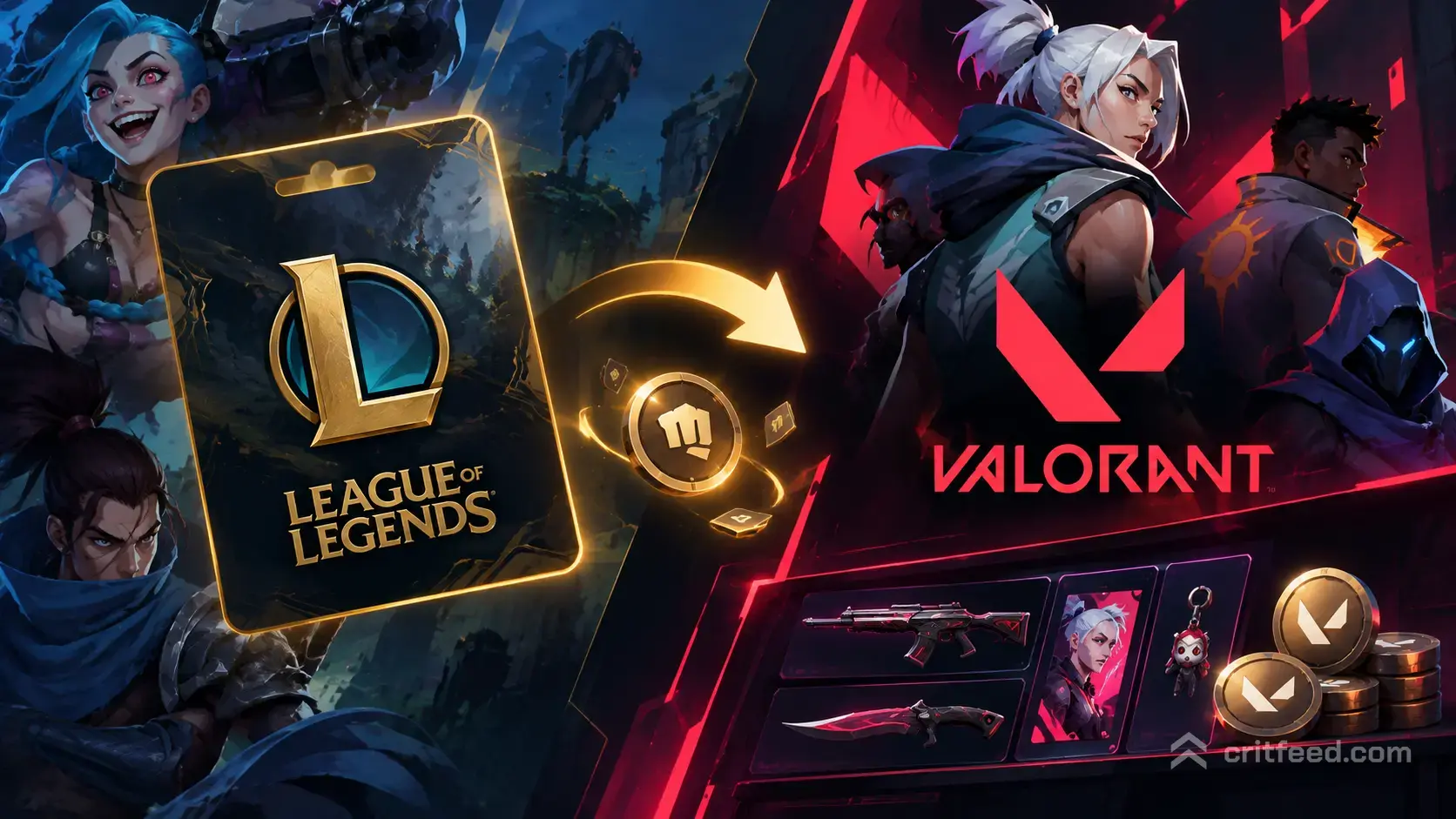
Yes, you can absolutely use League of Legends gift cards to buy VALORANT Points. Riot Games unified their prepaid card system, meaning any Riot Games gift card works across all Riot titles, including VALORANT, League of Legends, Teamfight Tactics, Legends of Runeterra, and Wild Rift. If you’ve got an old LoL gift card sitting around or you’re eyeing one at a retailer, it will add VP to your VALORANT account without issue.
This guide breaks down exactly how the system works, where to buy these cards, how to redeem them, and what you need to watch out for.
How Riot’s Multi-Game Gift Card System Works
Riot moved away from game-specific prepaid cards years ago. The cards you see labeled “League of Legends” at retail stores are actually Riot Games prepaid cards that add currency to your Riot account, not just one game. Once redeemed, the balance sits in your Riot wallet and can be spent on any Riot game.
When you redeem a card, the value converts to the local currency equivalent in VALORANT Points. A $10 card gives you 1,000 VP in North America, a €10 card gives you 1,000 VP in Europe, and so on. The conversion is automatic and matches Riot’s standard VP pricing.
What This Means for VALORANT Players
If you find a “League of Legends” gift card at Target, GameStop, or anywhere else, treat it like a VALORANT gift card. The branding may say LoL because League is Riot’s oldest title, but the card itself is platform-wide. The same applies to cards labeled “Riot Games” directly.
You cannot, however, gift VP directly to another player using these cards. The balance goes to your account only. If you want to gift VALORANT Points to someone else, you’ll need to use the in-game gifting system for specific content bundles.
Where to Buy Riot Games Gift Cards
Riot gift cards are sold at major retailers in most regions. Here’s where you can grab them:
- Physical retailers: Target, Walmart, GameStop, Best Buy, CVS, 7-Eleven
- Online platforms: Amazon, Walmart.com, Target.com, GameStop.com
- Digital code sellers: Some regions have access to digital codes through authorized resellers
Card denominations vary by region but typically include $10, $25, $50, and $100 options in the US. European cards come in €10, €25, and €50 denominations.
Always buy from authorized retailers. Third-party key resellers sometimes sell stolen or region-locked codes that won’t work or could get your account flagged.
Regional Restrictions
Riot gift cards are region-locked. A card purchased in North America only works on North American Riot accounts. A European card only works on European accounts. The card must match your account’s registered region, not where you’re physically located.
If you’re traveling or living abroad, make sure the card you buy matches your account region. There’s no way to convert or transfer the balance if you redeem a card from the wrong region.
How to Redeem a Gift Card for VALORANT Points
Redeeming a Riot gift card takes about 30 seconds. You can do it on the website or in the VALORANT client.
Redemption Steps
Via the Riot website:
- Log into your Riot account at riotgames.com
- Go to the prepaid codes page or click your account icon and select “Redeem Codes”
- Scratch off the code on the back of your card
- Enter the code exactly as it appears (dashes included)
- Click “Submit”
The balance appears in your account immediately. Launch VALORANT and the VP will show in the top-right corner of the store.
Via the VALORANT client:
- Open VALORANT and log in
- Click the VP counter at the top right
- Select “Redeem Code”
- Enter your gift card code
- Confirm
Your VP balance updates within seconds. You can now spend it on weapon skins, battle passes, or agent contracts.
What You Can Buy with Redeemed VP
Once your gift card balance converts to VALORANT Points, you have full access to the in-game store. Here’s what VP gets you:
- Weapon skins and bundles: Premium skin lines, exclusive collections, variants
- Battle passes: Unlock 50 tiers of cosmetics each Act
- Night Market purchases: Discounted skins when the Night Market is active
- Radianite Points: Used to upgrade skins and unlock VFX, animations, finishers
- Agent unlocks: Instantly unlock new agents instead of grinding contracts
VP does not expire. If you redeem a card but don’t spend the points immediately, they’ll stay in your account indefinitely.
For more ways to earn VP beyond gift cards, check out how to get VALORANT Points for free.
Common Issues and Troubleshooting
Code Not Working
If your code doesn’t redeem, try these fixes:
- Check for typos: Enter the code exactly as printed, including dashes
- Verify region match: Confirm the card region matches your account region
- Scratch carefully: If the code is damaged, contact Riot Support with a photo of the card
- Already redeemed: Each code works once; if someone else used it first, the retailer must issue a replacement
Balance Not Appearing
Your VP should show up instantly after redemption. If it doesn’t:
- Restart the VALORANT client
- Check your transaction history on the Riot website
- Wait 5-10 minutes for server sync
- Contact Riot Support if the balance still doesn’t appear after 24 hours
Wrong Region Card
If you accidentally redeem a card from the wrong region, Riot Support cannot reverse the transaction. The VP is locked to that card’s regional account. Double-check your account region before scratching the code.
Gift Cards vs. Direct VP Purchase
Buying VP directly through the VALORANT client with a credit card gives you bonus VP on larger purchases. For example, a $100 direct purchase gets you 11,000 VP instead of 10,000. Gift cards give you the base amount only.
When to use gift cards:
- You don’t have a credit card
- You want to control spending with a set amount
- You received one as a gift
- You prefer not linking payment methods to your Riot account
When to buy VP directly:
- You want the bonus VP on large purchases
- You’re buying $50 or more at once
- You want instant access without a trip to the store
Both methods are safe and legitimate. The choice comes down to convenience and whether you value the bonus VP.
Stacking and Managing VP Balance
You can redeem multiple gift cards on the same account. The VP stacks with no upper limit. If you redeem three $25 cards, you’ll have 7,500 VP total (assuming North American pricing).
Your VP balance carries across Episodes and Acts. It never resets or expires. The same balance is visible whether you’re shopping for battle passes, skins, or Radianite.
To check your current VP balance:
- Open VALORANT
- Look at the top-right corner of the main menu
- The number next to the VP icon is your total available balance
You can also view your balance on the Riot Games website under your account settings.
Alternatives to Gift Cards
If you can’t find a Riot gift card or prefer other payment methods, VALORANT accepts:
- Credit and debit cards: Visa, Mastercard, American Express
- PayPal: Available in most regions
- Mobile payment: Some regions support carrier billing
- Prepaid Visa/Mastercard: Works like a regular card purchase
Each method processes instantly and gives you VP at standard rates. Direct purchases through the client offer the same bonus VP structure regardless of payment type.
For gifting VP to friends, use the in-game gifting system instead of trying to share codes. Riot prohibits code sharing, and most retailers won’t let you return redeemed cards.
The Bottom Line
League of Legends gift cards work perfectly for VALORANT. Riot’s unified prepaid card system means any card branded as “League of Legends” or “Riot Games” adds VP to your account the moment you redeem it. Buy from authorized retailers, make sure the region matches your account, and the code will work exactly like buying VP directly.
The system is straightforward, the VP never expires, and you can stack multiple cards without limits. Whether you found an old card, received one as a gift, or prefer prepaid options, you’re covered.
For players just starting out, pair your VP purchase with our VALORANT beginners guide to make smart decisions on what to unlock first.