
Kamil “siuhy” Szkaradek has established himself as one of the most cerebral in-game leaders in professional Counter-Strike. If you’re searching for siuhy CS2 settings to elevate your game, you’re looking at a player whose tactical brilliance and individual skill make him a worthy role model.
This guide breaks down siuhy’s complete setup from mouse sensitivity to video settings so you can test his configuration in your own matches.
Who Is Siuhy?
Siuhy is a Polish professional CS2 player known primarily for his in-game leading abilities. He’s built a reputation for innovative strategies and the ability to read opponents effectively during high-pressure situations.
Key facts about siuhy:
- Nationality: Poland
- Role: In-Game Leader (IGL)
- Known for: Strategic depth, mid-round calling, clutch performances

His playstyle emphasizes positioning and game sense over raw mechanical aim, though his settings still reflect a competitive player’s need for precision.
Siuhy Mouse Settings
Mouse settings are crucial for any CS2 player. Siuhy uses a setup that balances precision aiming with comfortable movement.
| Setting | Value |
|---|---|
| DPI | 800 |
| In-Game Sensitivity | 0.9 |
| eDPI | 720 |
| Zoom Sensitivity | 1.0 |
| Hz (Polling Rate) | 1000 |
| Windows Sensitivity | 6 |
| Raw Input | On |
eDPI of 720 falls within the low-to-medium range preferred by most professional players. This allows for precise micro-adjustments when holding angles—essential for an IGL who often anchors sites.
If you’re used to higher sensitivity, transitioning to siuhy’s settings requires patience. Consider practicing your aim in cs2 1v1 servers to adjust.
Siuhy Crosshair Settings
A clean crosshair helps maintain focus during chaotic firefights. Siuhy opts for a static, minimalist design that doesn’t obstruct vision.
| Setting | Value |
|---|---|
| Style | 4 |
| Size | 2 |
| Thickness | 0 |
| Gap | -3 |
| Outline | No |
| Color | Green (1) |
| Dot | No |
Crosshair code:
CSGO-O4Arz-YtVKN-rTyKP-PvXRC-zqYKDTo apply this crosshair, open your console and paste the code. If you need help with console commands, check our cs2 practice commands guide.
Siuhy Video Settings
Video settings impact both visibility and performance. Siuhy prioritizes high frame rates over visual fidelity a common approach among professionals.
| Setting | Value |
|---|---|
| Resolution | 1280×960 |
| Aspect Ratio | 4:3 |
| Scaling Mode | Stretched |
| Display Mode | Fullscreen |
Graphics Quality Settings
| Setting | Value |
|---|---|
| Global Shadow Quality | High |
| Model/Texture Detail | Low |
| Texture Filtering Mode | Bilinear |
| Shader Detail | Low |
| Particle Detail | Low |
| Ambient Occlusion | Disabled |
| High Dynamic Range | Performance |
| FidelityFX Super Resolution | Disabled |
The 4:3 stretched resolution makes player models appear wider, potentially easier to hit. Many pros use this despite the reduced field of view.
Shadows remain on High because they reveal enemy positions around corners—a critical advantage for reading plays.
Siuhy Viewmodel Settings
Viewmodel positioning affects how much screen space your weapon occupies. Siuhy uses a classic viewmodel that keeps the weapon out of his central vision.
| Setting | Value |
|---|---|
| Viewmodel FOV | 68 |
| Viewmodel Offset X | 2.5 |
| Viewmodel Offset Y | 0 |
| Viewmodel Offset Z | -1.5 |
| Viewmodel Presetpos | 3 |
You can apply these with console commands:
viewmodel_fov 68viewmodel_offset_x 2.5
viewmodel_offset_y 0
viewmodel_offset_z -1.5
Some players prefer switching to a left hand command cs2 setup, though siuhy plays right-handed.
Siuhy Radar Settings
As an IGL, radar information is vital for siuhy’s decision-making. His radar settings maximize map awareness.
| Setting | Value |
|---|---|
| Radar Centers The Player | Yes |
| Radar Rotation | Yes |
| Radar Hud Size | 1.0 |
| Radar Map Zoom | 0.4 |
| Radar Size | 1.0 |
A zoomed-out radar (0.4 zoom) lets siuhy see the entire map at a glance, helping him track teammate positions and coordinate strategies mid-round.
Siuhy Keybinds
Efficient keybinds reduce reaction time. Here are siuhy’s essential binds:
| Action | Key |
|---|---|
| Jump | Space / Mouse Wheel Down |
| Crouch | Left Ctrl |
| Walk | Left Shift |
| Use | E |
| Inspect Weapon | F |
| Drop Weapon | G |
For more advanced binding options, including jump-throw binds, explore our comprehensive cs2 binds guide.
Why Copy Pro Settings?
Copying siuhy’s settings won’t instantly make you an elite IGL. However, professional configurations offer a tested baseline for competitive play.
Benefits of using pro settings:
- Optimized for competitive performance
- Balanced between precision and comfort
- Proven effective at the highest level
What matters more:
- Understanding why certain settings work
- Adapting settings to your playstyle
- Consistent practice and game sense development
Siuhy’s tactical prowess comes from thousands of hours studying the game—not just his config file. Use his settings as a starting point, then adjust based on your comfort.
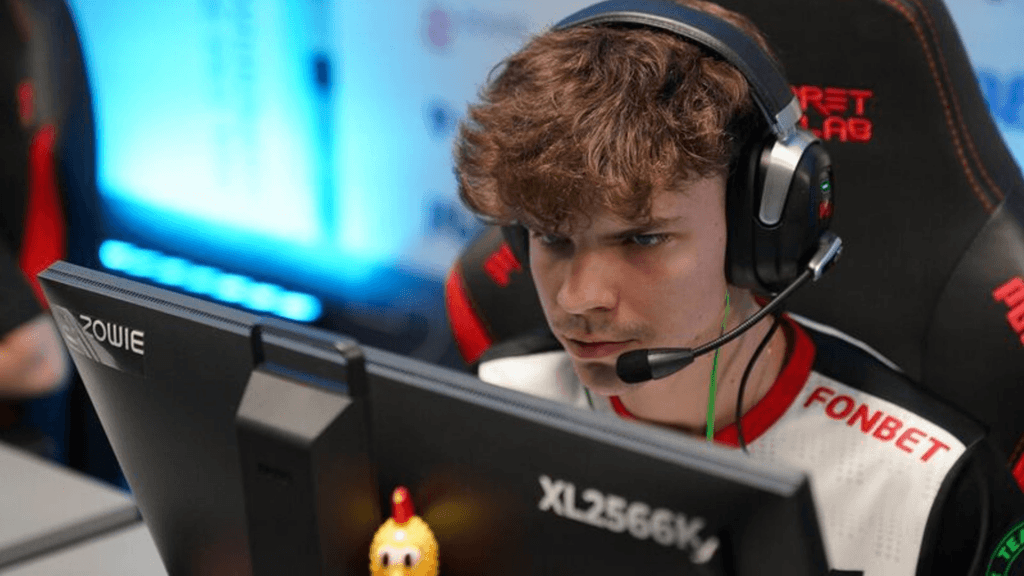
Siuhy’s Weapon Preferences
Understanding a player’s weapon choices provides insight into their playstyle. As an IGL, siuhy often takes supportive positions that influence his loadout.
Primary weapons:
- AK-47 on T-side for its one-tap potential
- M4A1-S on CT-side for its accuracy and suppressor
IGLs frequently drop expensive rifles to star players during crucial rounds, so siuhy adapts his economy accordingly.
Conclusion
Siuhy’s CS2 settings reflect a methodical, precision-focused approach to the game. His low eDPI, stretched resolution, and clean crosshair create an environment optimized for competitive play.
Remember: settings are personal. Use siuhy’s configuration as a foundation, then tweak based on what feels natural. The real magic happens through practice, positioning, and game sense.
Ready to test these settings? Load up a private server using cs2 practice commands and see how siuhy’s setup feels for your playstyle.