
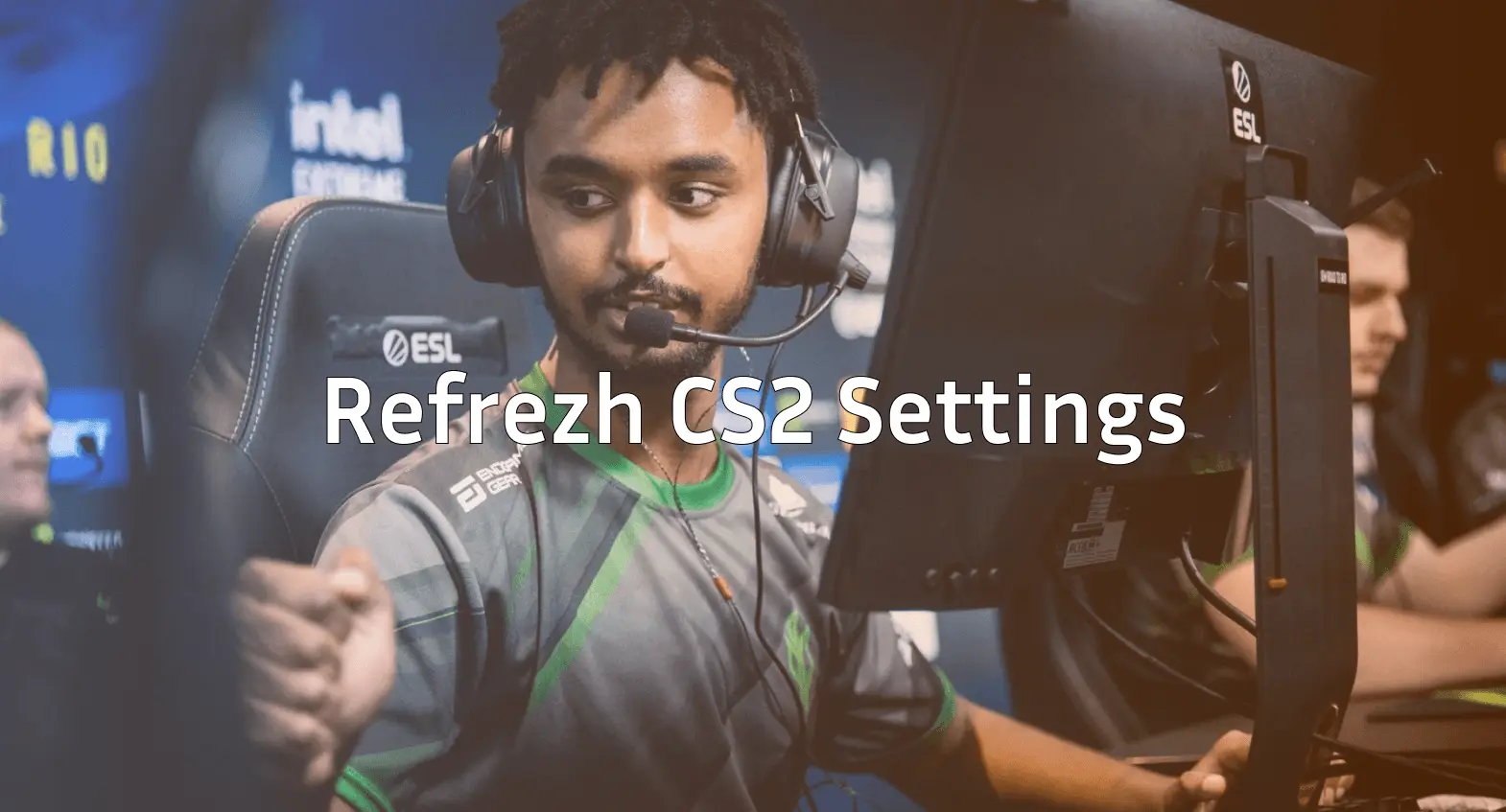
Refrezh CS2 Settings, Crosshair & Config
Want to play like one of Denmark’s most reliable riflers? This refrezh CS2 guide breaks down his full setup crosshair, viewmodel, sensitivity, and launch options so you can load his exact config and feel the difference on your next deathmatch warmup.
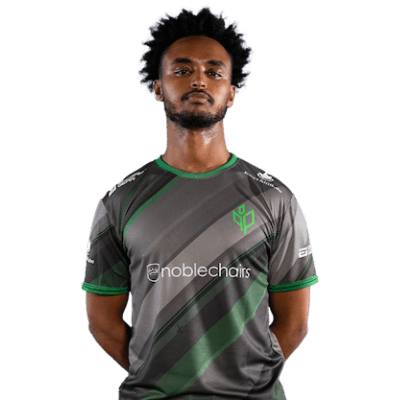
Refrezh is known for his clean utility usage and consistent rifling, and his settings reflect that: low sens, minimal clutter, and a crosshair built for pure aim feedback.
Refrezh CS2 Mouse Settings
Pro riflers almost always run low sensitivity, and refrezh is no exception. His setup prioritizes flick control and spray transfers over fast 180s.
| Setting | Value |
|---|---|
| DPI | 400 |
| Sensitivity | 1.85 |
| eDPI | 740 |
| Zoom Sensitivity | 1.00 |
| Mouse Acceleration | 0 |
| Windows Sensitivity | 6 |
| Polling Rate | 1000 Hz |
Key takeaway: 740 eDPI sits in the sweet spot for rifle control. If you’re coming from a higher sens, drop it gradually 0.1 at a time so your muscle memory can adjust.
If you’re still tuning your mouse feel, compare this to other pro setups like niko cs2 settings or the classic shroud cs2 settings to find what fits your hand.
Refrezh Crosshair Settings
His crosshair is small, static, and cyan easy to track on any background without covering heads at distance.
cl_crosshairstyle 4cl_crosshairsize 2
cl_crosshairthickness 0.5
cl_crosshairgap -2
cl_crosshair_drawoutline 0
cl_crosshairdot 0
cl_crosshaircolor 1
cl_crosshairalpha 255
cl_crosshair_t 0
Why it works: The tight gap and thin lines give precise pixel reference when one-tapping with the ak-47, while the cyan color pops on Mirage, Inferno, and Dust 2 without blending into the skybox.
Refrezh Viewmodel & HUD
Refrezh keeps his viewmodel low and central standard for players who want maximum screen real estate and cleaner peek angles.
| Setting | Value |
|---|---|
| viewmodel_fov | 68 |
| viewmodel_offset_x | 2.5 |
| viewmodel_offset_y | 2 |
| viewmodel_offset_z | -2 |
| viewmodel_presetpos | 3 |
| cl_bob_lower_amt | 5 |
| cl_bobamt_lat | 0.1 |
| cl_bobamt_vert | 0.1 |
Pair this with a clean radar by running cl_radar_scale 0.4 and cl_hud_radar_scale 1.15 for better map awareness.
Video Settings
Competitive CS2 players almost universally run low settings for max FPS and clearer target silhouettes.
- Resolution: 1280×960 (4:3 stretched)
- Aspect Ratio: 4:3
- Display Mode: Fullscreen
- Global Shadow Quality: High
- Model/Texture Detail: Low
- Texture Filtering: Bilinear
- Shader Detail: Low
- Particle Detail: Low
- Ambient Occlusion: Disabled
- MSAA: None
- V-Sync: Disabled
Why 4:3 stretched? Player models appear wider, which some pros feel makes tracking easier. It’s a preference try both before committing.
Launch Options
Refrezh uses a minimal launch string focused on stability and tick rate.
-novid -tickrate 128 -high -allow_third_party_softwareFor a full breakdown of what each flag does, check our cs2 launch options guide. You should also understand cs2 tick rate if you’re serious about matchmaking vs. FACEIT differences.
Keybinds Worth Copying
Nothing exotic here just clean, reliable binds:
- Jump: Space + Mouse Wheel Down
- Walk: Shift
- Crouch: Ctrl
- Drop: G
- Inspect Weapon: F
If you want to build out your own bind list with smokes, nade throws, and clutch commands, our cs2 binds guide has ready-to-paste examples.
How to Apply Refrezh’s Config
- Open CS2 and hit the tilde key (
~) to open the console. If it doesn’t open, enable it under Game Settings. - Paste the crosshair and viewmodel commands one block at a time.
- Save your config by typing
host_writeconfig— this writes your changes to the config file. - Need to find the file later? See cs2 config location for the exact path.
Pro tip: Warm up on aim maps with these settings for at least 3–4 sessions before judging them. Muscle memory needs time to recalibrate.
Gear Refrezh Uses
While settings matter most, gear still plays a role in consistency:
- Mouse: Lightweight wireless (sub-70g)
- Mousepad: Large cloth pad
- Keyboard: Low-profile mechanical
- Headset: Closed-back with strong directional audio
- Monitor: 240Hz+ at 1080p
Final Thoughts
The refrezh CS2 setup is proof that simple beats flashy low sens, clean crosshair, minimal HUD, and a stable config. Copy it, give it a week, and focus on fundamentals like crosshair placement and utility timing rather than chasing new settings every day.