
Picking between OLED vs QLED for gaming is one of the toughest calls a competitive player can make in 2026. Both panels look stunning in a showroom, but the differences matter a lot when you’re peeking Mid on Mirage at 240Hz. We’ll break down response time, brightness, burn-in risk, and price so you can pick the right screen for CS2.
The Quick Answer
OLED wins for pure competitive performance. Sub-millisecond response times, perfect blacks, and near-zero motion blur give you a real edge when tracking flicks with the AWP sniper rifle or clearing angles on Inferno.If you’re building the rest of your competitive setup around CS2, your display should be paired with the right CS2 mousepad and peripherals.
QLED wins for value and bright rooms. Higher peak brightness, zero burn-in worry, and better pricing at big sizes make it the safer long-term buy for mixed use. For players who also care about their overall setup and cosmetics, you can complement a QLED display with everything from CS2 vanilla knives to other inventory upgrades.
If you play CS2 for 6+ hours a day in a controlled lighting setup, go OLED. If your monitor doubles as a Netflix screen in a sunny living room, QLED is the smarter pick.
How OLED and QLED Actually Work
Understanding the tech makes the trade-offs obvious. OLED and QLED take fundamentally different approaches to producing an image, which is why they behave so differently in dark scenes, bright rooms, and fast-paced games.
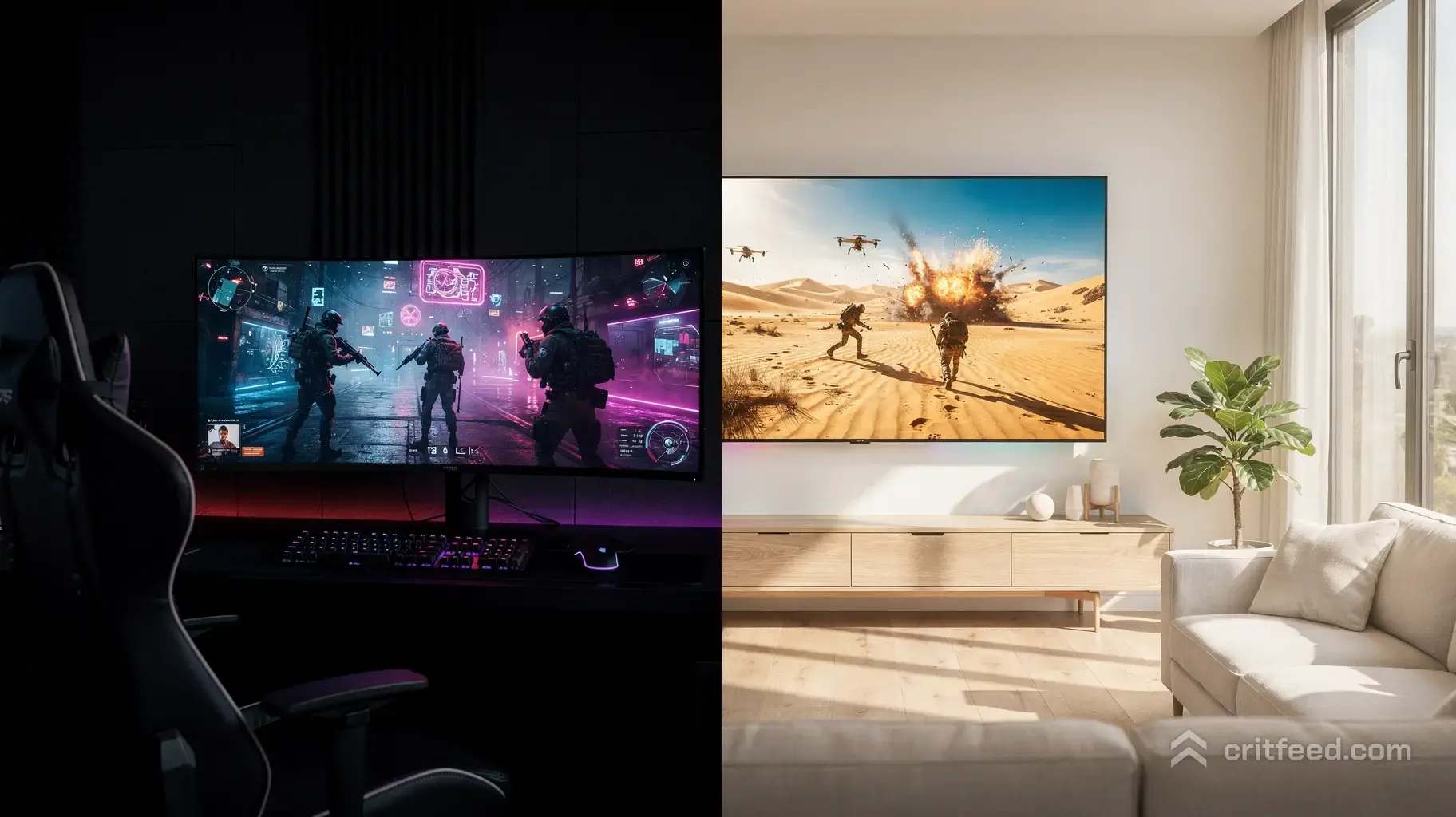
OLED (Organic Light-Emitting Diode)
Each pixel is its own light source. When a pixel needs to be black, it turns off completely. No backlight, no bleed, no halos.
- Contrast ratio: Effectively infinite
- Response time: ~0.03ms (near instant)
- Viewing angles: Perfect from any position
- Peak brightness: 800–1,500 nits on modern QD-OLED
QLED (Quantum-Dot LED)
QLED is still an LCD panel with an LED backlight, but Samsung adds a quantum-dot layer to boost color and brightness. Neo QLED adds Mini-LED backlights for more precise local dimming.
- Contrast ratio: 3,000:1 to 20,000:1 (with local dimming)
- Response time: 1–4ms typical
- Viewing angles: Good, not perfect
- Peak brightness: 2,000–4,000 nits on flagship Neo QLED
The 5 Specs That Matter for CS2
| Spec | OLED | QLED |
|---|---|---|
| Response Time | 0.03ms | 1–4ms |
| Refresh Rate (top-tier) | 240–480Hz | 144–240Hz |
| Peak Brightness | 800–1,500 nits | 2,000–4,000 nits |
| Input Lag | ~5ms | ~9ms |
| Burn-In Risk | Low but real | None |
When you’re choosing a CS2 display, don’t focus on one headline specification. Response time, refresh rate, input latency, brightness, and long-term reliability all matter, and your graphics card needs to be powerful enough to take advantage of a high-refresh display. Our guide to the best graphics cards for CS2 can help if you’re upgrading the rest of your system too.
1. Response Time and Motion Clarity
This is where OLED destroys QLED. In CS2, you’re tracking moving heads across smokes and molotovs. OLED’s near-instant pixel response means zero ghosting when someone jiggle-peeks A-site on Dust II. QLED panels even the fastest ones smear slightly during fast motion.
2. Input Lag
Both are fast enough for competitive play, but OLED consistently measures 3–5ms lower. That’s not placebo it’s a real edge when clutching a 1v1.
3. Refresh Rate
The newest QD-OLED monitors hit 480Hz at 1440p. QLED tops out around 240–360Hz on gaming models. If you’re running high frames and want to match them, OLED has the ceiling.
4. HDR and Brightness
QLED wins here. In a bright room with sunlight, a QLED screen stays vibrant and visible. OLED can look dim during the day, though QD-OLED has closed the gap significantly.
5. Burn-In (The Elephant in the Room)
The HUD in CS2 your radar, ammo counter, health bar — sits in the same spot every match. Static elements are OLED’s kryptonite.
Modern OLED panels have pixel-shifting, screen refreshers, and 3-year burn-in warranties (LG, Samsung, Alienware). Most players won’t see burn-in in the first 2–3 years. But it’s a real risk, and QLED doesn’t have it at all.
Best Use Cases
Choose OLED If You:
- Play CS2 competitively at Faceit level 8+ or Premier 20k+
- Have a dark or light-controlled gaming room
- Vary your content (games, movies, work) so no single HUD burns in
- Want the absolute best response time for tracking flicks
- Are pairing it with a top gaming CPU for CS2 that can push 300+ FPS
Choose QLED If You:
- Game in a bright living room or shared space
- Play the same game for 8+ hours daily with static UI
- Want a bigger screen (65″+) without breaking the bank
- Care more about HDR movies than 0.03ms response
- Want a display that will last 7+ years without worry
Monitor vs TV: Which Should CS2 Players Buy?
For competitive CS2, always pick a monitor over a TV. TVs have higher input lag, worse pixel density at close range, and rarely exceed 144Hz. Even the best QLED TV loses to a mid-tier OLED gaming monitor for pure Counter-Strike performance.
If you’re putting together a complete competitive setup, the display is only one part of the equation. A good CS2 mousepad can give you the consistent surface you need for low-sensitivity aiming, while the rest of your setup can be customized around your playstyle.
Pricing in 2026
- 27″ 1440p OLED gaming monitor: $700–$1,000
- 27″ 1440p QLED gaming monitor: $400–$700
- 65″ OLED TV: $1,500–$2,500
- 65″ Neo QLED TV: $1,200–$2,000
OLED costs roughly 30–50% more at every size. For casual players, that premium isn’t worth it. For dedicated grinders chasing every millisecond, it absolutely is.
Pair Your Display With the Right Gear
A great screen only matters if the rest of your setup keeps up. Once your monitor is sorted, you can improve your aiming setup with our guide to the best mousepads for CS2 and complete your inventory with classic skins such as the AK-47 Redline.
If you’re building a knife-and-glove combo around your new setup, check out our guides to the best gloves for vanilla knives in CS2 and the best Superconductor gloves and knife combinations.
For players who prefer premium glove finishes, we’ve also covered Pandora’s Box glove and knife combinations and Vice glove and knife combinations.
Final Verdict
For competitive CS2, OLED is the winner the response time, contrast, and input lag advantages are real and measurable. Just be smart about burn-in: vary your content, use screen savers, and don’t leave the game paused for hours.
For everything else bright rooms, big screens, budget builds, and mixed use QLED remains the smarter pick thanks to zero burn-in risk and unbeatable brightness.
Looking for a different aesthetic? Our guides to the best Stained knife and glove combinations and best black-and-white knife and glove combinations can help you build an inventory that matches your setup.